
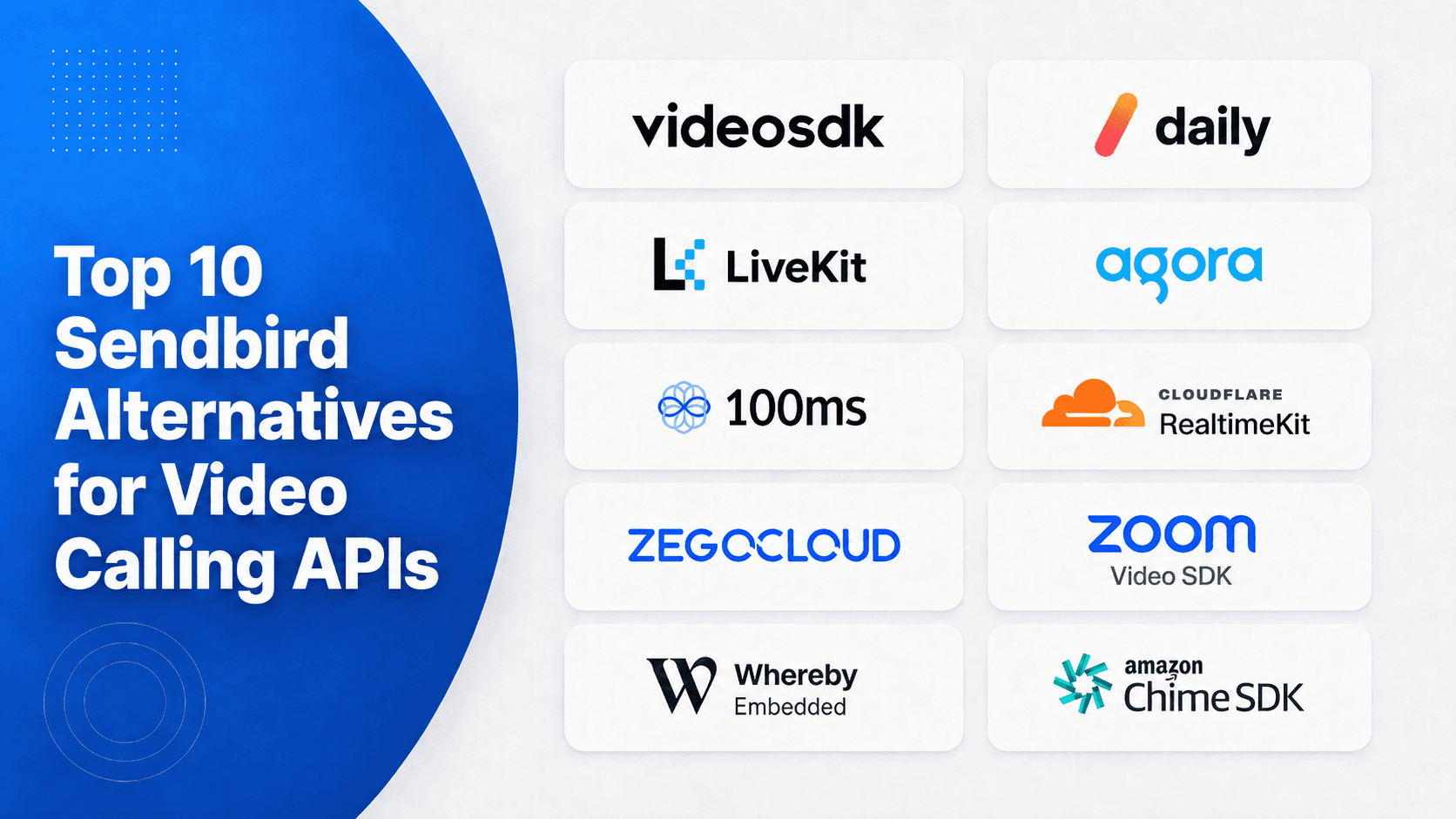


The strongest Sendbird alternatives for video calling include VideoSDK, Daily, LiveKit, Agora, and 100ms. VideoSDK ranks first under this documentation-based model for broad client SDK coverage, Prebuilt and custom UI options, and published usage pricing. The most common mistake is comparing chat features when video limits, mobile support, media controls, or total usage cost are the real constraints.
Sendbird supports chat, business messaging, customer service, and voice and video calling. Sendbird now leads with its AI customer experience platform, including AI customer service; this page covers Sendbird Calls, its voice and video API. This guide deliberately compares only the video- Calling product, Sendbird Calls, with programmable video APIs that developers can embed inside their own applications.
We reviewed first-party documentation, SDK coverage, public pricing, interface options, production controls, and deployment choices. The research was last verified on August 3, 2026. This is a documentation-based evaluation, not a synthetic network benchmark or a claim of hands-on testing.
What Is Sendbird Calls?
Sendbird Calls is a programmable voice and video API for adding direct calls and group rooms to web and mobile applications. It is one product within Sendbird's broader communications platform, rather than a standalone meeting application.
The current Sendbird Calls pricing page lists video at $0.0014 per user-minute for peer-to-peer calls and $0.0035 for server-relayed calls. Cloud recording is listed at $0.0059 per minute.
Sendbird supports private one-to-one calls and group rooms. Its public pricing page currently limits group video calls to 10 users, while group voice calls support up to 1,000 users. That difference matters for classrooms, communities, larger care teams, and collaborative products.
What Are Sendbird Alternatives for Video Calling?
Sendbird's alternatives for video calling are APIs and SDKs that can replace Sendbird calls without requiring a team to build and operate its own WebRTC media infrastructure.
These platforms usually provide client SDKs, token-based room access, managed media routing, participant events, screen sharing, recording, and optional prebuilt interfaces. They differ considerably in platform coverage, deployment control, video limits, pricing units, and add-on charges.
This definition excludes chat-only products, customer-support tools, and signalling services that do not carry video media. The ranking therefore answers a narrower question than most pages targeting the broad Sendbird alternatives keyword.
How We Ranked These Sendbird Alternatives
This ranking rewards documented video product fit and implementation practicality. Messaging features, AI agents, contact-centre products, and broadcast-only streaming did not influence the scores.
| Criterion | Weight | What earned a higher score |
|---|---|---|
| Video calling product fit | 25% | Managed rooms, media controls, screen sharing, recording, and call events |
| SDK and platform coverage | 20% | Maintained web, native mobile, cross-platform, desktop, or backend SDKs |
| UI and time to first call | 15% | Prebuilt UI, headless APIs, clear quickstarts, and working samples |
| Production controls | 15% | Tokens, reconnection, quality tools, analytics, security, and compliance options |
| Pricing transparency | 15% | Public billing units, included usage or credits, and visible add-on costs |
| Deployment control | 10% | Region controls, self-hosting, private deployment, or cloud flexibility |
Scores are editorial, but their inputs are verifiable through the linked first-party sources. Published latency claims did not earn additional points unless the provider described a test method or concrete network condition.
Top 10 Sendbird Alternatives Compared
The table provides a quick shortlist. Prices are public list-rate snapshots checked on August 3, 2026. They are not directly equivalent because vendors meter resolution, streams, data transfer, recordings, support, and compliance differently.
| Rank | Provider | Best for | Public pricing snapshot | Score |
|---|---|---|---|---|
| 1 | VideoSDK | Broad client coverage with Prebuilt or custom UI | $20 one-time balance; HD video from $0.004 per participant-minute | 92/100 |
| 2 | Daily | Browser-first products and telehealth workflows | 10,000 free minutes monthly; then $0.004 at list rate | 88/100 |
| 3 | LiveKit | Open-source control and self-hosting | Free Build plan; paid plans from $50 monthly plus usage | 87/100 |
| 4 | Agora | Cross-platform RTC and geographically distributed products | 10,000 free minutes monthly; video from $3.99 per 1,000 minutes | 86/100 |
| 5 | 100ms | Role-based rooms, classrooms, and events | 10,000 free minutes monthly; then $0.004 per participant-minute | 84/100 |
| 6 | Cloudflare RealtimeKit | Cloudflare-native applications and component-based UI | Free during beta; intended GA rate of $0.002 per participant-minute | 82/100 |
| 7 | ZEGOCLOUD | Mobile social and entertainment video | 10,000 free minutes; video from $3.99 per 1,000 participant-minutes | 81/100 |
| 8 | Zoom Video SDK | Zoom media features inside a custom application | 10,000 free minutes monthly; then $0.0035 per minute | 80/100 |
| 9 | Whereby Embedded | Fast browser embedding with a complete meeting UI | $9.99 monthly with 2,000 minutes; then $0.004 | 77/100 |
| 10 | Amazon Chime SDK | AWS-native, lower-level meeting applications | $0.0017 per attendee-minute for WebRTC media | 75/100 |
VideoSDK ranks first because its documentation shows one of the widest client matrices in this comparison while retaining both prebuilt and custom interface paths. LiveKit becomes the first choice when self-hosting is mandatory. Daily can be a better fit when a browser embed is the fastest route to market.
Top 10 Sendbird Alternatives for Video Calling APIs
Each platform earns its position for a specific product condition. No provider is the right choice for every architecture, client stack, region, or billing pattern.
1. VideoSDK: Best Overall Under This Model
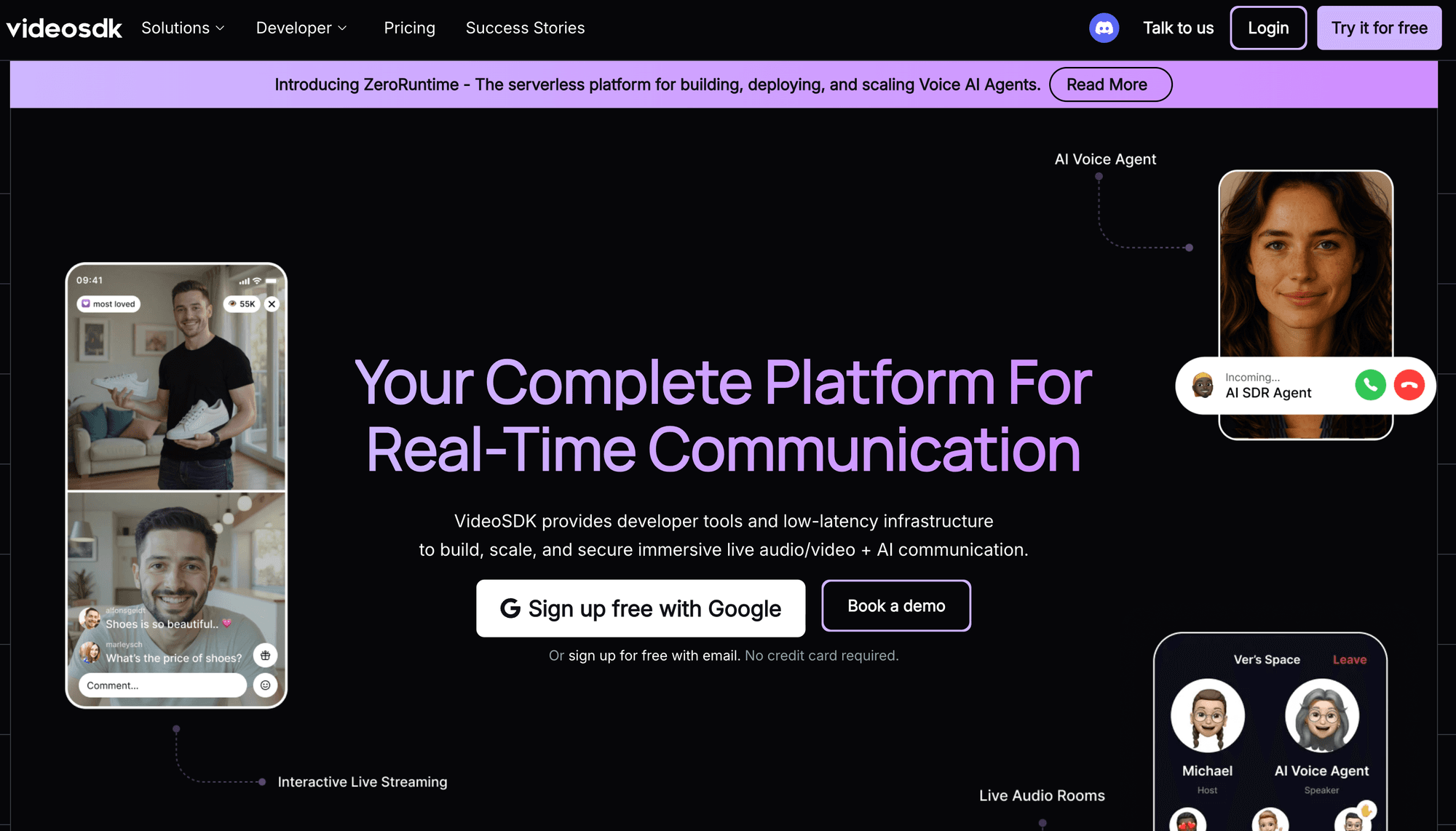
VideoSDK is the most balanced Sendbird Calls alternative under this article's weighted criteria, particularly for teams maintaining several client applications.
Why it ranks first: The VideoSDK documentation covers Prebuilt, JavaScript, Angular, React, React Native, Android, iOS, Flutter, Unity, Python, C++, and REST options. Its calling guides include participant media, screen sharing, recording, transcription, call-quality handling, geographic controls, and end-to-end encryption.
Best for: Products that need one managed RTC backend across web, native mobile, React Native, Flutter, Unity, or backend media participants. Teams can begin with the prebuilt UI kit or build a custom interface with framework-specific SDKs.
Pricing: The current VideoSDK pricing page lists a $20 one-time balance and prepaid pay-as-you-go billing. Video starts at $0.004 per participant-minute for the HD aggregate-resolution tier. Higher aggregate viewed resolutions use higher rates.
Trade-offs: The prepaid wallet can pause services if its balance runs out, although auto-recharge is available. Self-service concurrency limits and paid capacity packs also require modelling. Large galleries can enter higher price tiers because billing uses the total resolution a participant views.
2. Daily: Best for Browser-First Products
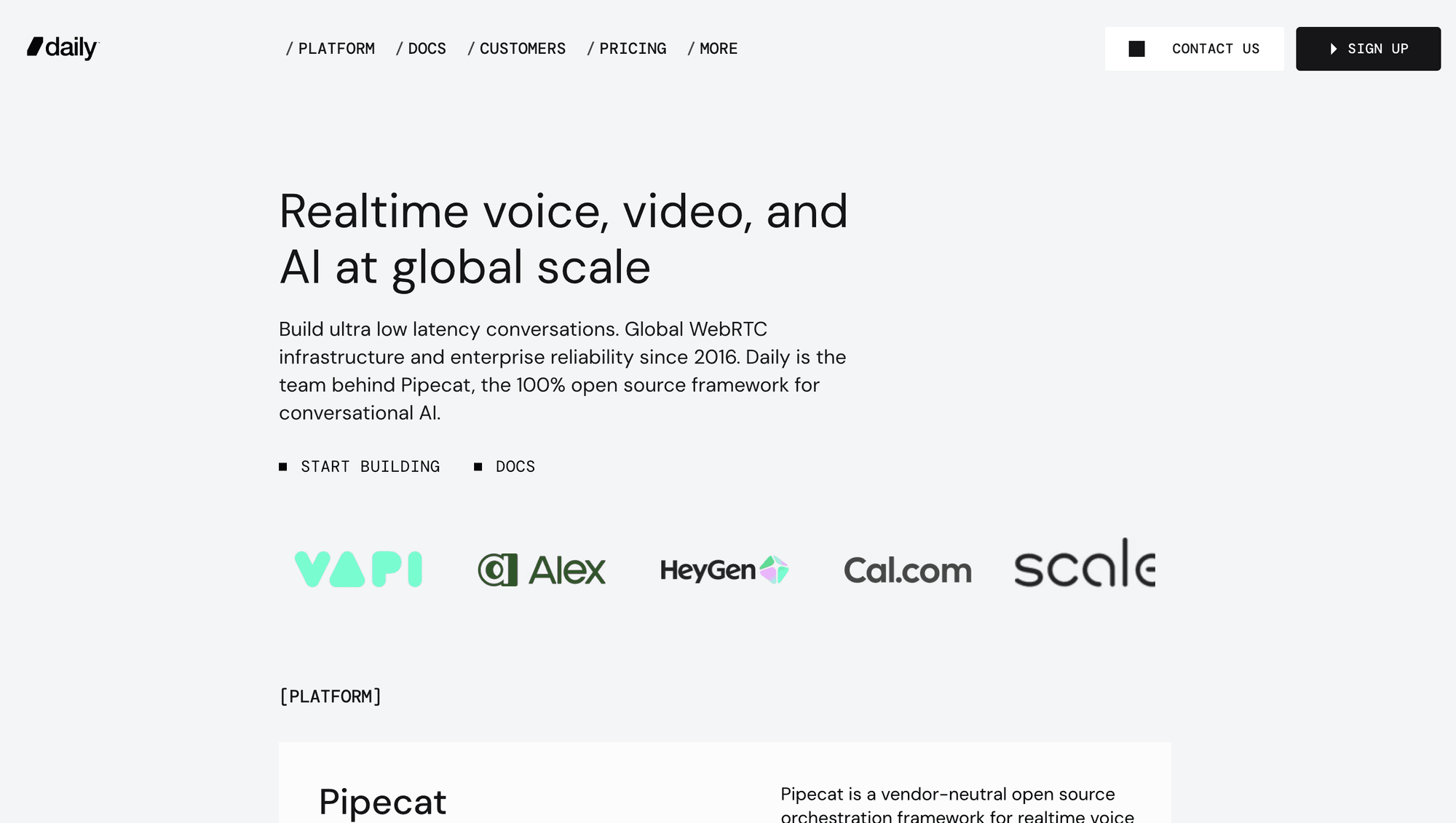
Daily combines a WebRTC API with Daily-prebuilt and maintained client SDKs. Its browser-first approach works well when a usable room must ship before a bespoke interface.
Why it ranks second: Daily provides an embeddable call component, lower-level client SDKs, REST APIs, webhooks, recording, streaming, and transcription. Official examples cover web, React, React Native, iOS, and Android.
Best for: Telehealth, customer appointments, and browser-first products that want to start with an iframe and customise the experience gradually. Daily Prebuilt reduces the initial frontend workload.
Pricing: Daily video pricing includes 10,000 free participant-minutes each month. The published list rate then starts at $0.004 per video participant-minute and falls through graduated volume tiers.
Trade-offs: Recording, streaming, transcription, HIPAA support, and advanced firewall controls create separate costs. VideoSDK documents more client targets, while Daily provides a focused iframe path and long-standing browser support.
3. LiveKit: Best for Self-Hosting
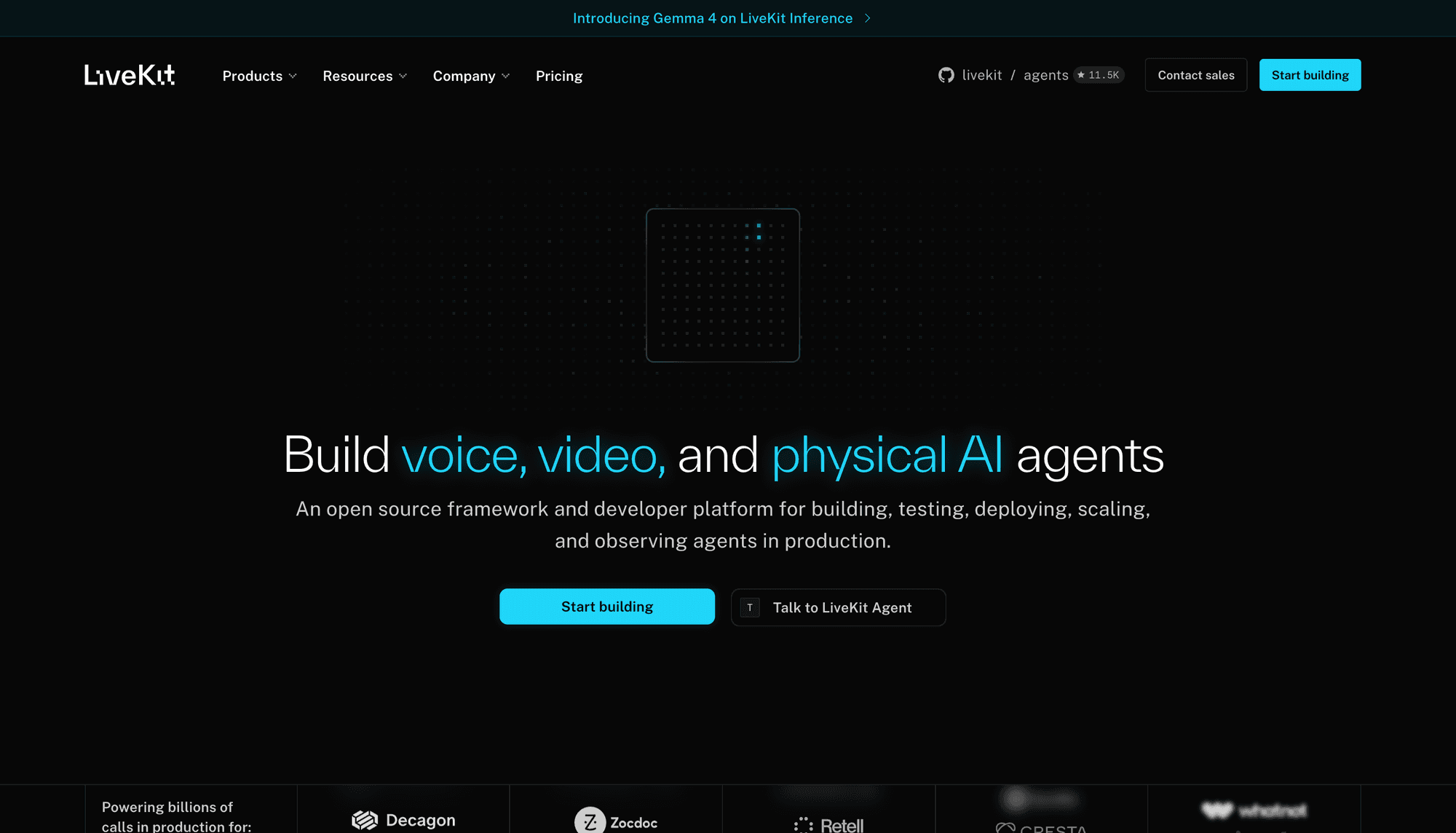
LiveKit is the strongest option in this ranking when control over the media server and deployment model matters more than a fully managed starting point.
Why it ranks third: LiveKit publishes its media server as open source. Its official material states that teams can run the stack locally or on their own infrastructure. LiveKit Cloud adds managed media infrastructure, analytics, recording, export, and encryption options.
Best for: Infrastructure teams that need to inspect, extend, or self-host the SFU. It also fits products requiring raw media tracks shared by human participants and backend services.
Pricing: LiveKit Cloud pricing lists a free build plan, shipping from $50 per month, and scaling from $500. Plans bundle WebRTC minutes and downstream data before overage charges.
Trade-offs: LiveKit combines plan fees, connection minutes, and data transfer, making simple participant-minute comparisons incomplete. Self-hosting transfers upgrades, bandwidth, observability, reliability, and incident response to your team. VideoSDK is simpler when managed infrastructure is preferred.
4. Agora: Best for Established Global RTC
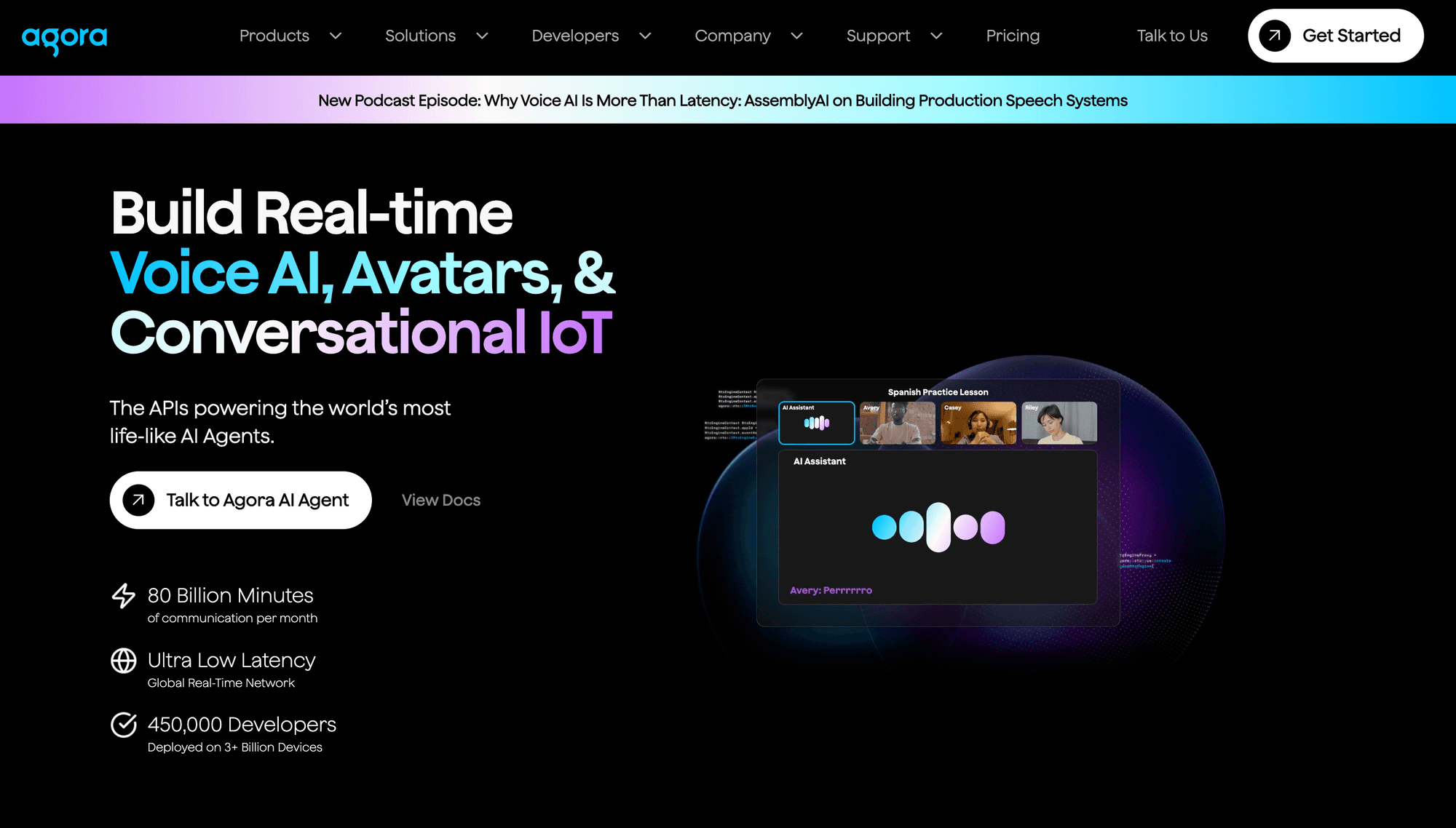
Agora provides programmable real-time video across mobile, web, desktop, game engines, and cross-platform frameworks. For a closer look, see our Agora vs VideoSDK comparison.
Why it ranks fourth: Agora's product surface includes video calling, quality tools, recording, extensions, and interactive media functions for geographically distributed users. Its platform coverage makes it relevant to consumer and international products.
Best for: Social, gaming, education, and global applications that need broad device reach. Agora deserves a regional proof of concept where network paths and provider coverage can affect call behaviour.
Pricing: Agora's pricing page lists 10,000 free minutes each month and video calling from $3.99 per 1,000 minutes. Resolution and additional services can change the total.
Trade-offs: Agora's wider catalogue introduces more product, configuration, and billing decisions. Recording, analytics, extensions, and support need separate review. VideoSDK offers a more direct path for teams prioritising its documented SDK matrix and prebuilt option.
5. 100ms: Best for Role-Based Rooms
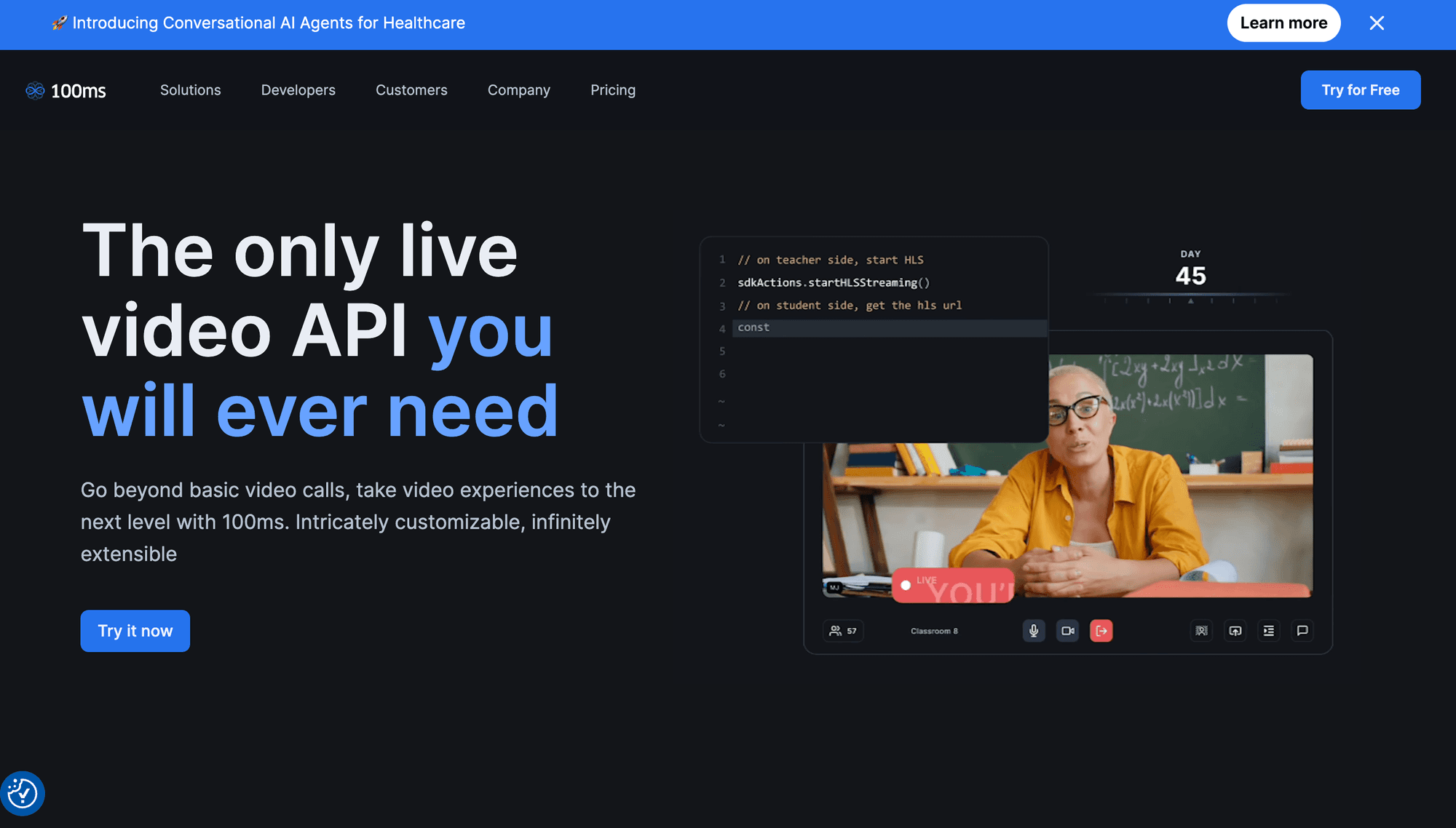
100ms is a strong Sendbird Calls replacement for classrooms, webinars, and structured rooms where participant roles determine publishing and control permissions. For a closer look, see our 100ms vs VideoSDK comparison.
Why it ranks fifth: Its product model emphasises rooms, roles, templates, participant state, and interactive experiences. The platform includes Prebuilt, custom web and mobile SDKs, recordings, transcription, and open-source examples.
Best for: Edtech, telehealth, fitness, video KYC, and event products with hosts, guests, speakers, and viewers. Teams can define role permissions instead of duplicating the same logic across clients.
Pricing: 100ms pricing includes 10,000 conferencing minutes monthly, followed by $0.004 per participant-minute. Recording, external streaming, transcription, summaries, noise cancellation, compliance, and support can add cost.
Trade-offs: The role-and-template approach is helpful for structured rooms but can feel opinionated for simpler applications. Compared with 100ms, VideoSDK documents more platform targets and uses a less template-centred starting model.
6. Cloudflare RealtimeKit: Best Emerging Edge Option
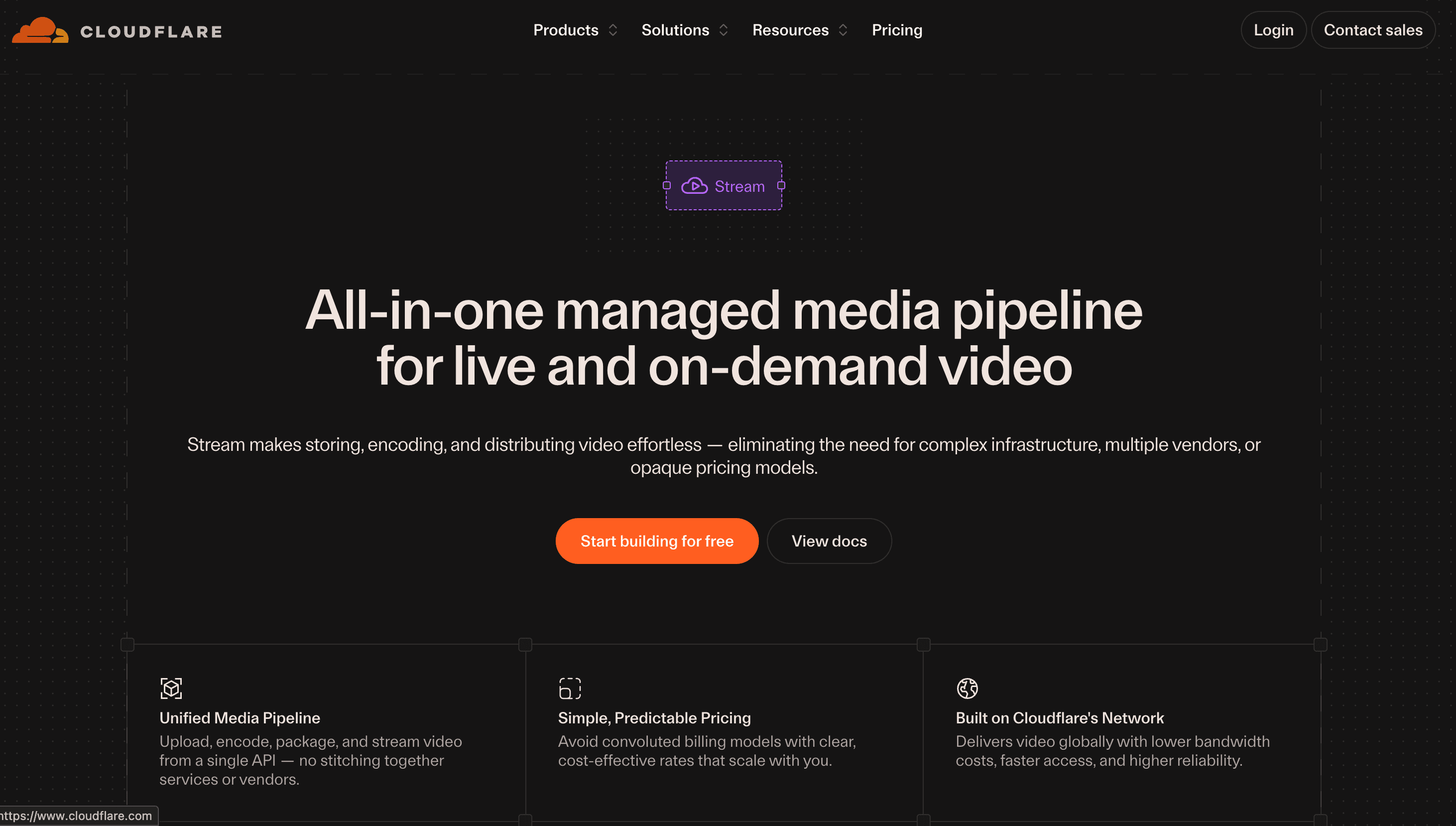
Cloudflare RealtimeKit is the active successor to Dyte and an important 2026 option for applications already using Cloudflare.
Why it ranks sixth: RealtimeKit combines a Core SDK, customisable UI Kit, REST APIs, webhooks, recording, and a WebRTC SFU on Cloudflare's network. Its documented SDK paths include React, Angular, web components, React Native, Android, iOS, and Flutter.
Best for: Cloudflare-based products that want calling infrastructure and UI components under the same vendor. It also gives former Dyte users an official migration path.
Pricing: Cloudflare's RealtimeKit pricing page says the product is free during beta. It lists an intended general-availability rate of $0.002 per audio or video participant-minute and $0.010 per export minute.
Trade-offs: Beta status is the main risk because limits, pricing, APIs, and availability can change. The official Dyte migration guide states that Dyte SDKs are in maintenance mode without further feature updates or bug fixes. VideoSDK is the safer current choice when production maturity matters more than Cloudflare consolidation.
7. ZEGOCLOUD: Best for Social Video
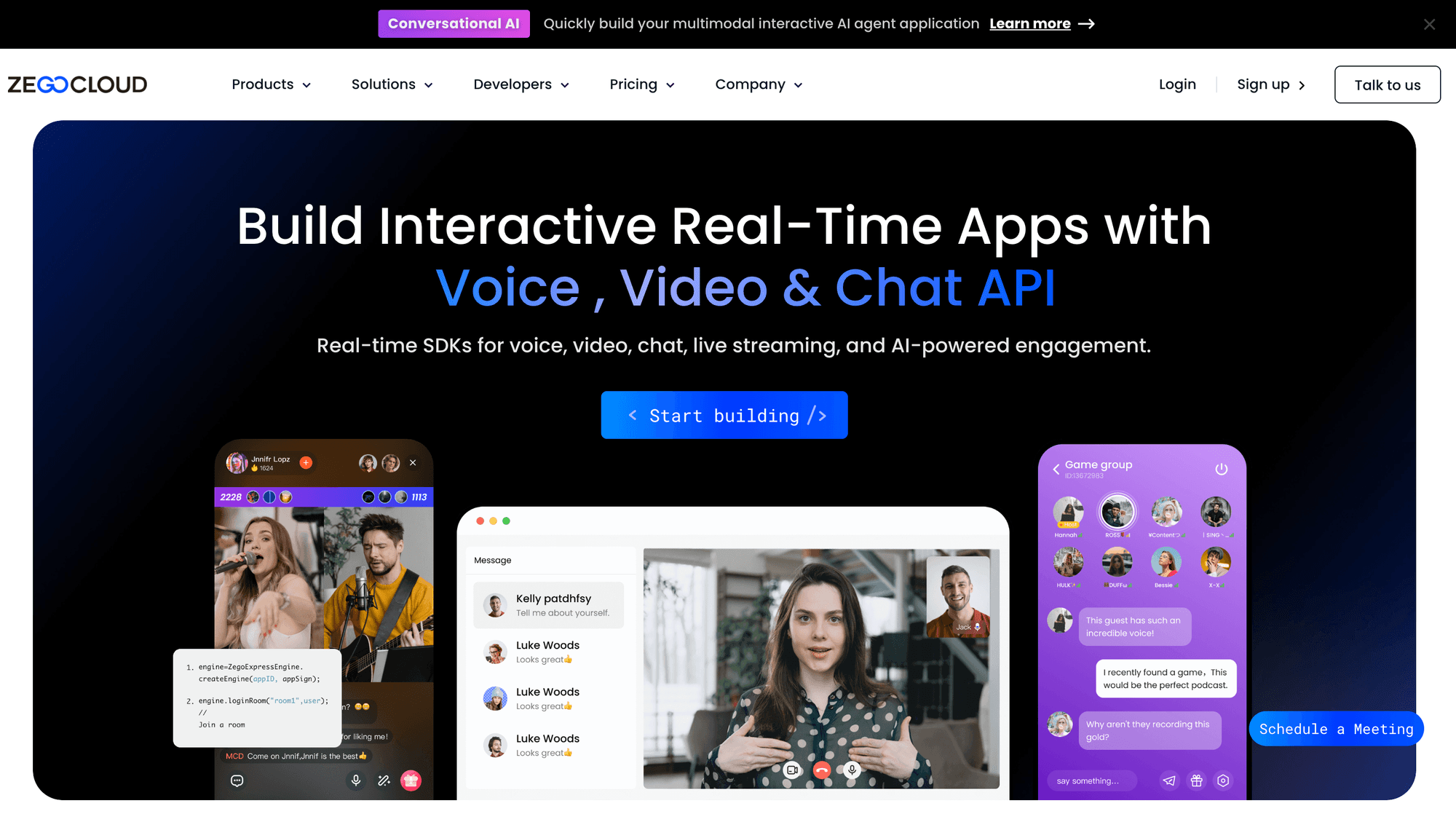
ZEGOCLOUD fits mobile social products that combine video calls with real-time effects and audience interaction.
Why it ranks seventh: Its product pages cover one-to-one and group calling, screen sharing, recording, monitoring, effects, beautification, and UI Kits. Current documentation spans web, mobile, desktop, Flutter, React Native, Unity, and Linux C++.
Best for: Social discovery, dating, gaming, live commerce, and entertainment applications where effects, gifting, and quick mobile interface assembly are central requirements.
Pricing: ZEGOCLOUD pricing lists 10,000 free minutes, followed by video from $3.99 per 1,000 participant-minutes. Subscribed streams can affect metered usage, so production gallery layouts should be reproduced in cost calculations.
Trade-offs: Effects, whiteboards, analytics, recording, and support can create separate line items. VideoSDK is a more focused fit for portable business calling, while ZEGOCLOUD deserves evaluation for effect-heavy social experiences.
8. Zoom Video SDK: Best for Zoom Media Features
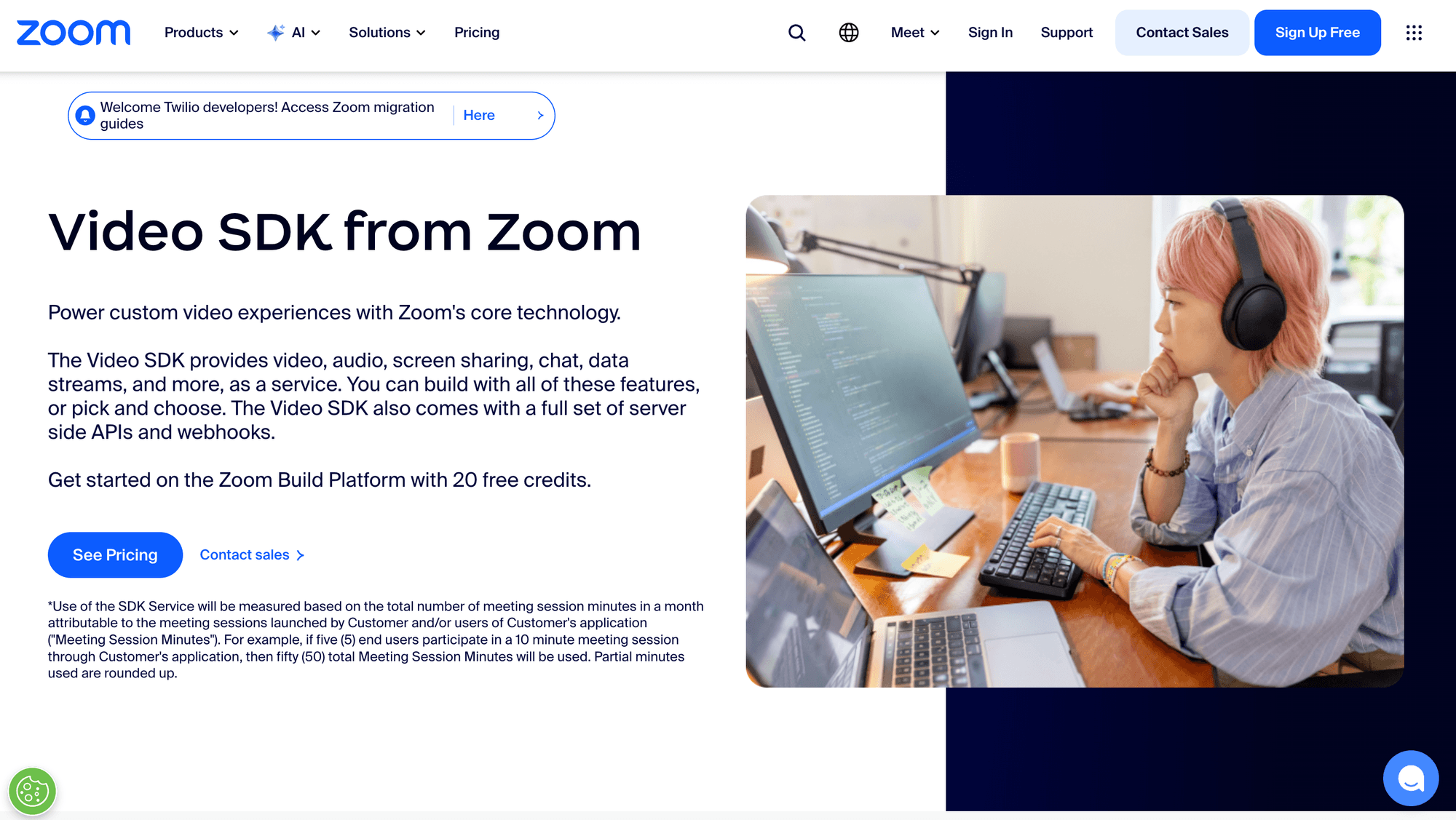
Zoom Video SDK packages Zoom's audio and video technology for custom applications without requiring the standard Zoom Meetings interface.
Why it ranks eighth: Zoom documents support across nine platforms, raw media access, HD video, screen sharing, chat, cloud recording, transcription, service-quality metrics, REST APIs, webhooks, and a UI Toolkit.
Best for: Enterprise, healthcare, education, and collaboration products whose buyers already recognise Zoom's media stack. It also suits supported platforms that require raw audio or video access.
Pricing: Zoom's Video SDK fact sheet states that 10,000 minutes are included monthly, followed by $0.0035 per minute, with volume discounts.
Trade-offs: The UI Toolkit is documented for web, iOS, and Android, so other platforms can require more interface work. Zoom also enforces minimum supported SDK versions. VideoSDK provides more framework-specific quickstarts, while Zoom offers an established meeting-media stack.
9. Whereby Embedded: Best for Fast Web Embeds
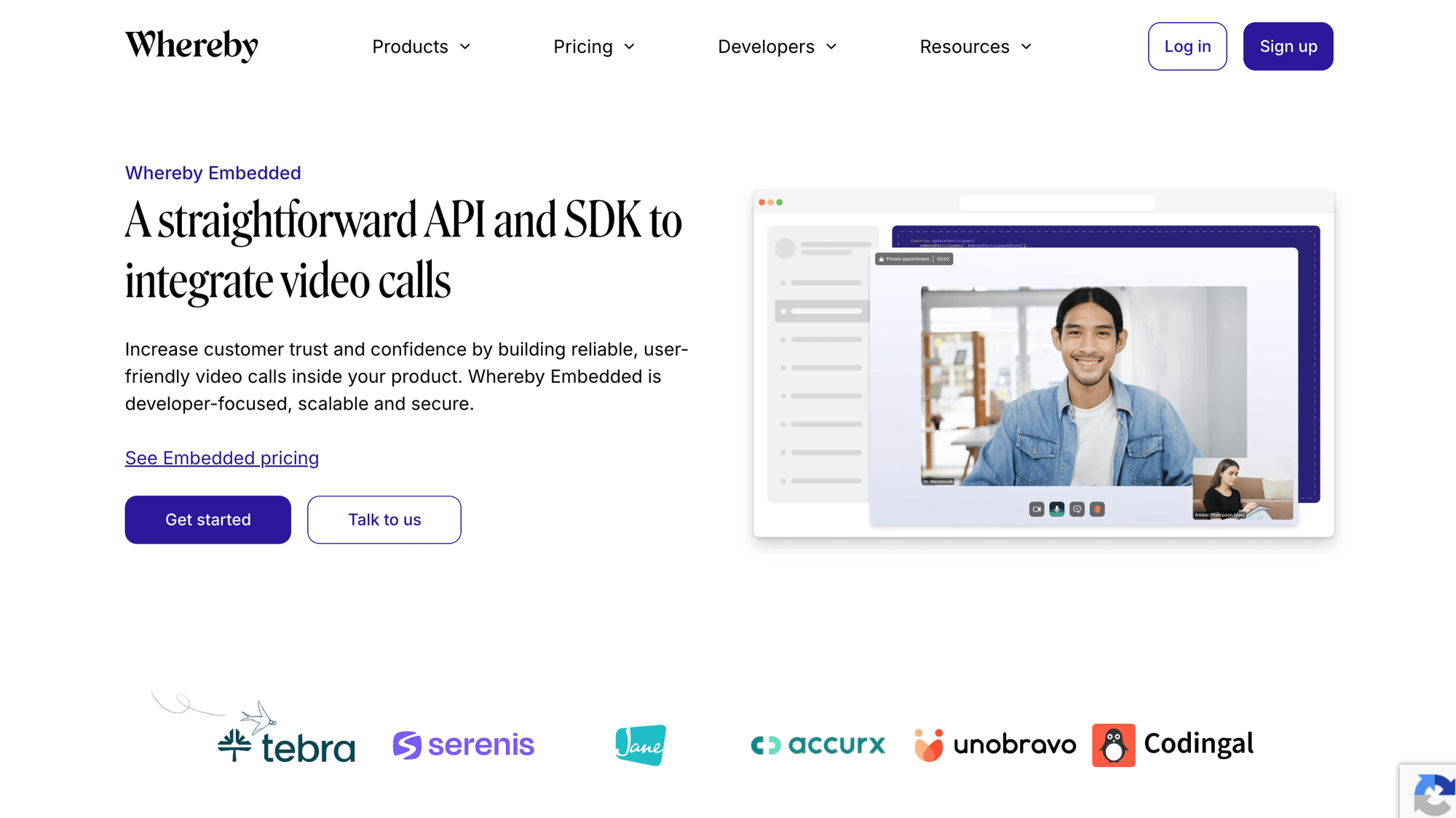
Whereby Embedded is a focused choice for adding a complete browser meeting experience with limited integration work.
Why it ranks ninth: Whereby provides API-created rooms, iframe embedding, a browser SDK, branding, chat, breakout groups, screen sharing, waiting rooms, recording, transcription, and live streaming.
Best for: Marketplaces, telehealth portals, coaching products, and customer appointments that prioritise a browser embed over deep native client primitives.
Pricing: Whereby Embedded pricing lists an Explore plan with 2,000 participant-minutes. Build costs $9.99 monthly with the same allowance, followed by $0.004 for additional participant-minutes. HIPAA is a separate monthly charge.
Trade-offs: The published plan comparison lists 200 total participants but 24 active videos. Whereby is less suitable when products need raw media access or specialised layouts across multiple native frameworks. VideoSDK offers wider client coverage, while Whereby reaches a polished browser call faster.
10. Amazon Chime SDK: Best for AWS-Native Teams
Amazon Chime SDK is a lower-level alternative for teams already building identity, observability, storage, and media workflows on AWS.
Why it ranks tenth: Chime SDK supplies WebRTC audio, video, screen sharing, data messages, meeting APIs, media capture, live connectors, and integrations with S3 and Kinesis Video Streams. The February 20, 2026 end of Amazon Chime service support did not affect the Amazon Chime SDK.
Best for: AWS-native healthcare, education, support, and internal collaboration applications that want media workflows inside an existing AWS architecture.
Pricing: Amazon Chime SDK pricing is pay-as-you-go without an upfront fee. Current examples use $0.0017 per attendee-minute for WebRTC media, with separate capture, concatenation, streaming, storage, and data-transfer charges.
Trade-offs: AWS documentation lists up to 25 simultaneous video sources and 720p client video in the core meeting architecture. Teams assemble more UI and operational plumbing than with VideoSDK Prebuilt, Daily Prebuilt, or Whereby Embedded.
How Sendbird Alternatives Price Video Calls
Participant-minute pricing becomes useful only after you normalise participant count, duration, media topology, viewed resolution, recording, included usage, and additional services.
The basic usage formula is:
participant minutes = participants × call minutes × calls per month
A product running 5,000 monthly two-person calls of 20 minutes each consumes 200,000 participant-minutes. That figure is only the starting point because each provider meters a different combination of media and services.
At published list rates, VideoSDK's HD transport would cost $800 for this usage before its one-time balance and add-ons. Sendbird would cost $280 if every minute stayed peer-to-peer or $700 if every minute was server-relayed, excluding recording.
Those numbers do not prove that one platform will be cheaper in production. Sendbird's 10-user group video limit, the actual share of relayed calls, VideoSDK's aggregate-resolution tiers, and each product's recording, support, compliance, and concurrency costs can change the decision.
Use this cost model before accepting any calculator result:
- Calculate connected participant-minutes. Include waiting-room and early-join time if the provider bills those minutes.
- Reproduce the production gallery. One active speaker can be billed differently from several visible HD tiles.
- Add recorded minutes. Check whether recording is billed per room, participant, output, or track.
- Include storage, transcription, egress, compliance, and support. These costs can exceed media transport for some workloads.
- Model concurrency separately. Low monthly usage does not guarantee enough simultaneous rooms, participants, recordings, or streams.
What Is the Best Video Calling SDK for Developers?
VideoSDK is the best starting point under this ranking model when one managed API must support several client stacks and both Prebuilt and custom interfaces. The correct winner changes when self-hosting, browser embedding, AWS integration, or social effects become non-negotiable.
- Choose VideoSDK when one managed room API must serve web, native mobile, React Native, Flutter, Unity, Python, or C++, with both Prebuilt and custom UI paths.
- Choose Daily when a browser-first product needs an established iframe component, native mobile options, and graduated usage pricing.
- Choose LiveKit when an open-source media server or self-hosting is a firm requirement.
- Choose Agora when broad device coverage and geographically distributed RTC use justify a larger product catalogue.
- Choose 100ms when roles and templates should control classroom, webinar, or event permissions.
- Choose Cloudflare RealtimeKit when Cloudflare consolidation is valuable and beta risk is acceptable.
- Choose ZEGOCLOUD when mobile social effects and entertainment workflows are central to the product.
- Choose Zoom Video SDK when Zoom's media stack and raw media access outweigh framework-specific quickstarts.
- Choose Whereby Embedded when a polished browser meeting should ship with minimal interface development.
- Choose Amazon Chime SDK when AWS-native media processing justifies additional implementation work.
Can Sendbird and VideoSDK Work Together?
Yes. An application can keep Sendbird Chat or another unrelated Sendbird product while routing new video rooms through VideoSDK. The two systems do not need to exchange live media.
Keep your application's canonical user ID in the backend, then map it to Sendbird and VideoSDK participant records. When a user starts a call, the server creates or selects a VideoSDK room and returns a short-lived token. The client joins through the appropriate VideoSDK SDK.
Do not expose the VideoSDK API secret inside a browser or mobile application. Generate tokens on a trusted server, grant the minimum permissions, and keep a mapping between old Sendbird call identifiers and new VideoSDK room identifiers during migration.
A safe rollout has five phases: copy call metadata, route internal test users to VideoSDK, compare join and recovery metrics, expand by user cohort, and remove old Calls code after rollback windows expire. Avoid publishing the same camera or microphone track to both vendors in production.
Production Factors Most Rankings Miss
A video API comparison is incomplete until it covers authentication, mobile lifecycle, degraded networks, observability, compliance cost, and the ability to leave the provider later.
Token security: Generate meeting credentials on a trusted server. Use short expiry periods and minimum permissions. A leaked long-lived token can allow an unauthorised user to join a room even when the interface hides it.
Mobile lifecycle: Test Bluetooth changes, incoming telephone calls, camera rotation, backgrounding, and application restoration. A browser proof of concept says little about React Native, Flutter, iOS, or Android behaviour.
Network degradation: Validate TURN connectivity, forced TCP, low-bandwidth adaptation, reconnection behaviour, and the interface shown when media freezes. Track join failures and time to first remote frame by region.
Observability: Require participant-level logs, call-quality metrics, webhooks, and enough retention to investigate support tickets. Confirm whether analytics retention changes between free and paid plans.
Compliance economics: HIPAA support, a BAA, regional routing, or dedicated proxy controls can require monthly add-ons. Compliance availability and compliance price are separate selection criteria.
Exit plan: Store canonical user, room, and call identifiers in your own system. Put vendor-specific room creation behind a service interface to reduce future migration work.
Video Calling API Glossary
Participant-minute: One participant connected for one minute. A 20-minute call with two people produces 40 participant-minutes.
Room: A logical meeting space where participants exchange audio, video, screen-share, and data tracks. VideoSDK identifies each room with a room ID.
SFU: A selective forwarding unit receives published media streams and forwards appropriate layers to subscribers without compositing every participant into one video.
Meeting token: A credential authorising a participant to join a room. VideoSDK recommends generating production tokens through a trusted server path.
Prebuilt UI: A ready-made meeting interface handling common controls and layouts. VideoSDK, Daily, Zoom, 100ms, RealtimeKit, ZEGOCLOUD, and Whereby offer different forms of prebuilt experience.
Key Takeaways for Teams Comparing Sendbird Alternatives
- VideoSDK ranks first under this disclosed model for its documented client coverage, Prebuilt and custom interface options, and public usage pricing.
- Daily is a strong browser-first option, while LiveKit becomes the first choice when self-hosting is mandatory.
- Cloudflare RealtimeKit replaces maintenance-mode Dyte in a current shortlist, but beta status creates production risk.
- Base media rates are not comparable until resolution, topology, recording, support, compliance, data transfer, and concurrency are normalised.
- A staged migration can replace Sendbird Calls without forcing a team to replace Sendbird Chat or other unrelated products.
Conclusion
The right Sendbird alternatives shortlist depends on the constraint your team cannot compromise. VideoSDK is the recommended starting point under this model for broad client coverage and a managed Prebuilt-or-custom path. Daily deserves a browser-first proof of concept, while LiveKit leads when self-hosting is mandatory.
Before committing, reproduce your production call layout, estimate every billed service, and test the same failure scenarios across providers. You can review VideoSDK pricing, follow a framework-specific quickstart, or create an account to build a proof of concept.
Frequently Asked Questions
What is the best Sendbird alternative for video calls?
VideoSDK ranks first under this article's model for its documented SDK coverage, Prebuilt and custom interface paths, and published participant-minute pricing. LiveKit is better when self-hosting is mandatory, while Daily can be better for a browser-first iframe launch.
Is VideoSDK cheaper than Sendbird Calls?
Not in every scenario. Sendbird currently publishes different peer-to-peer and server-relayed video rates, while VideoSDK prices by participant-minute and aggregate viewed resolution. Compare identical call topologies, layouts, participant counts, recordings, support, compliance, and concurrency before choosing.
Why is Twilio Video not in the ranked top ten?
Twilio Video remains active. Twilio reversed its previously announced end-of-life decision in October 2024, so describing it as discontinued would be incorrect. It sits outside this editorial top ten because Twilio's stated roadmap now focuses more narrowly on customer-engagement video. Existing Twilio customers should still evaluate it.
Which Sendbird alternatives support mobile SDKs?
The providers with documented mobile support include VideoSDK, Daily, LiveKit, Agora, 100ms, Cloudflare RealtimeKit, ZEGOCLOUD, Zoom Video SDK, and Amazon Chime SDK. Whereby mainly appeals to browser-first products, so teams needing native primitives should compare it carefully.
Can I replace Sendbird Calls but keep Sendbird Chat?
Yes. Keep canonical users in your backend, route new call creation and meeting tokens through VideoSDK, and leave unrelated Sendbird products unchanged. The two vendors do not need to exchange media directly.
Which Sendbird alternative can be self-hosted?
LiveKit is the clearest self-hosted option in this comparison because its media server is open source. Self-hosting provides control, but your team becomes responsible for upgrades, bandwidth, scaling, monitoring, and incident response.
How should I test a video calling API before migration?
Test join success, time to first remote frame, reconnection, screen sharing, recording completion, Bluetooth switching, mobile backgrounding, and TURN fallback. Repeat identical scenarios in your main user regions and compare participant-level logs rather than relying only on perceived picture quality.