


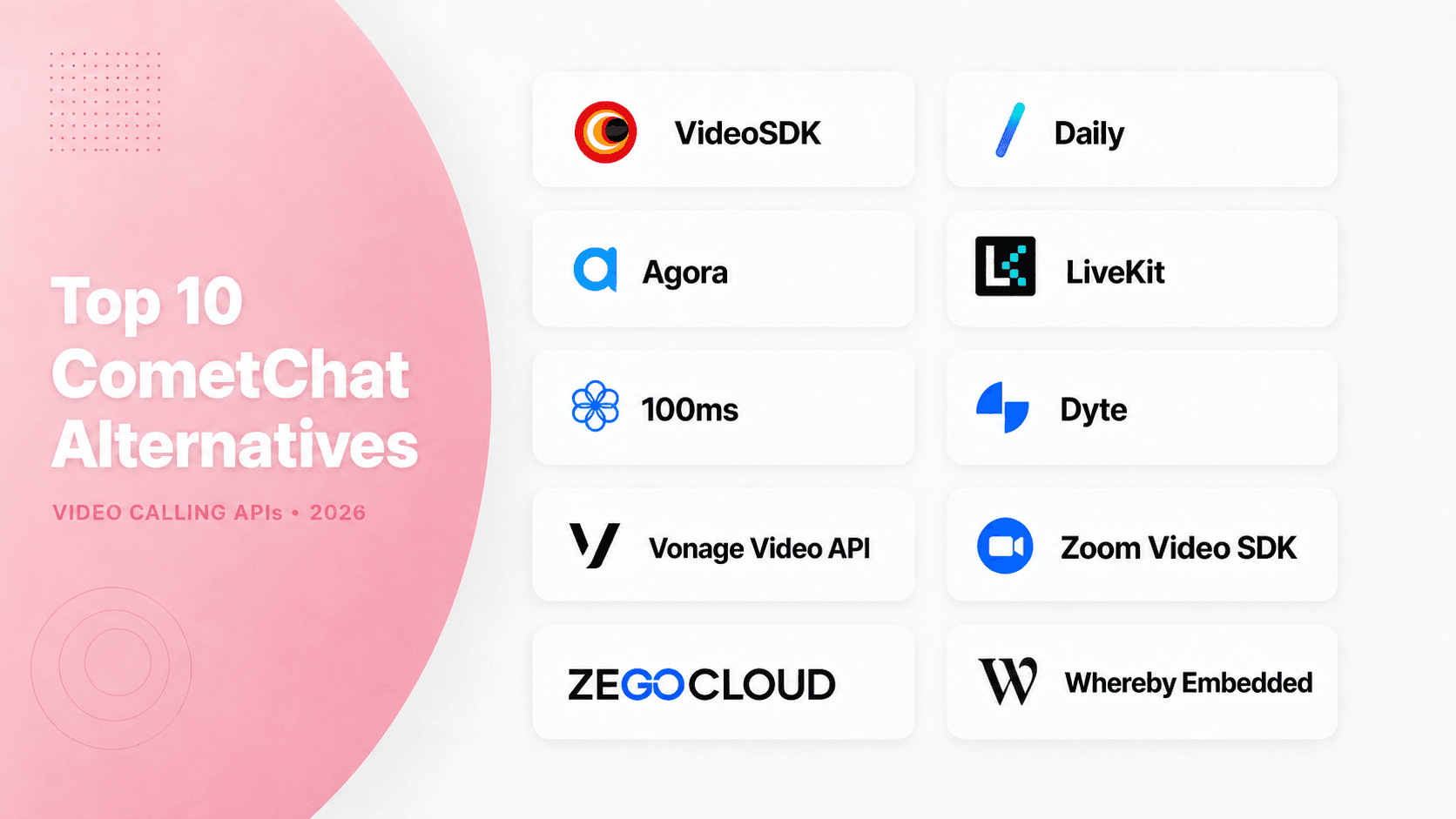
For video-first products, the strongest CometChat alternative in this review is VideoSDK because it combines Prebuilt and custom SDK paths across web, mobile, Unity, C++, Python, and IoT. Daily is better for the fastest browser embed, while LiveKit is better when self-hosting is mandatory. Keep CometChat for persistent chat if messaging remains part of your product.
What is CometChat?
CometChat combines messaging, voice, and video. That breadth is useful, but teams building telehealth, tutoring, recruitment, or social video often need deeper RTC controls and clearer media pricing.
This guide ranks ten video calling APIs using current documentation, public pricing, supported platforms, production features, and migration fit. It explains where VideoSDK leads and where another provider has the stronger case.
What Is a CometChat Alternative for Video Calling?
A CometChat alternative is defined as an API or SDK that can replace CometChat Calls across web, mobile, desktop, game-engine, or connected-device applications.
A video calling SDK works by handling authentication, signalling, WebRTC transport, media routing, participant events, network adaptation, and optional recording behind a developer-facing client and server API.
CometChat remains a valid baseline. Its current Calls documentation describes a WebRTC-based voice and video solution with participant controls, recording, layouts, and calling flows. The platform can support up to 50 participants per call according to its Calls API overview.
The decision to switch should therefore solve a specific constraint. Common reasons include missing platform coverage, limited media-track control, an unsuitable deployment model, difficult cost forecasting, or the need to operate chat and video as separate services.
VideoSDK is a strong video-first replacement because its documentation lists JavaScript, React, React Native, Android, iOS, Flutter, Unity, IoT, C++, and Python paths. It also provides a prebuilt interface and custom SDKs.
The limitation is equally important: VideoSDK does not replace every persistent messaging workflow. Teams that need chat history, moderation, reactions, presence, and non-call notifications may keep CometChat Chat or add another messaging provider.
How We Ranked Each CometChat Alternative
This CometChat alternative ranking measures documented product fit for embedded video. It does not claim that one vendor delivers better call quality in every network, device, or region.
For this article, "expert-tested" means each provider was checked against the same first-party evidence: integration paths, SDK coverage, public features, production tooling, deployment options, pricing units, and migration boundaries.
The weighted editorial score uses seven criteria:
- Video calling depth, 25 points: media controls, group calls, screen sharing, recording, transcription, network handling, and participant management.
- Developer experience, 20 points: quickstarts, API clarity, Prebuilt availability, examples, token flow, and custom-interface flexibility.
- Platform coverage, 15 points: web, native mobile, cross-platform mobile, desktop, game engines, backend, and device SDKs.
- Production readiness, 15 points: analytics, security controls, webhooks, recording, live streaming, and operational tooling.
- Pricing clarity, 10 points: public billing units, free evaluation allowance, calculators, and visibility into chargeable add-ons.
- Deployment control, 10 points: managed regions, data controls, self-hosting, or a clearly documented operational model.
- Migration fit, 5 points: the ability to preserve application identity, chat, and business workflows while replacing only calls.
The scores are editorial, not laboratory measurements. Before moving production traffic, run an identical regional proof of concept for joint success, time-to-first-media, packet loss, reconnection, background behaviour, and device changes.
Top 10 CometChat Alternatives at a Glance
The strongest video calling APIs serve different engineering priorities. VideoSDK leads this balanced model, but Daily, LiveKit, Agora, or another platform can lead when one requirement becomes non-negotiable.
| Rank | Platform | Score | Best for | Main trade-off |
|---|---|---|---|---|
| 1 | VideoSDK | 90/100 | Broad SDK coverage with Prebuilt and custom RTC paths | Not a complete persistent chat replacement |
| 2 | Daily | 87/100 | Fast browser embedding and clear usage pricing | Narrower specialist-device coverage |
| 3 | Agora | 86/100 | Global RTC, gaming, and interactive media | More resolution and add-on costs to model |
| 4 | LiveKit | 85/100 | Open-source infrastructure and self-hosting | Self-hosting transfers operations to your team |
| 5 | 100ms | 83/100 | Role-based rooms, Prebuilt, and live events | Templates and roles shape application architecture |
| 6 | Dyte | 81/100 | UI kits and collaborative meeting experiences | Verify feature parity across target SDKs |
| 7 | Vonage Video API | 80/100 | Enterprise video inside a wider CPaaS portfolio | Advanced controls can materially change cost |
| 8 | Zoom Video SDK | 79/100 | Custom apps using Zoom media technology | Sessions do not interoperate with Zoom Meetings |
| 9 | ZEGOCLOUD | 78/100 | Social video, effects, and broad device support | Multiple SDK families and stream-based billing |
| 10 | Whereby Embedded | 75/100 | Low-code browser video rooms | Less native media control than headless SDKs |
The pricing below was checked on 24 July 2026. Recalculate recording, transcription, streaming, bandwidth, support, and compliance before signing a contract.
The 10 Best CometChat Alternatives for Video
Each CometChat alternative below earned its position through the same framework. Your best option still depends on platforms, call shape, compliance, deployment, and operational ownership.
1. VideoSDK: Best Overall Video-First Alternative
VideoSDK ranks first for teams that need one managed RTC layer across an unusually wide set of application platforms.
Its React quickstart exposes room and participant state through MeetingProvider, useMeeting, and useParticipant. The documentation also provides prebuilt JavaScript, React Native, Android, iOS, Flutter, Unity, IoT, C++, and Python paths.
Best for: Telehealth, tutoring, recruitment, support, and social applications that need prebuilt speed today, custom media controls later, and interactive live streaming from the same provider.
Pricing: VideoSDK's pay-as-you-go pricing is $0.001 per participant-minute for audio calls, $0.004 per participant-minute for video calls, and $0.002 per viewer-minute for live streaming and a $20 free credit for new accounts.
Trade-off and migration note: VideoSDK is not a full persistent chat replacement. Preserve your own user IDs, generate meeting tokens server-side, and move the call action behind a feature flag while keeping existing messaging.
2. Daily: Best for Rapid Browser Embedding
Daily is the strongest browser-first alternative when a polished embedded call must reach production quickly.
Daily Prebuilt supplies a ready-made call component, while Daily's client SDKs expose tracks and events for custom interfaces. Official examples cover browser clients, React Native, Android, iOS, audio-only calls, REST room creation, recording, streaming, and transcription.
Best for: SaaS, coaching, telehealth, and customer-facing web products that want a low-friction embed without blocking a later custom UI.
Pricing: Daily includes 10,000 free minutes each month, then applies graduated usage pricing. The first paid video tier is currently $0.004 per participant minute, with separate recording and streaming charges.
Trade-off and migration note: Daily's most visible path is web-first. Compare Flutter, Unity, C++, IoT, and specialist native needs before migrating. Choose VideoSDK when one broader client matrix matters more than browser integration speed.
3. Agora: Best for Global RTC and Gaming
Agora is a strong choice when a large global RTC ecosystem, game-engine support, and media extensions lead the decision. For a closer look, see our Agora vs VideoSDK comparison.
The platform combines video calling, voice, interactive live streaming, signalling, recording, analytics, noise suppression, and multi-track media. Agora also supports mainstream mobile, web, desktop, and game development environments.
Best for: International social, gaming, live commerce, education, and interactive media products where device diversity and operational analytics matter at scale.
Pricing: Agora currently includes 10,000 monthly minutes. Video HD starts at $3.99 per 1,000 participant minutes, while Full HD, recording, proxy modes, analytics, and extensions use separate rates.
Trade-off and migration note: Agora's breadth creates more configuration and billing dimensions. Model resolution, recording, proxy, analytics, and add-ons. Choose VideoSDK when a more unified prebuilt-to-custom workflow has greater weight.
4. LiveKit: Best Open-Source Option
LiveKit is the clearest option when source access, self-hosting, or media-plane control is mandatory.
LiveKit provides an open-source WebRTC server and a managed cloud. Its SDKs cover JavaScript, Swift, Android, React Native, Flutter, and Unity, with ingress, egress, SIP, end-to-end encryption, webhooks, and selective track subscriptions.
Best for: Infrastructure-capable teams that need Kubernetes deployment, data-residency control, open APIs, or a shared real-time layer for human video and agent participants.
Pricing: Self-hosting moves cost into cloud and operations. LiveKit Cloud meters connection minutes, downstream bandwidth, and transcoding. Its free build allowance currently includes 5,000 WebRTC participant minutes, 50 GB downstream transfer, and 60 transcode minutes.
Trade-off and migration note: Your team owns capacity, topology, upgrades, TURN, monitoring, and incidents when self-hosting. Choose VideoSDK when managed delivery and wider specialist SDK coverage matter more than infrastructure control.
5. 100ms: Best for Role-Based Rooms
100ms stands out when participant roles and room templates define the product experience. For a closer look, see our 100ms vs VideoSDK comparison.
Its model organises users, tracks, permissions, recording, and live streaming around rooms, peers, sessions, templates, and roles. Official quickstarts cover Web, Android, iOS, Flutter, React Native, and Prebuilt.
Best for: Classrooms, fitness sessions, communities, webinars, and events that need hosts, viewers, hand-raising, role changes, recording, HLS, or RTMP output.
Pricing: 100ms currently includes 10,000 monthly conferencing minutes, then charges $0.004 per participant minute. Streaming, encoding, recording, transcription, summaries, and support use separate allowances or rates.
Trade-off and migration note: Templates and roles become part of application architecture. Define permission transitions before migration. Choose VideoSDK when platform breadth and a rooms-based prebuilt-to-custom path carry more weight.
6. Dyte: Best for Collaborative UI Kits
Dyte is compelling when in-call collaboration and ready-made UI components reduce the frontend backlog.
Its documentation lists core SDKs and UI kits for web, React Native, Flutter, Android, and iOS. Product features include recording, HLS, RTMP, roles, host controls, adaptive bitrate, reconnection, analytics, and troubleshooting.
Best for: Education, community, internal collaboration, and event products that need UI kits, meeting controls, and live experiences without building every component.
Pricing: Dyte's public page currently includes 10,000 free minutes monthly, then lists video at $0.004 per user minute. Recording and RTMP output have separate rates.
Trade-off and migration note: Verify parity for recording, screen sharing, background behaviour, device controls, and UI components across every target SDK. Choose VideoSDK when the documented client surface is the deciding factor.
7. Vonage Video API: Best Enterprise CPaaS Fit
Vonage Video API fits enterprises that want programmable video beside messaging, voice, SIP, and other communications APIs.
The platform provides web, mobile, desktop, and server SDKs for sessions, tokens, publishing, screen sharing, signalling, recording, broadcast, SIP interconnect, captions, media processing, webhooks, and analytics.
Best for: Organisations already using Vonage, or teams needing video alongside telephony, regional controls, compliance options, formal support, and a broader CPaaS relationship.
Pricing: Vonage currently lists $0.00410 per participant minute and a new-customer allowance of 100,000 minutes split between video and advanced features. Recording, composition, streaming, AI connectors, SIP, regional media, and security options add cost.
Trade-off and migration note: The base rate does not represent the full production bill. Choose VideoSDK when the decision is embedded video developer experience rather than CPaaS consolidation.
8. Zoom Video SDK: Best for Zoom Media Technology
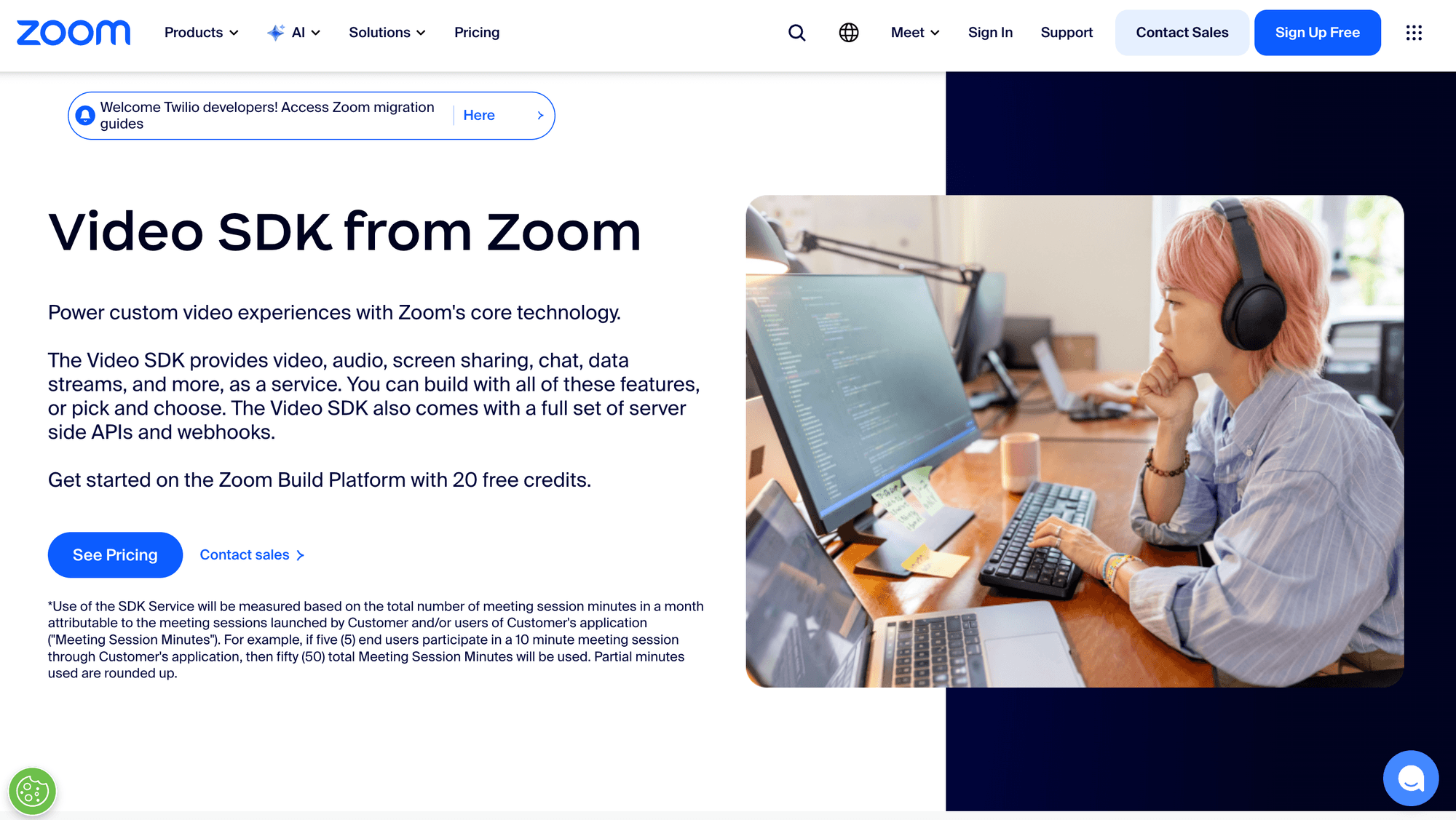
Zoom Video SDK provides Zoom's media technology for fully branded sessions with custom user interfaces.
It is different from the Meeting SDK. Video SDK developers create their own sessions, authentication, controls, branding, and workflows. Zoom documents web, mobile, desktop, Linux, Flutter, React Native, and Unity paths.
Best for: Teams that trust Zoom's media stack but need a custom product experience instead of embedding a Zoom meeting.
Pricing: Zoom's developer material currently states 10,000 free Video SDK minutes each month, followed by per-minute usage pricing, with volume discounts available.
Trade-off and migration note: Zoom states that Video SDK sessions are not compatible with Zoom Meetings or webinars. Choose the Meeting SDK if interoperability is required. Choose VideoSDK for an RTC-focused prebuilt and custom development path.
9. ZEGOCLOUD: Best for Social Video
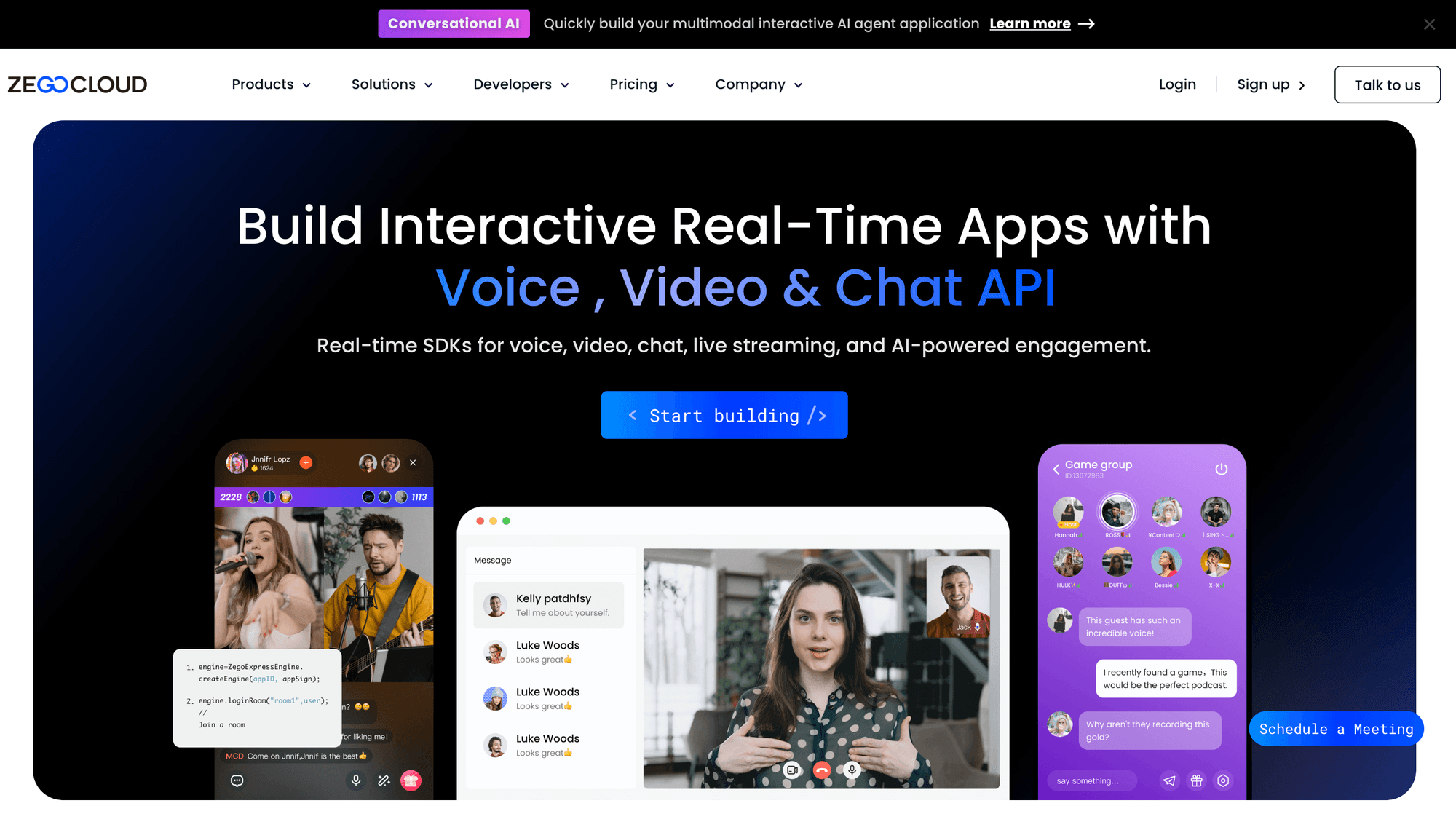
ZEGOCLOUD suits social and entertainment products that need calling, effects, streaming, and a broad device matrix.
It offers low-level video SDKs plus scenario-based UI kits for Android, iOS, Web, React Native, Flutter, and additional desktop or game environments through its Express SDK family.
Best for: Dating, creator, entertainment, gaming, and live commerce applications that need call invitations, effects, live rooms, desktop clients, or game engine support.
Pricing: ZEGOCLOUD advertises 10,000 free minutes and video calling from $3.99 per 1,000 minutes. Detailed documentation explains stream-playing and resolution-based billing, so model multi-stream rooms carefully.
Trade-off and migration note: Several SDK and product families increase selection work. Confirm the exact UI kit, Express SDK, platform package, analytics, effects, and billing method before replacing CometChat Calls.
10. Whereby Embedded: Best Low-Code Browser Option
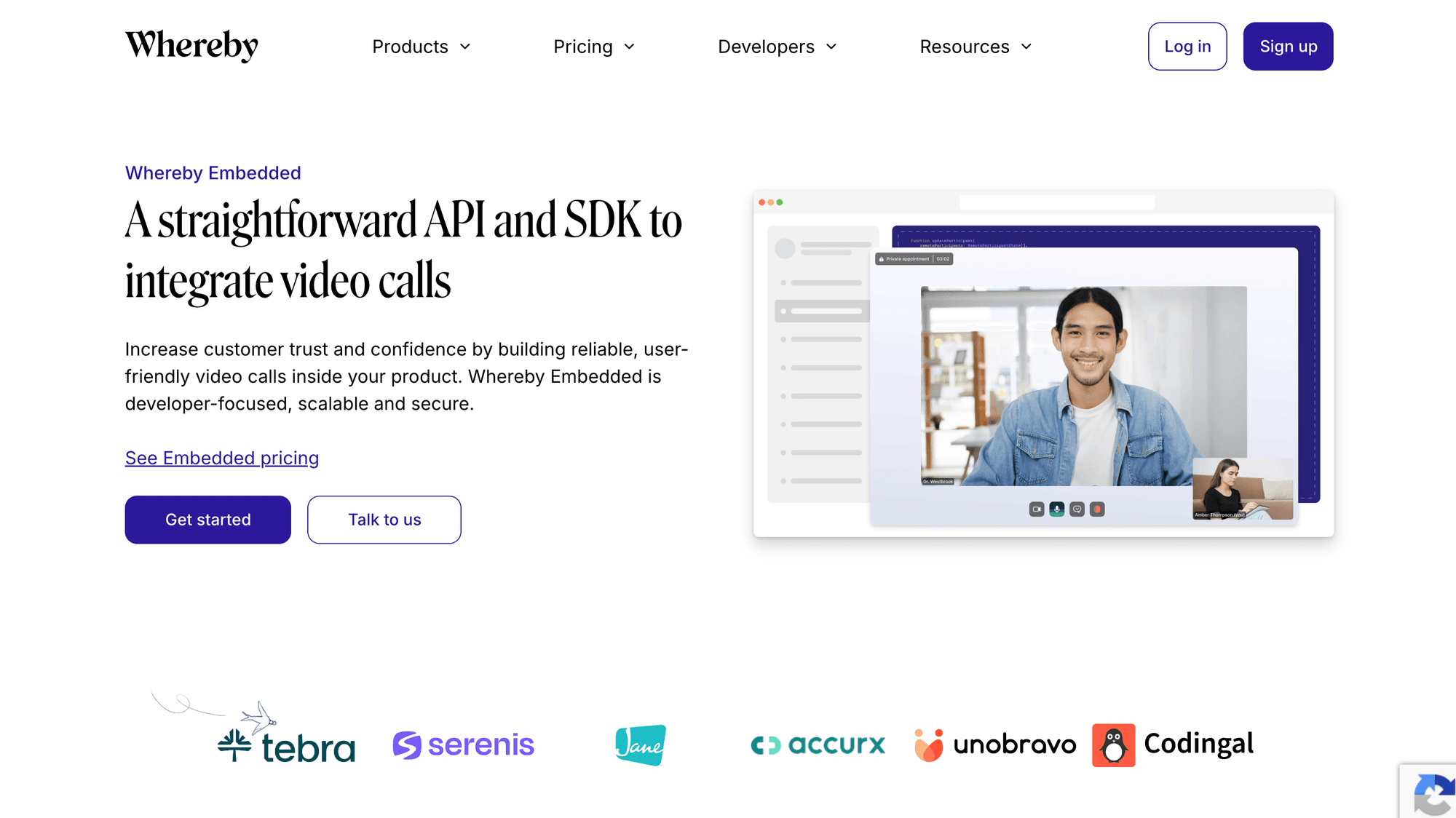
Whereby Embedded provides the shortest conceptual path from a server-created room to a branded browser call.
The Embedded API creates rooms programmatically and renders calls in a web component or iframe. Current plans include screen sharing, chat, waiting rooms, breakouts, recording, transcription, streaming, and insights.
Best for: Telehealth, coaching, recruitment, education, and marketplace workflows that prioritise browser access, straightforward room creation, and minimal client code.
Pricing: The free Explore plan includes 2,000 participant minutes. Build currently costs $9.99 monthly, includes 2,000 minutes, and charges $0.004 per additional participant minute. Premium features are separate.
Trade-off and migration note: Whereby lists 200 participants and 24 active videos. Choose VideoSDK when native SDKs, media-track control, specialist platforms, and custom layouts matter more than a browser embed.
Which CometChat Alternative Should You Choose?
The right CometChat alternative changes when one constraint becomes non-negotiable. Use these conditional verdicts before comparing every feature or negotiating an enterprise contract.
- Choose VideoSDK when you need Prebuilt and custom video across web, mobile, Unity, C++, Python, or IoT, with recording and interactive streaming.
- Choose Daily when a polished browser embed, transparent participant-minute billing, and the quickest web proof of concept matter most.
- Choose Agora when global RTC, game engines, interactive media extensions, and a large real-time product ecosystem lead the decision.
- Choose LiveKit when open-source infrastructure, self-hosting, Kubernetes, or direct control over the media plane is mandatory.
- Choose 100ms when roles, room templates, classrooms, webinars, or viewer-to-speaker workflows define the product.
- Choose Dyte when collaborative UI components and meeting controls can reduce your frontend workload.
- Choose Vonage when video must sit inside a broader enterprise communications and telephony portfolio.
- Choose Zoom Video SDK when Zoom media technology and desktop support matter, but Zoom Meeting interoperability does not.
- Choose ZEGOCLOUD when social-video effects, games, and a wide device matrix are central.
- Choose Whereby Embedded when an iframe or web component is sufficient and low-code delivery outranks native media control.
The common mistake is selecting a chat-first platform and assuming its video layer has the same flexibility as a dedicated RTC product. Start from your hardest media requirement, not the longest feature list.
CometChat vs VideoSDK for Video Calling
CometChat and VideoSDK overlap in voice and video, but they start from different product scopes. CometChat packages persistent messaging, moderation, notifications, UI kits, and calling. VideoSDK starts with real-time media and provides Prebuilt and custom SDK paths for embedded video experiences.
| Decision area | CometChat | VideoSDK |
|---|---|---|
| Primary fit | A wider chat, voice, and video communications layer | A video-first RTC layer with Prebuilt and custom integration |
| Video implementation | Calling inside the CometChat product model | Dedicated rooms, participants, tracks, tokens, recording, and streaming |
| Messaging boundary | Persistent messaging is part of the platform | In-meeting chat does not replace a full messaging product |
| Migration approach | Keep the existing communications suite | Replace only calls, or pair with CometChat Chat |
Choose CometChat when: The product needs one vendor for persistent chat, message history, moderation, push notifications, presence, UI kits, and calling, and its current Calls capabilities meet the media requirements.
Choose VideoSDK when: Video is a primary product surface and the team needs broader documented SDK coverage, a Prebuilt-to-custom path, server-controlled meeting tokens, interactive streaming, or a separate media roadmap.
Use both when: Existing CometChat messaging works well but the video layer needs a different platform, interface, device target, or billing model. Keep application identity in your backend and map a CometChat conversation or business object to a VideoSDK room.
The decision should not rest on a universal quality claim. Run the same call script on target browsers, native applications, regions, networks, participant counts, and devices. Compare join success, time-to-first-media, reconnection, device switching, background behaviour, recording delivery, moderation flows, and the complete usage bill.
For most migrations, the lowest-risk boundary is the call button. Leave conversations and notifications unchanged, route a controlled cohort to VideoSDK, and keep a rollback flag until operational metrics and support workflows are stable.
Can CometChat and VideoSDK Work Together?
Yes. CometChat and VideoSDK can coexist at the application layer without a dedicated connector. Keep CometChat for persistent messaging while routing video rooms through VideoSDK.
This phased architecture reduces risk because chat history, moderation, notifications, and non-call workflows remain unchanged during the first video rollout.
- Own identity in your backend. Use one internal user ID across CometChat users and VideoSDK participant metadata. Do not make either vendor's identifier your permanent business identity.
- Generate video tokens server-side. Create VideoSDK JWTs and room IDs on trusted infrastructure. Never place the VideoSDK secret key in browser or mobile application code.
- Replace the call action. Route a CometChat call button, or your own application action, to a VideoSDK room behind a feature flag.
- Preserve business context. Store the conversation ID, appointment ID, support case, or order ID beside the VideoSDK room ID.
- Migrate by cohort. Test internal users, one region, and one call type before moving recordings, native applications, or compliance-sensitive traffic.
There is no technical requirement to replace chat and calls simultaneously. Treat the change as an application integration and validate the operational boundary with both vendors.
Try this video chat app tutorial yourself!
How to Compare Video Calling API Pricing
Video API prices become comparable only after each provider's billing unit is converted into the same monthly scenario.
Use participant minutes as the base where possible. A 30-minute call with four connected people usually consumes 120 participant minutes, even if only two people publish video.
LiveKit adds downstream bandwidth and transcoding. ZEGOCLOUD documents stream-playing units. Zoom uses Video SDK session minutes. Recording, transcription, streaming, storage, support, and compliance may use different units again.
Use this normalised estimate:
Monthly video cost =
  participant-minutes
  + recording and composition
  + storage and delivery
  + transcription or translation
  + telephony or streaming
  + support and compliance
  + infrastructure engineering
Run expected usage, twice expected usage, and a launch spike. The cheapest headline rate can become expensive after required add-ons, while a higher base rate can remain easier to forecast.
Migration Risks Most Comparisons Miss
A successful CometChat alternative migration depends more on application boundaries than SDK installation. Document behavioural parity before routing real users to a new media provider.
- Incoming-call behaviour: Compare push notifications, CallKit, Android foreground services, ringtone states, rejection, timeout, missed calls, and multi-device handling.
- Token and room lifetime: Define expiry, refresh, replay protection, roles, waiting-room rules, and reconnect behaviour.
- Recording ownership: Map consent, start permissions, layouts, individual tracks, encryption, storage region, webhooks, retention, and deletion.
- Network fallback: Test UDP, TCP, TURN, corporate firewalls, VPNs, low bandwidth, background transitions, device switching, and reconnection.
- SDK feature parity: Confirm that JavaScript, Flutter, React Native, iOS, and Android implement required features consistently.
- Observability: Capture join failures, time-to-first-media, reconnections, packet loss, device errors, and a support-friendly session ID.
A sensible production pattern is a shadow pilot. Send internal calls through the new provider, compare operational metrics, then expand by region and application version.
Definitions for Video Calling API Buyers
Participant minute: One participant connected to a call for one minute. Four people connected for 30 minutes usually consume 120 participant minutes.
Room: A logical real-time session where participants publish and subscribe to audio, video, screen-share, or data tracks. VideoSDK uses room IDs to identify sessions.
Prebuilt UI: A ready-made calling interface that reduces launch time. VideoSDK, Daily, 100ms, and Whereby provide different forms of Prebuilt experience.
SFU: A selective forwarding unit receives participant media and forwards selected tracks without composing every stream, supporting efficient multiparty WebRTC rooms.
Meeting token: A short-lived credential authorising a participant to join a room with specific permissions. Generate production tokens on a trusted server.
Key Takeaways
- VideoSDK leads this video-first CometChat alternative ranking because it balances platform breadth, Prebuilt delivery, custom media control, recording, and interactive streaming.
- Daily is stronger for rapid browser embedding, while LiveKit is stronger when open-source infrastructure or self-hosting is mandatory.
- Every other ranked provider leads under a specific scale, event, collaboration, CPaaS, device, or low-code requirement.
- Documentation can verify capabilities and integration surfaces, but only a regional proof of concept can test your actual call quality.
- You can keep CometChat Chat while replacing only video, provided your backend owns identity, tokens, room mapping, and rollout controls.
Conclusion
The right CometChat alternative depends on what your video product must do better. VideoSDK offers the strongest overall balance in this documentation-backed ranking, while Daily, LiveKit, Agora, and others lead under narrower conditions.
Start with the VideoSDK React quickstart or Prebuilt quickstart, then test real regions, devices, and call patterns. What kind of video experience are you building?
Frequently Asked Questions
Which CometChat alternative is best for video calling?
The best CometChat alternative for broad, video-first development is VideoSDK under this weighted editorial model. It combines Prebuilt and custom SDK paths across web, mobile, Unity, C++, Python, and IoT.
Daily can be better for a browser-first embed, while LiveKit can be better for self-hosting. Confirm the final choice with a regional proof of concept.
Is VideoSDK a complete replacement for CometChat?
No. VideoSDK is not a complete replacement for every CometChat product. It focuses on real-time video, audio, interactive streaming, recording, transcription, and related RTC workflows.
Keep CometChat or another provider when the product needs persistent messaging history, moderation, reactions, presence, and non-call notifications beyond in-meeting chat.
Can I replace CometChat Calls without replacing chat?
Yes. You can replace CometChat Calls while retaining CometChat Chat by integrating a specialist video SDK at the application layer.
Use internal user IDs, server-generated video tokens, conversation-to-room mappings, feature flags, and a staged rollout so the two infrastructure changes remain independent.
Which CometChat alternative supports self-hosting?
LiveKit provides the clearest self-hosting option in this ranking through its open-source WebRTC server, deployment guidance, client SDKs, TURN configuration, ingress, egress, and Kubernetes-compatible architecture.
Self-hosting increases control but transfers capacity, upgrades, routing, monitoring, security, and incident response to your own engineering and operations teams.
Which alternative has the fastest browser integration?
Daily and Whereby Embedded provide the most direct browser-first integration paths in this shortlist. Both offer ready-made video experiences without requiring every participant control to be built first.
VideoSDK Prebuilt becomes more attractive when the same roadmap later needs custom React controls, native SDKs, Unity, C++, Python, or IoT clients.
How should I test a video calling API?
Test each video calling API with identical devices, regions, networks, participant counts, and call scripts. Record join success, time-to-first-media, reconnections, packet loss, and device failures.
Also test mobile interruptions, browser backgrounding, Bluetooth changes, corporate firewalls, expired tokens, participant removal, recording webhooks, and regional data requirements.
Is CometChat still a good option in 2026?
Yes. CometChat remains reasonable when one platform must provide persistent chat, voice, video, UI kits, moderation, notifications, and wider messaging workflows.
A specialist CometChat alternative becomes more compelling when video is the primary product, self-hosting matters, a platform gap exists, or the billing and media-control model no longer fits.