


Based on our documentation-led review, VideoSDK ranks first for teams needing managed RTC across many client platforms. LiveKit leads for open-source infrastructure control, while Agora suits specialised social and broadcast engagement. The ranking evaluates developer onboarding, client coverage, production media, customisation, and operations using a published 100-point rubric.
Choosing a WebRTC API involves far more than calling RTCPeerConnection. Production applications also need signalling, TURN fallback, media routing, access control, recording, observability, and reliable recovery.
This guide compares those managed layers for teams building video calls, audio rooms, telehealth, classrooms, webinars, and live communities. It also explains when raw WebRTC remains sensible.
Every claim was checked against public documentation available on 10 August 2026. We excluded private SLA promises, vendor latency claims, and features that could not be verified publicly.
What Is a WebRTC API?
A WebRTC API exposes real-time media and data primitives, or packages the infrastructure required to operate them in production.
A WebRTC API is defined as a programming interface for capturing media, negotiating connections, transporting encrypted audio, video, or data, and managing related session infrastructure.
WebRTC works by capturing camera or microphone tracks, exchanging session descriptions and ICE candidates through signalling, then selecting an available network path for encrypted media transport.
The W3C WebRTC specification covers browser interfaces for sending and receiving "media and generic application data." MDN's WebRTC API reference documents RTCPeerConnection, MediaStream, and RTCDataChannel.
Browser WebRTC does not define your signalling service, account model, multiparty media server, recording pipeline, moderation layer, or analytics dashboard. Those omissions explain why managed providers exist.
VideoSDK is a managed WebRTC API provider. It packages rooms, participants, tracks, meeting tokens, recording, and server controls across ten documented client targets and a real-time communication REST API.
This article uses WebRTC API in that buyer-intent sense: an SDK and service platform that operates production RTC infrastructure on behalf of application teams.
How We Evaluated Each WebRTC API
This ranking scores documented product coverage and developer experience, not unverified latency or network-quality claims.
We reviewed official product pages, quickstarts, API references, client platform lists, release notes, deployment options, and production features available on 10 August 2026.
We did not create paid accounts, run packet-level benchmarks, inspect private support channels, or validate contractual SLAs. The scores represent editorial evaluation, not laboratory performance.
| Criterion | Weight | What earns a strong score |
|---|---|---|
| Developer onboarding | 20 | Clear quickstart, sample application, token flow, API reference, and prebuilt path |
| Client coverage | 20 | Maintained web, mobile, desktop, game, device, or backend SDK options |
| Production media | 25 | Managed SFU, TURN fallback, recording, streaming, adaptive quality, and recovery controls |
| Customisation and control | 20 | Headless SDK, roles, permissions, raw tracks, custom UI, or self-hosting choice |
| Operations and extensions | 15 | Analytics, webhooks, transcription, moderation, telephony, AI, and enterprise controls |
Full editorial scorecard
The category scores make the method reusable. Change the weights to match your roadmap before accepting our ordering or any one-point difference.
| Provider | Onboarding /20 | Clients /20 | Media /25 | Subtotal /65 |
|---|---|---|---|---|
| VideoSDK | 19 | 20 | 22 | 61 |
| LiveKit | 18 | 19 | 23 | 60 |
| Agora | 17 | 18 | 24 | 59 |
| Daily | 19 | 14 | 22 | 55 |
| Twilio Video | 17 | 14 | 23 | 54 |
| 100ms | 18 | 15 | 22 | 55 |
| Stream Video | 18 | 17 | 21 | 56 |
| Cloudflare RealtimeKit | 17 | 15 | 21 | 53 |
| Vonage Video API | 16 | 15 | 21 | 52 |
| Amazon Chime SDK | 14 | 14 | 22 | 50 |
| Provider | Control /20 | Operations /15 | Total /100 | Rank |
|---|---|---|---|---|
| VideoSDK | 17 | 15 | 93 | 1 |
| LiveKit | 20 | 12 | 92 | 2 |
| Agora | 16 | 14 | 89 | 3 |
| Daily | 17 | 15 | 87 | 4 |
| Twilio Video | 17 | 15 | 86 | 5 |
| 100ms | 18 | 13 | 86 | 6 |
| Stream Video | 16 | 12 | 84 | 7 |
| Cloudflare RealtimeKit | 18 | 12 | 83 | 8 |
| Vonage Video API | 16 | 13 | 81 | 9 |
| Amazon Chime SDK | 14 | 14 | 78 | 10 |
Twilio Video and 100ms tie at 86. Twilio ranks fifth because this rubric gives its mature media and operational tooling the tie-break, while 100ms offers stronger role-driven control.
A one-point difference represents preference within this rubric. It does not prove a measurable difference in call quality, uptime, regional performance, or support response.
WebRTC API Ranking at a Glance
VideoSDK leads for managed multi-platform breadth, while LiveKit leads when infrastructure ownership is the deciding requirement.
| Rank | WebRTC API | Score | Best for | Main trade-off |
|---|---|---|---|---|
| 1 | VideoSDK | 93 | Broad multi-platform RTC and interactive streaming | Managed service, not a self-hosted SFU |
| 2 | LiveKit | 92 | Open-source control with optional managed cloud | More infrastructure choices to own and configure |
| 3 | Agora | 89 | Global social, gaming, and interactive engagement | Large product surface increases evaluation work |
| 4 | Daily | 87 | Browser-first calls and fast embedded experiences | Narrower specialist-client coverage than leaders |
| 5 | Twilio Video | 86 | Customer engagement inside an established CPaaS stack | Web, iOS, and Android focus limits client breadth |
| 6 | 100ms | 86 | Role-driven classrooms, webinars, and communities | Templates require careful policy design |
| 7 | Stream Video | 84 | Video combined with chat, feeds, and moderation | Strongest value appears inside the Stream ecosystem |
| 8 | Cloudflare RealtimeKit | 83 | Cloudflare-aligned managed WebRTC and UI components | Beta status and package migration need review |
| 9 | Vonage Video API | 81 | Enterprise communications and wider CPaaS workflows | Legacy TokBox and newer dashboard paths coexist |
| 10 | Amazon Chime SDK | 78 | AWS-native meeting applications and media pipelines | Teams assemble more product and operational layers |
This table supports commercial investigation, not procurement by itself. Security, legal, finance, and support teams should validate the shortlist through a production-shaped proof of concept.
Top 10 WebRTC API Platforms Ranked
The strongest platforms share WebRTC foundations but differ sharply in deployment, client coverage, UI, operations, and ecosystem fit.
1. VideoSDK: Best Managed Multi-Platform API
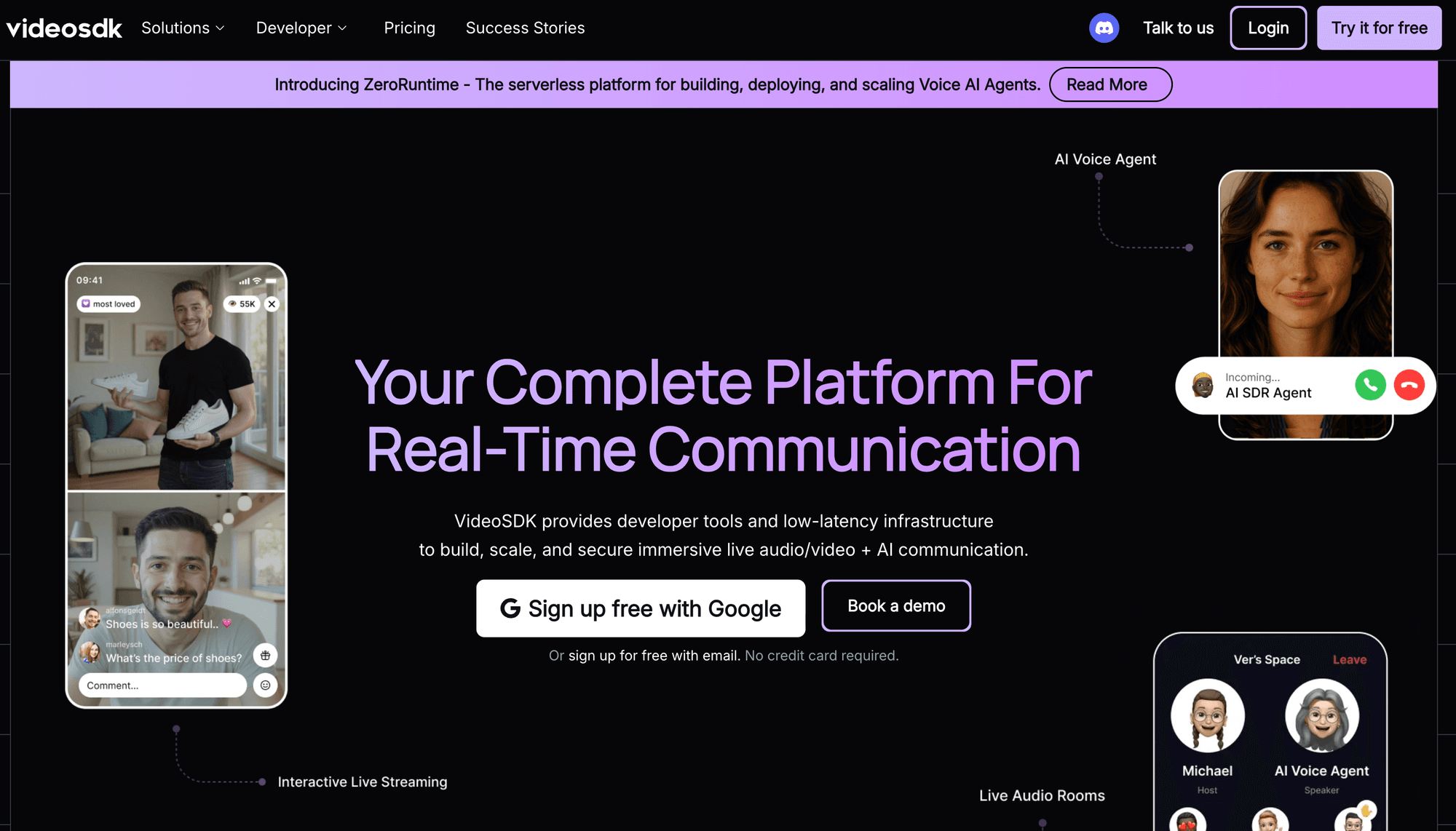
VideoSDK ranks first for teams needing one managed WebRTC API across video calls, audio rooms, prebuilt meetings, custom interfaces, recording, and interactive live streaming.
The VideoSDK React documentation lists JavaScript, React, React Native, Android, iOS, Flutter, Unity, IoT, C++, and Python targets, plus REST APIs.
Its Prebuilt path supports faster validation, while headless SDKs preserve control over room layouts, participant state, media tracks, and call actions through shared concepts.
Best for: Product teams shipping embedded RTC across several clients, especially when calling, audio rooms, recordings, and interactive streams must share one platform.
Trade-off: VideoSDK does not offer a self-hosted SFU comparable to LiveKit's open-source server. As checked on 10 August 2026, VideoSDK charges $0.001 per audio participant-minute and $0.004 per video participant-minute on its pay-as-you-go plan. New accounts include $20 in free credit, with no minimum commitment.
2. LiveKit: Best for Open-Source Control
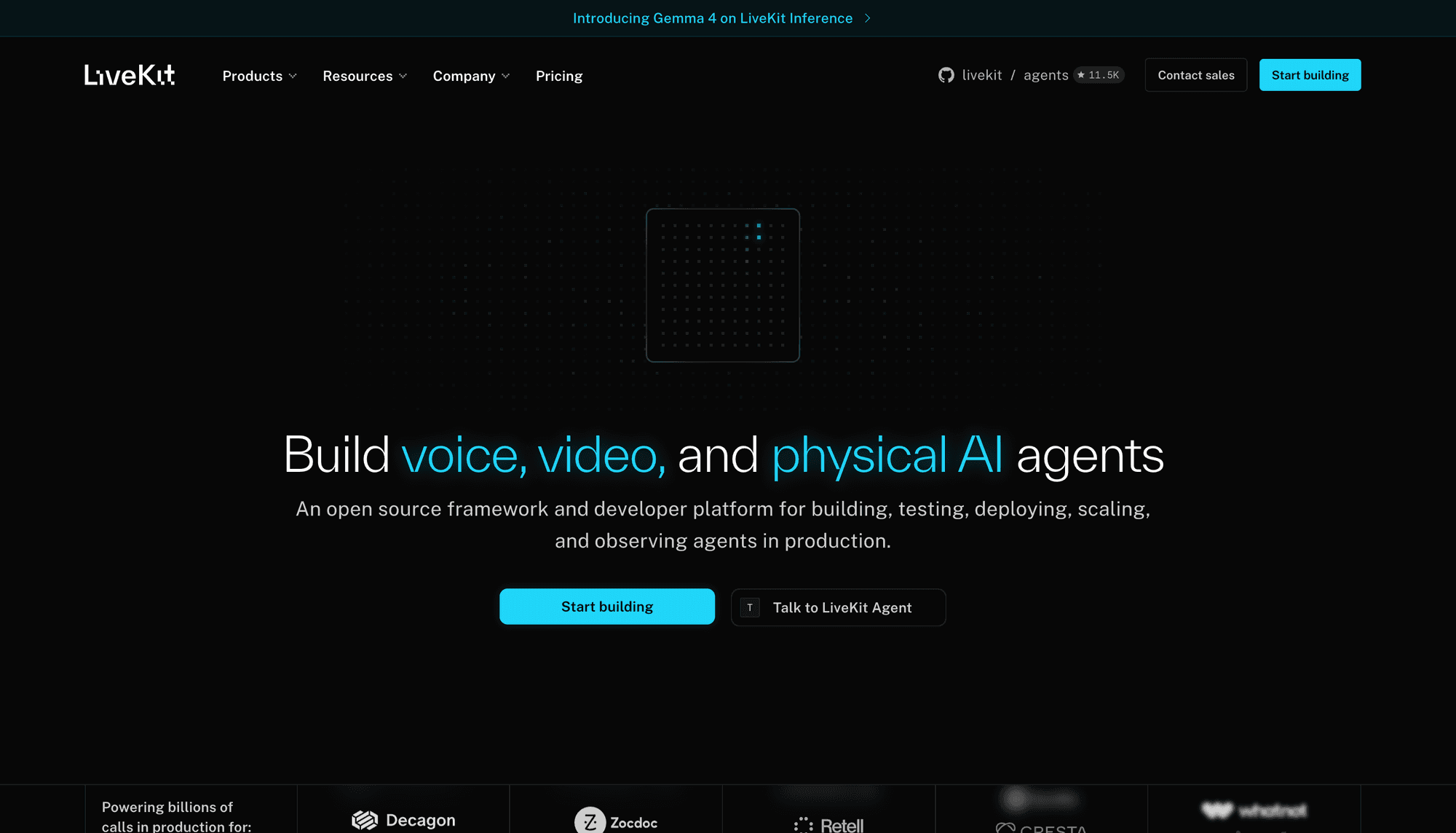
LiveKit ranks second because its open-source server and client stacks combine private deployment control with an optional managed cloud.
The LiveKit connection guide documents JavaScript, Swift, Android, React Native, Flutter, C++, and Unity clients. It also lists backend SDKs for real-time agents and services.
Teams can operate their own infrastructure, use LiveKit Cloud, or retain a clearer migration path between those models than most managed-only vendors provide.
Best for: Teams needing source access, private deployment, custom media services, or backend programs connected directly to real-time rooms.
Trade-off: Self-hosting shifts TURN, regions, scaling, upgrades, monitoring, and incident response to your team. VideoSDK fits better when managed product breadth matters more.
3. Agora: Best for Specialised Engagement
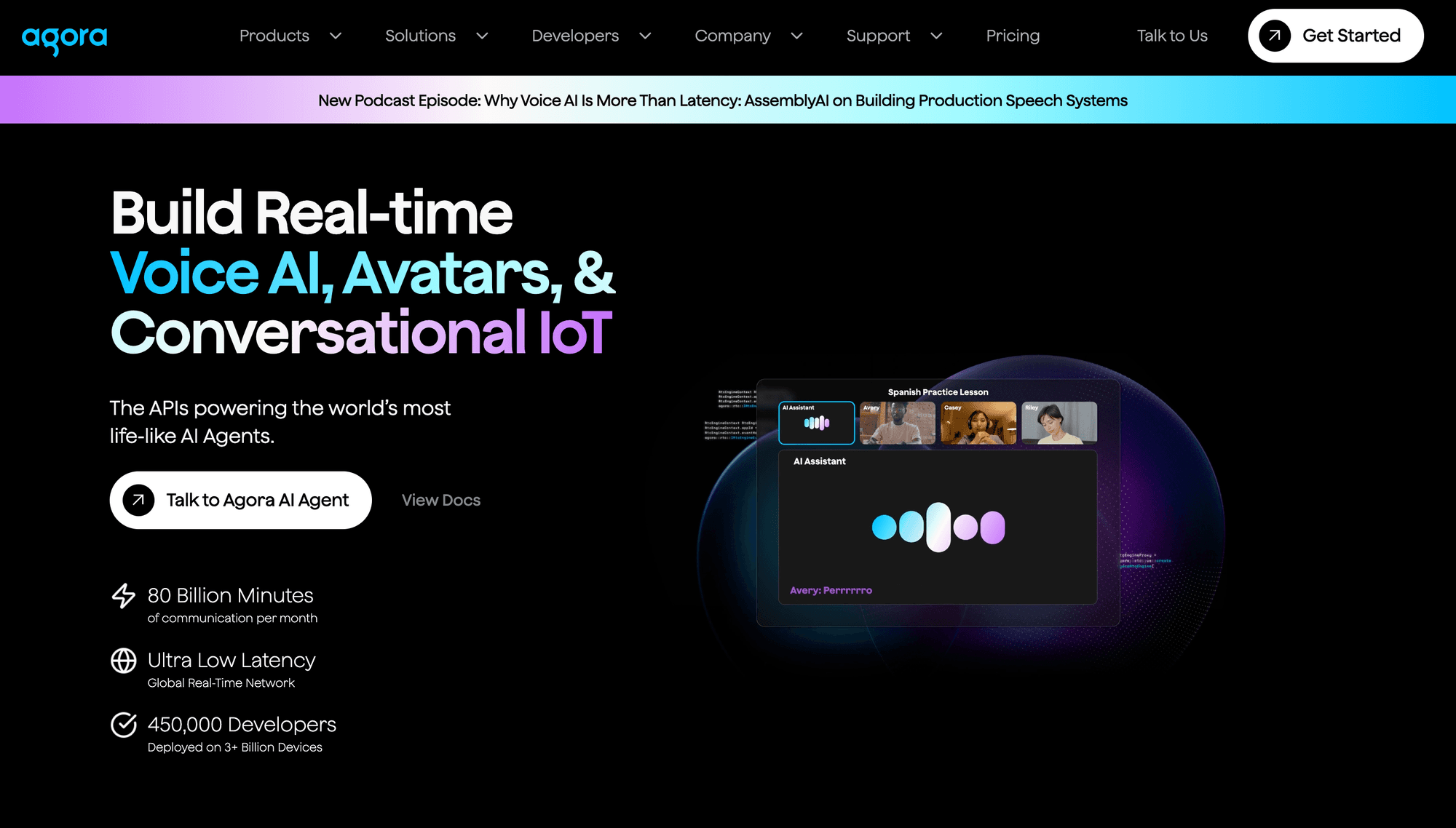
Agora ranks third for teams building social, gaming, entertainment, commerce, or interactive broadcast products across many geographic markets.
Its current product catalogue covers real-time voice, video, chat, signalling, whiteboard, analytics, spatial audio, and noise suppression. Teams can choose SDK or lower-code paths.
That broad catalogue is valuable when specialised engagement features matter, although product selection and cost modelling require more solution design.
Best for: Large social and media applications needing specialised audio, engagement extensions, broadcast workflows, and a long-standing global RTC vendor.
Trade-off: Agora's wider catalogue can complicate architecture and billing comparisons. Verify the exact products and add-ons required before estimating total cost.
4. Daily: Best for Browser-First Embeds
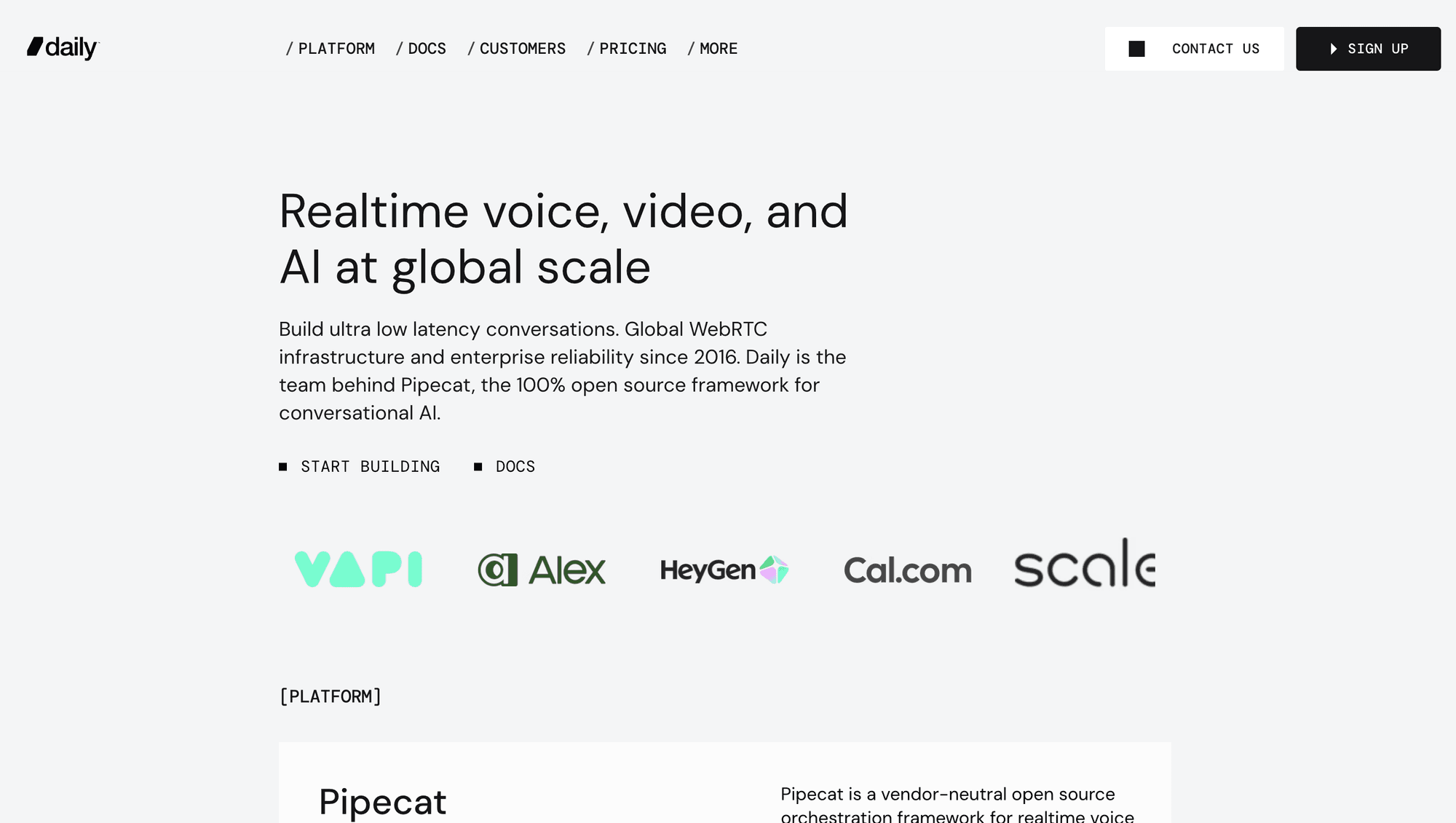
Daily ranks fourth because developers can begin with an embedded call frame, then move towards a custom interface through the same JavaScript client.
The daily call client exposes createFrame() for prebuilt experiences and createCallObject() for custom applications, alongside devices, participants, recording, streaming, and network methods.
This progression suits web teams that need an acceptable first call quickly without closing the door on custom controls and layouts.
Best for: Browser-first products that value a fast embed, clear JavaScript APIs, and gradual customisation.
Trade-off: VideoSDK and LiveKit document more specialist client targets. Daily remains compelling when web delivery matters more than broader device coverage.
5. Twilio Video: Best for CPaaS Customer Engagement
Twilio Video ranks fifth for organisations already using Twilio and adding video to customer support, telehealth, retail, financial services, or professional-service workflows.
Twilio announced a video end-of-life plan in 2023, then reversed that decision in October 2024.
The current product covers programmable rooms, recordings, compositions, network diagnostics, and SDKs for web, iOS, and Android.
Best for: Existing Twilio customers that want video inside a wider communications and customer-engagement platform.
Trade-off: Its client set is narrower than VideoSDK or LiveKit. Twilio also states that its renewed roadmap focuses more tightly on customer-engagement use cases.
6. 100ms: Best for Role-Driven Rooms
100ms ranks sixth because its templates and roles model maps clearly to classrooms, webinars, audio communities, and events with explicit permissions.
The 100ms platform overview covers conferencing, webinars, Prebuilt experiences, recording, messaging, and interactive streaming. Templates define which roles can publish, subscribe, moderate, or change roles.
Best for: Products where teachers, students, hosts, speakers, moderators, and viewers need distinct behaviour inside the same session.
Trade-off: The template model rewards careful upfront design. VideoSDK's common room primitives can feel more direct for products mixing calling and streaming modes.
7. Stream Video: Best Ecosystem Bundle
Stream Video ranks seventh for teams wanting real-time video alongside established chat, activity feed, and moderation APIs with shared developer conventions.
The Stream Video SDK hub lists React, JavaScript, Swift, Android, React Native, Flutter, Unity, and server-side paths. It offers components and lower-level primitives.
Best for: Community, marketplace, or social products already using Stream Chat, Feeds, or Moderation.
Trade-off: Stream's strongest advantage is ecosystem fit. VideoSDK is the clearer RTC-first shortlist option when calling, and interactive streaming drives the purchase.
8. Cloudflare RealtimeKit: Best Emerging Edge Option
Cloudflare RealtimeKit ranks eighth as a managed WebRTC platform with a Core SDK, UI Kit, REST APIs, webhooks, recording, and stage-management features.
The RealtimeKit overview identifies the product as beta and places it above Cloudflare's Realtime SFU. Its release notes show active 2026 changes.
Dyte is not ranked separately because Dyte's migration guide marks older packages as deprecated and maps them to Cloudflare RealtimeKit replacements.
Best for: Teams already standardising on Cloudflare and comfortable evaluating an evolving beta product.
Trade-off: Package renames and breaking releases increase migration review. Recheck product status, pricing, and SDK versions immediately before procurement.
9. Vonage Video API: Best Wider Communications Fit
Vonage ranks ninth for enterprises that want programmable video inside a communications portfolio spanning voice, messaging, SIP, identity, and customer engagement.
The Vonage Video API overview covers interactive video, messaging, screen sharing, broadcasting, encryption, recording, captions, and libraries across web, mobile, and desktop environments.
Best for: Organisations already buying Vonage communications APIs, especially when video must connect with contact-centre or enterprise voice workflows.
Trade-off: TokBox history and newer Vonage dashboard paths introduce migration questions. Greenfield RTC teams may prefer a more focused developer journey.
10. Amazon Chime SDK: Best AWS-Native Stack
Amazon Chime SDK ranks tenth for teams wanting regional WebRTC media sessions and composable meeting building blocks inside an established AWS environment.
The AWS meeting SDK guide covers audio, video, content sharing, region-specific media services, meeting creation, attendee management, and client integration.
AWS ended the separate Chime SDK Proxy Sessions feature on 31 March 2026, while the Meetings SDK documentation remains active. Treat feature-level lifecycle notices separately from the whole product.
Best for: AWS-heavy teams prepared to assemble authentication, UI, workflows, storage, monitoring, and media pipelines around cloud building blocks.
Trade-off: Assembly work is higher than packaged providers. VideoSDK or Daily can shorten the path when prebuilt UI and coordinated RTC features carry more value.
Honourable mention: Jitsi remains a credible open-source meeting stack with self-hosting and JaaS. It sits outside this managed-API top ten because the shortlist focuses on product SDK platforms.
What Is the Best WebRTC API?
The best WebRTC API is the platform that matches your hardest production constraint.
Use VideoSDK when you need managed calls, audio rooms, prebuilt UI, custom SDKs, recording, server APIs, and interactive streaming across many client targets.
Use LiveKit when open-source infrastructure, self-hosting, backend media programmes, or switching between private deployment and managed cloud matter more than packaged breadth.
Use Agora when your primary workload is global social engagement, gaming, karaoke, specialised audio, or interactive broadcast supported by a large extension catalogue.
Use Daily when a browser-first product needs an embedded call quickly, with a credible path from a frame to a custom call object.
Use Twilio Video when video belongs inside an existing Twilio customer-engagement stack. Use 100ms when templates and roles naturally model hosts, speakers, moderators, teachers, and viewers.
Use Stream, RealtimeKit, Vonage, or Amazon Chime SDK when alignment with their surrounding ecosystems creates more value than provider neutrality.
Raw WebRTC vs a Managed WebRTC API
Raw WebRTC provides protocol control; a managed API supplies the services the standard deliberately leaves undefined.
| Production concern | Raw browser WebRTC | Managed WebRTC API | Practical consequence |
|---|---|---|---|
| Signalling | You design and operate it | Provider supplies room signalling | Managed APIs shorten the path beyond a peer-to-peer demo |
| NAT traversal | You provision STUN and TURN | Provider operates traversal and fallback | Managed APIs reduce restricted-network ownership |
| Multiparty media | Mesh unless you add an SFU | Managed SFU or equivalent routing | Group calls avoid quadratic upload requirements |
| Recording | You build capture and composition | Server-side recording APIs | Playback and compliance workflows become product features |
| Observability | Raw getStats() data | Dashboards, events, logs, and webhooks | Support teams diagnose participant problems faster |
| Platform SDKs | Browser interfaces plus native libraries | Framework and platform SDKs | Product teams share concepts across clients |
Raw WebRTC remains appropriate for learning, unusual transport requirements, highly controlled peer-to-peer products, or teams that deliberately want infrastructure ownership.
A managed WebRTC API becomes rational when the roadmap includes group rooms, mobile clients, recording, moderation, streaming, analytics, compliance workflows, or support commitments.
The hidden build cost appears after the demo. TURN capacity, SFU routing, regions, reconnection, codec differences, recording composition, and abuse controls require continued ownership.
For more background, read VideoSDK's guides to WebRTC fundamentals, WebRTC signalling, and HLS versus WebRTC.
WebRTC API vs SIP
WebRTC handles browser and app media; SIP standardises session signalling across telephony and enterprise voice systems.
| Dimension | WebRTC | SIP |
|---|---|---|
| Primary role | Real-time audio, video, and data in browsers or apps | Establish, manage, and end voice or video sessions |
| Signalling | Application-defined, often WebSocket or HTTP | Standard SIP messages such as INVITE, ACK, and BYE |
| Media | Commonly secured with DTLS-SRTP | Commonly negotiated with SDP and carried using RTP/SRTP |
| Typical endpoints | Browsers, mobile apps, embedded clients | PBXs, desk phones, SIP trunks, carriers |
| Best fit | In-app calling, collaboration, telehealth, education | Telephony, contact centres, enterprise voice, PSTN interconnect |
WebRTC is not a replacement for SIP in every system. A contact centre may use WebRTC in the agent browser and SIP for trunks, phone numbers, routing, and interoperability.
VideoSDK's SIP and WebRTC telephony documentation connects SIP endpoints, providers, inbound and outbound gateways, and routing rules with VideoSDK rooms.
For a deeper comparison, see the VideoSDK guide to WebRTC versus SIP.
Production Checklist for WebRTC APIs
A polished demo proves almost nothing about TURN, reconnection, observability, recording, compliance, and incident ownership.
Secure tokens and room access
Generate participant tokens on your server, keep API secrets outside client bundles, shorten token lifetime, and scope permissions to the required room, role, and action.
Map your authenticated user ID to the provider participant ID. Log token issuance safely, prevent replay where supported, and revoke access when business state changes.
Test hostile networks
Run calls through corporate firewalls, mobile networks, VPNs, packet loss, device changes, and browser permission denials. Localhost cannot validate TURN or recovery behaviour.
Confirm TCP or TLS fallback where required. Monitor ICE state changes and display useful reconnecting UI instead of leaving users with silent frozen video.
Measure quality per participant
Collect round-trip time, packet loss, jitter, bitrate, frame rate, freeze events, audio levels, selected candidate pairs, and reconnect counts for every participant session.
Connect provider session identifiers to your application logs. Support teams need one trace across authentication, room creation, signalling, media quality, and recording events.
Validate recording and data policy
Test composite and individual-track recordings with real layouts, screen sharing, participant churn, silent periods, and failure recovery. Confirm storage location, retention, deletion, and encryption.
Healthcare, finance, education, and identity applications should involve legal and security reviewers. A vendor compliance badge does not replace your own data-flow assessment.
Model complete workload cost
Estimate participant minutes, subscribed resolution, recording, transcription, storage, egress, streaming, TURN use, support plans, and minimum commitments under normal and peak traffic.
Do not compare headline per-minute rates alone. Bundled recording, analytics, or support can change complete product cost more than the base media rate.
Prove failure ownership
Document who handles provider incidents, degraded regions, expired credentials, webhook retries, delayed recordings, client crashes, and emergency feature shutdowns during live sessions.
Ask every shortlisted provider for status history, support targets, data-processing terms, subprocessor lists, regional controls, and escalation procedures relevant to your risk profile.
Glossary
RTC Peer Connection: The browser interface that negotiates and manages a real-time connection, including ICE candidates, media senders, receivers, transports, and connection state.
Signalling: The application-defined exchange of offers, answers, ICE candidates, identity, and room state. WebRTC does not mandate the signalling transport.
TURN server: A relay used when peers cannot establish a direct path because of NAT, firewall, proxy, or network-policy restrictions.
SFU: A Selective Forwarding Unit receives participant tracks and forwards selected streams without composing every participant into one server-rendered video.
VideoSDK Room: A named real-time session where authenticated participants publish and subscribe to audio, video, screen, and data streams through VideoSDK SDKs.
Key Takeaways
A useful ranking connects each provider to a clear product condition and a current evidence trail.
- VideoSDK ranks first for managed multi-platform RTC because it combines ten documented client targets, Prebuilt UI, custom SDKs, server controls, and interactive streaming.
- LiveKit should lead your shortlist when open-source infrastructure, self-hosting, backend media programs, or deployment portability outweigh managed product convenience.
- Agora, Daily, Twilio Video, and 100ms become stronger for specialised engagement, browser-first embedding, CPaaS customer journeys, and role-driven rooms respectively.
- Twilio Video remains active because Twilio reversed its planned discontinuation, while deprecated Dyte packages now map to Cloudflare RealtimeKit.
- A production decision must test tokens, TURN fallback, reconnection, observability, data policy, regional controls, support, and complete workload cost.
Conclusion
The best WebRTC API decision is conditional, but it should never be vague.
VideoSDK ranks first under this rubric for teams needing managed RTC across many clients, Prebuilt and custom UI paths, recording, server orchestration, and interactive streaming. LiveKit remains stronger for self-hosting, while Agora and Daily lead narrower conditions.
Build a production-shaped proof of concept with the VideoSDK React quickstart or create a free account. What WebRTC use case are you building?
Frequently Asked Questions
What is a WebRTC API used for?
A WebRTC API is used to build real-time audio, video, screen-sharing, and peer-data experiences in web or mobile applications. Common products include telehealth calls, classrooms, customer support, social audio, webinars, live communities, and collaborative tools.
Is WebRTC an API or a protocol?
WebRTC is a collection of browser APIs and network protocols rather than one single protocol. W3C specifies browser interfaces such as RTCPeerConnection, while IETF standards define media security, connectivity, and transport behaviour used underneath.
How do I use a WebRTC API?
To use a WebRTC API, choose raw browser interfaces or a managed provider, create a signalling and authentication flow, capture local media, establish a room or peer connection, then publish and subscribe to tracks. Managed providers operate signalling, TURN, SFUs, recording, and observability for you.
What is the difference between WebRTC and SIP?
The main difference is that WebRTC provides real-time media and data capabilities for browsers and applications, while SIP standardises session signalling for telephony and enterprise communications. They often work together through a gateway connecting browser participants with PBXs, SIP trunks, or phone numbers.
Does WebRTC require a signalling server?
A practical WebRTC application needs a signalling path to exchange offers, answers, ICE candidates, identity, and session state. The WebRTC specification does not prescribe whether that path uses WebSocket, HTTP, SIP, or another transport.
Is the WebRTC API free?
Browser WebRTC APIs are free standards, but production applications still incur engineering, hosting, TURN relay, media-server, recording, storage, egress, monitoring, and support costs. Open-source software can remove a licence fee without removing infrastructure ownership.
What is the best WebRTC API?
The best WebRTC API depends on your constraint. VideoSDK fits managed multi-platform product teams, LiveKit fits open-source control, Agora fits specialised engagement, Daily fits browser-first embedding, and ecosystem providers fit teams already committed to their wider platforms.