


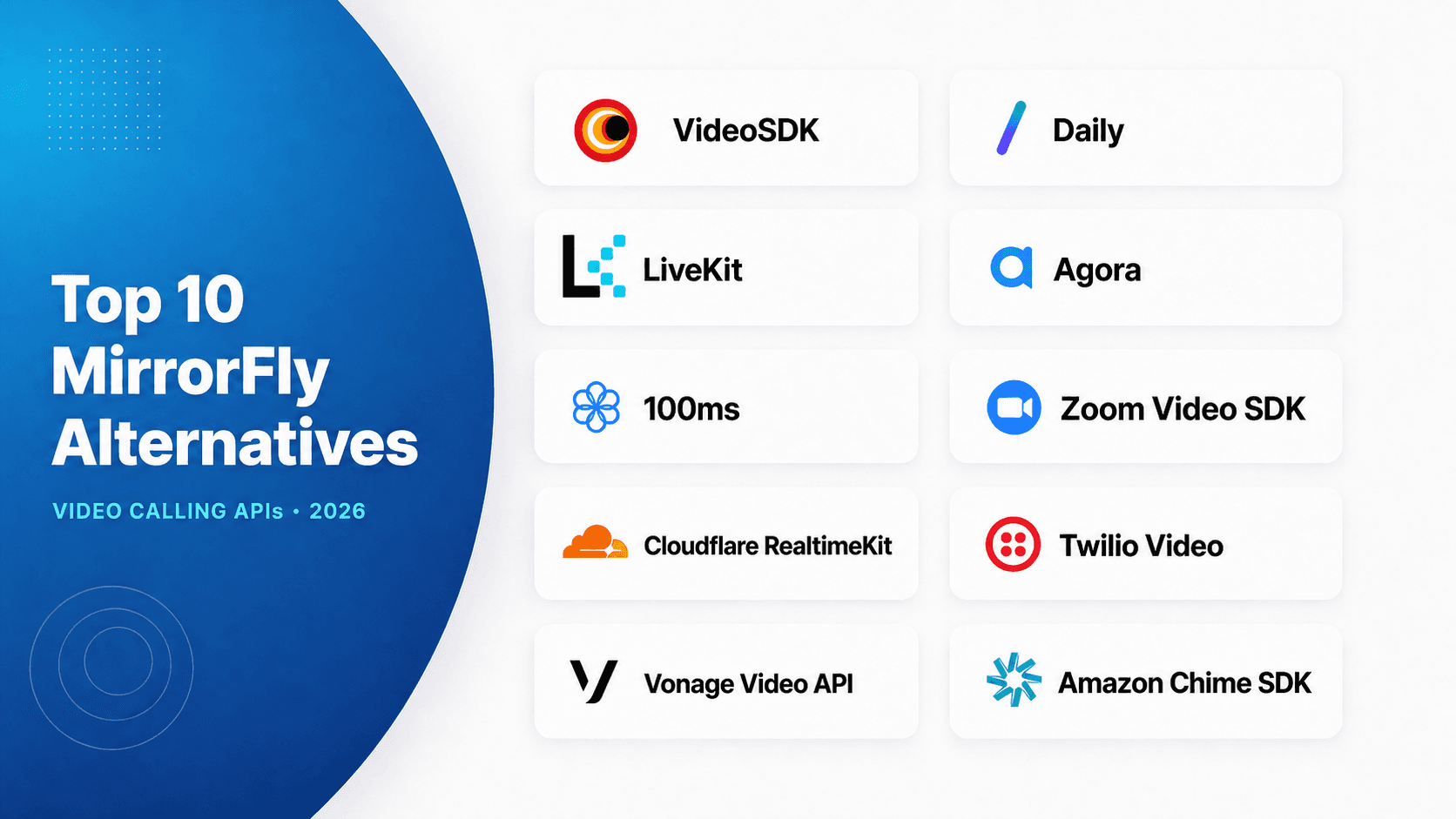
The strongest MirrorFly alternatives for video calling in 2026 is VideoSDK for balanced multi-platform development, Daily for fast web embedding, and LiveKit for open-source control. Agora is a strong fit for global media delivery, while 100ms suits role-driven classrooms and events. Choose by deployment, client platforms, UI strategy, and total production cost.
MirrorFly combines chat, voice, video, live streaming, and deployment choices. That breadth is useful when you want a complete communication stack, but it can be unnecessary when your product only needs a programmable video calling API.
This guide compares ten video-focused options using the same documented criteria. VideoSDK ranks first for the balanced requirements in this rubric, not for every project. Pricing and product status were checked on July 23, 2026.
Editorial disclosure: This is a documentation-based product evaluation, not a synthetic latency benchmark or a claim of undisclosed hands-on testing. Run a proof of concept on your real devices, networks, and user regions before signing a production contract.
MirrorFly Alternatives at a Glance
The leading MirrorFly alternatives split into managed developer platforms, open-source infrastructure, enterprise video networks, and cloud-specific services.
| Rank and provider | Editorial score | Docs and DX score | Best for | Public pricing signal |
|---|---|---|---|---|
| 1. VideoSDK | 91/100 | 4.8/5 | Broad multi-platform custom or Prebuilt calls | Pay as you go; one-time $20 new-account balance |
| 2. Daily | 89/100 | 4.7/5 | Fast web-first embedding | 10,000 free minutes monthly, then $0.004 per participant-minute |
| 3. LiveKit | 87/100 | 4.5/5 | Open-source control with a managed option | Free Build plan; Ship starts at $50 monthly, plus usage meters |
| 4. Agora | 86/100 | 4.2/5 | Global media delivery and difficult networks | 10,000 free minutes monthly; HD starts at $3.99 per 1,000 minutes |
| 5. 100ms | 84/100 | 4.4/5 | Classrooms, communities, and role-based sessions | 10,000 free minutes monthly, then $0.004 per participant-minute |
| 6. Zoom Video SDK | 82/100 | 4.0/5 | Large sessions and raw-media workflows | 10,000 free minutes monthly; $0.0035 per session-minute after that |
| 7. Cloudflare RealtimeKit | 80/100 | 4.1/5 | Cloudflare-native teams that can accept beta risk | Free during beta; announced GA rate is $0.002 per video participant-minute |
| 8. Twilio Video | 78/100 | 4.0/5 | Existing Twilio web and mobile stacks | $0.004 per participant-minute |
| 9. Vonage Video API | 77/100 | 3.8/5 | Enterprise controls, broadcast, and media connectors | $0.00410 per participant-minute |
| 10. Amazon Chime SDK | 75/100 | 3.5/5 | AWS-native teams optimizing base media cost | $0.0017 per attendee-minute, with separate feature charges |
VideoSDK leads this balanced rubric because its current documentation combines prebuilt and custom paths with client coverage across web, native mobile, Flutter, Unity, C++, IoT, and Python. LiveKit moves to the front when owning the media server matters more than using a managed platform.
The pricing column is not a cheapest-to-costliest ranking. Providers bill different units, and recording, data transfer, transcription, support, compliance, and engineering ownership can reverse an apparent base-price advantage.
What Are MirrorFly Alternatives?
MirrorFly alternatives are video calling APIs or SDKs that can replace MirrorFly's embedded audio-video layer without requiring its broader messaging stack.
MirrorFly alternatives are defined as programmable services that provide rooms, participants, media tracks, authentication, recording, screen sharing, and related real-time media infrastructure. They work by replacing MirrorFly's client SDK and backend call orchestration with another provider's room, token, and event model.
This scope matters because MirrorFly covers chat, voice, video, live streaming, SIP, activity feeds, and self-hosted deployment. A video-only buyer should not score SMS, social feeds, or contact-center tools as if they improve call quality.
The W3C WebRTC specification standardizes browser APIs for sending media and application data. Production calling still needs signaling, TURN connectivity, media routing, authentication, observability, recording, and recovery logic. Each provider packages those operational layers differently.
VideoSDK is one of these MirrorFly alternatives. Its platform menu includes JavaScript, React, React Native, Android, iOS, Flutter, Unity, IoT, C++, Python, and REST APIs. It also offers Prebuilt video calling for teams that do not want to build the first meeting interface from scratch.
MirrorFly Pricing in 2026
MirrorFly pricing is difficult to reduce to one number because its self-hosted license is priced to each customer's requirements.
The current MirrorFly pricing page lists custom pricing and a lifetime license for self-hosted deployment, billed once. It does not publish a fixed price, per-minute rates, or included call minutes.
MirrorFly markets this license with source-code access and deployment on your own infrastructure. A one-time license quote should not be compared directly with a participant-minute API rate.
MirrorFly does not offer a free trial and provides a free demo instead.
For a useful MirrorFly pricing quote, ask for these items in writing:
- The license fee at your projected users and peak concurrency.
- Any limits on users, 1-to-1 calls, and group calls.
- Recording, storage, transcription, streaming, and data-transfer charges.
- Dedicated cloud, on-premises, source-code, upgrade, and maintenance costs.
- Support response targets, service-level commitments, and paid compliance requirements.
Pricing opacity does not automatically make MirrorFly expensive. It does mean that buyers should compare a complete quote against the full production cost of each alternative, not against one advertised per-minute rate.
How We Ranked MirrorFly Alternatives
A useful ranking must disclose what it rewards because no video calling API leads on every technical and commercial requirement.
The ranking uses a 100-point editorial rubric for an intermediate development team shipping embedded calls. Scores reflect public documentation and pricing, not undisclosed commercial relationships or laboratory performance.
| Evaluation dimension | Weight | What received a higher score |
|---|---|---|
| Video API and SDK depth | 25 | Rooms, tracks, screen sharing, recording, network controls, and production tooling |
| Developer experience | 20 | Clear quickstarts, secure token flow, runnable samples, Prebuilt or UI Kit, and manageable APIs |
| Platform coverage | 20 | Web, native mobile, cross-platform, desktop, game-engine, and server options |
| Customization and collaboration | 15 | Custom UI, roles, chat, captions, whiteboard, polls, and layout control |
| Deployment and security | 10 | Managed reliability, self-hosting choices, regional controls, encryption, and compliance options |
| Pricing clarity | 10 | Public rates, free usage, predictable meters, and usable cost documentation |
The separate Docs and DX score is a reproducible five-point editorial check. Each provider earns up to one point for a clear quickstart, understandable authentication, runnable samples, a UI acceleration path, and consistent platform documentation. It does not measure media quality or network latency.
Pricing was checked on July 24, 2026. Rates exclude negotiated discounts, taxes, paid support, storage, transcription, and other add-ons unless stated.
Top 10 MirrorFly Alternatives Ranked
These ten MirrorFly alternatives cover the strongest video calling API paths for teams replacing only MirrorFly's real-time media layer.
Each entry uses the same structure: why it ranks, its best-fit project, a meaningful trade-off, its documentation score, and its public pricing signal.
1. VideoSDK: Best Balanced Video API
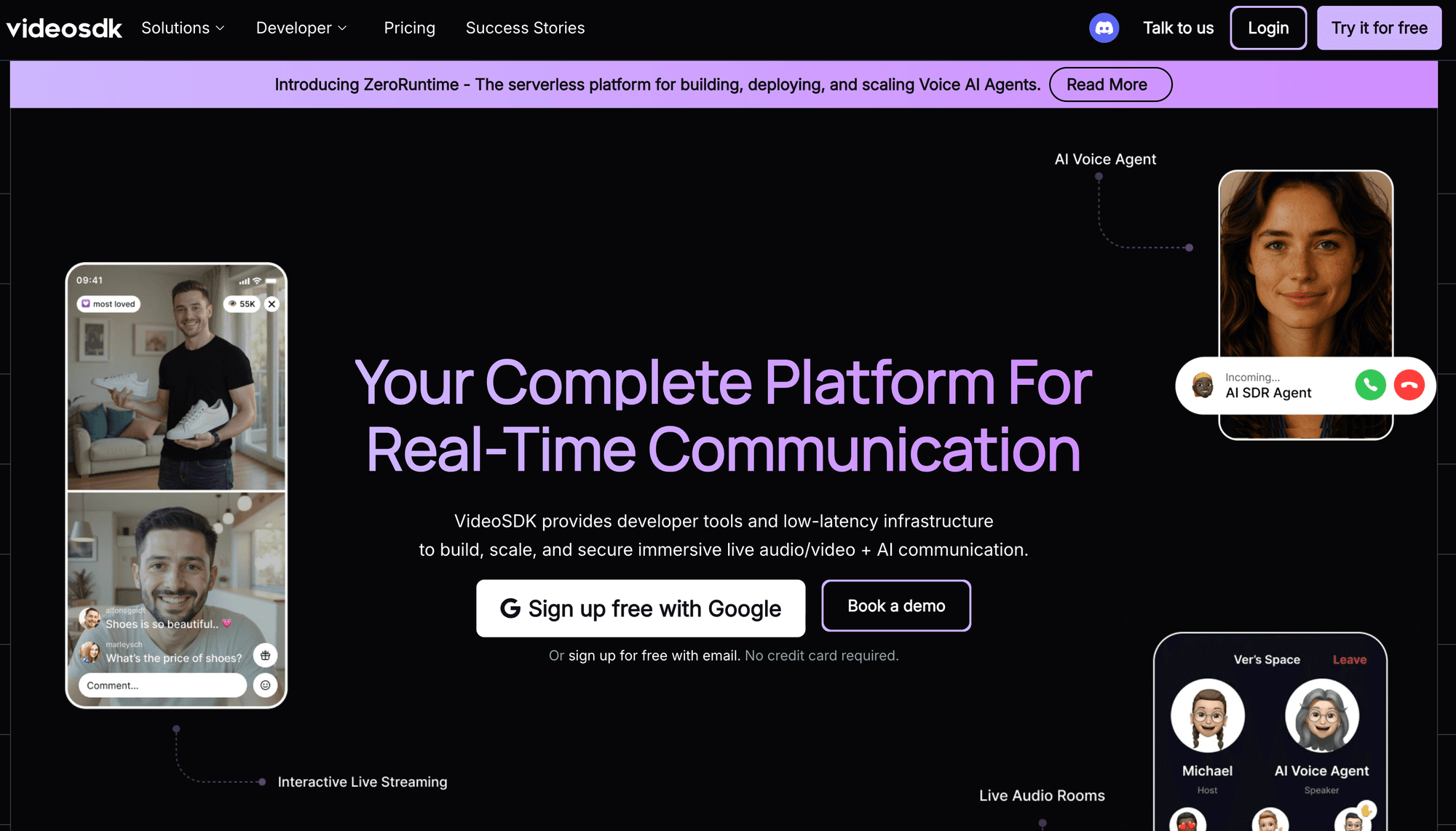
VideoSDK ranks first for teams that need rapid launch and deep interface control across web, mobile, cross-platform, and specialized clients.
The VideoSDK documentation lists JavaScript, React, React Native, Android, iOS, Flutter, Unity, IoT, C++, Python, REST APIs, and a Prebuilt UI Kit. Its calling documentation covers rooms, participant and track APIs, screen sharing, recording, transcription, collaboration, geo-fencing, proxy controls, and security guidance.
Teams can begin with Prebuilt, then move to a custom UI while keeping the same managed RTC platform. That path reduces the risk of choosing a quick embed that later blocks product-specific layouts or controls.
Best for: Product teams supporting several frameworks, mobile platforms, Unity, C++, or IoT clients while keeping one managed room model.
Trade-off: VideoSDK does not replace MirrorFly's self-hosted source-code proposition. If your policy requires operating the media server yourself, evaluate LiveKit before committing.
Docs and DX score: 4.8/5. The platform provides a direct React quickstart, room creation flow, token guidance, a prebuilt path, and code samples across its SDK surface.
Pricing: VideoSDK's pay-as-you-go pricing is $0.001 per participant-minute for audio calls, $0.004 per participant-minute for video calls, and $0.002 per viewer-minute for live streaming. and a $20 free credit for new accounts.
2. Daily: Best for Fast Web Embedding
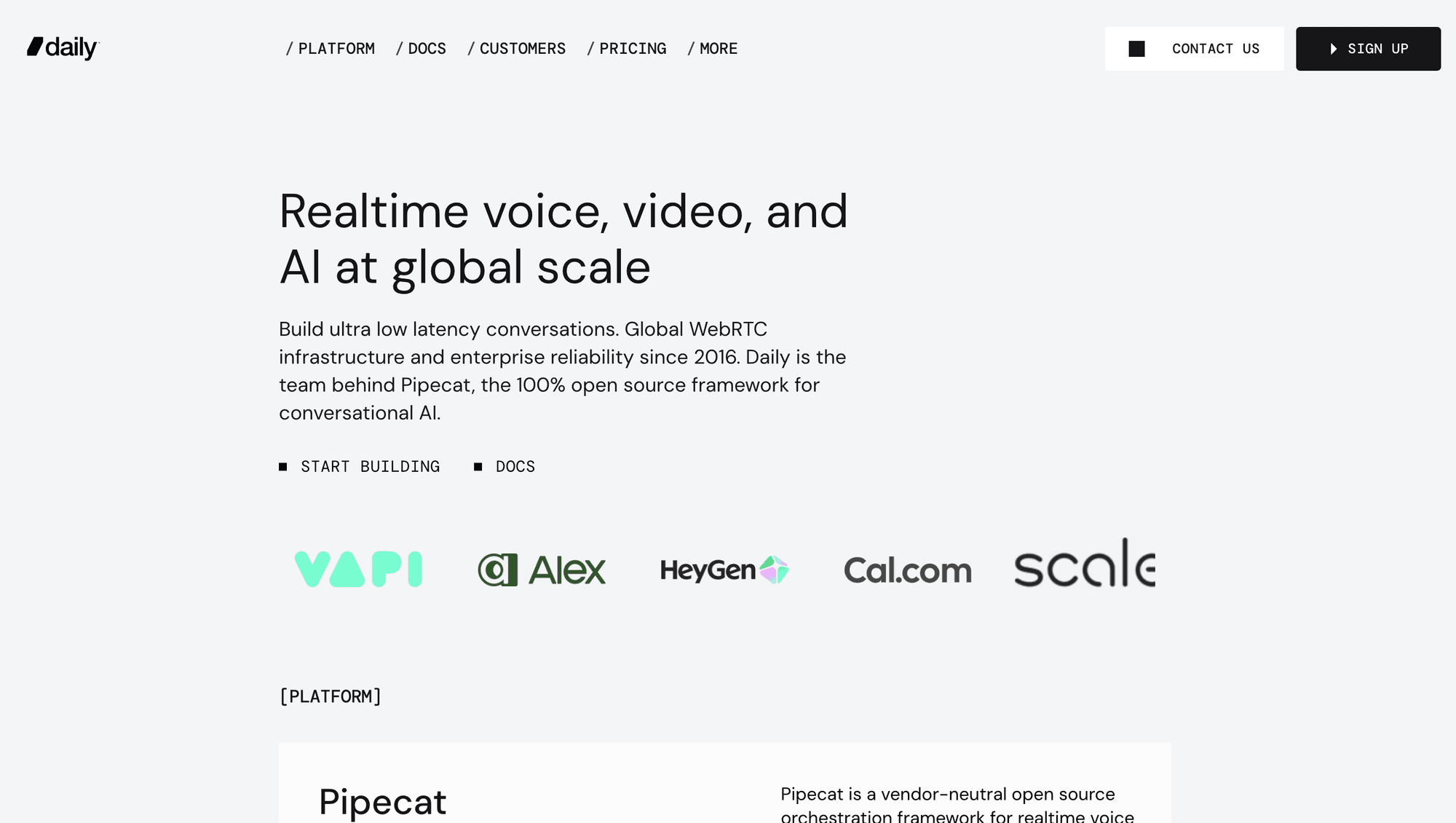
Daily ranks second because it offers a clear choice between Daily Prebuilt for fast embedding and client SDKs for custom interfaces.
Daily's platform is especially approachable for browser products. Its documentation covers REST-created rooms, meeting tokens, track subscriptions, recording, RTMP, HLS, telephony, and bandwidth management. Prebuilt gives an MVP a complete meeting interface while the product team validates demand.
Best for: Web-first SaaS, telehealth, interviews, and support products that value quick embedding and straightforward participant-minute billing.
Trade-off: Daily's documented client range is narrower than VideoSDK's coverage of Flutter, Unity, C++, and IoT. Verify every target platform before standardising on one provider.
Docs and DX score: 4.7/5. Daily has strong web examples, an understandable room model, Prebuilt, and a pricing calculator that helps teams model early usage.
Pricing: Daily pricing includes 10,000 video and audio participant-minutes each month. The next 90,000 minutes cost $0.004 per participant-minute, with automatic volume discounts at higher tiers. Recording and streaming use separate rates.
Daily is the strongest alternative when browser deployment speed outranks unusual platform coverage. Its public calculator also makes early budget discussions easier than contact-sales-only pricing.
3. LiveKit: Best for Open-Source Control
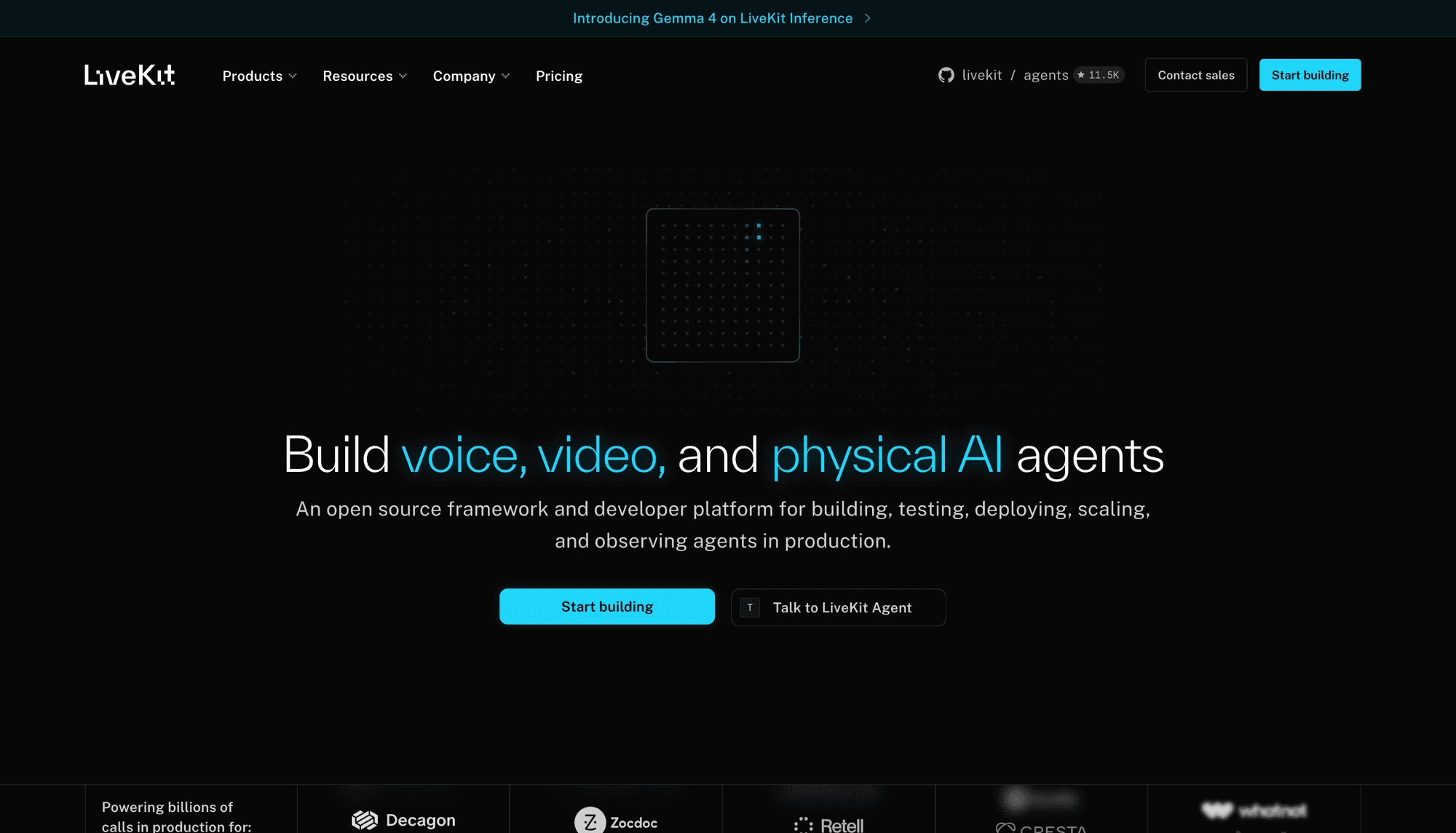
LiveKit ranks third because it offers a compatible API family across its open-source server and managed cloud.
That portability is valuable when a team wants a managed launch without giving up a future self-hosted path. LiveKit provides WebRTC rooms, tracks, data, ingress, egress, recording, encryption options, SIP, and broad client SDKs. The cloud adds a global network, analytics, region controls, and managed operations.
Best for: Engineering-heavy teams that want source access, custom media workflows, or the option to move between managed and self-operated infrastructure.
Trade-off: Self-hosting moves upgrades, autoscaling, observability, TURN, egress, and incident response onto your team. LiveKit Cloud also meters connection minutes and downstream data, so video costs require bandwidth modeling.
Docs and DX score: 4.5/5. The open-source code, coherent concepts, and detailed deployment documentation score well. The number of infrastructure choices adds cognitive load for teams seeking a fully managed path.
Pricing: The LiveKit pricing page lists a free Build plan. Its published free allowances include 5,000 WebRTC participant-minutes and 50 GB of downstream transfer. Ship starts at $50 monthly, with separate usage meters for media, data transfer, and transcoding.
LiveKit should move above the managed-first options when infrastructure ownership is non-negotiable.
4. Agora: Best for Global Media Reach
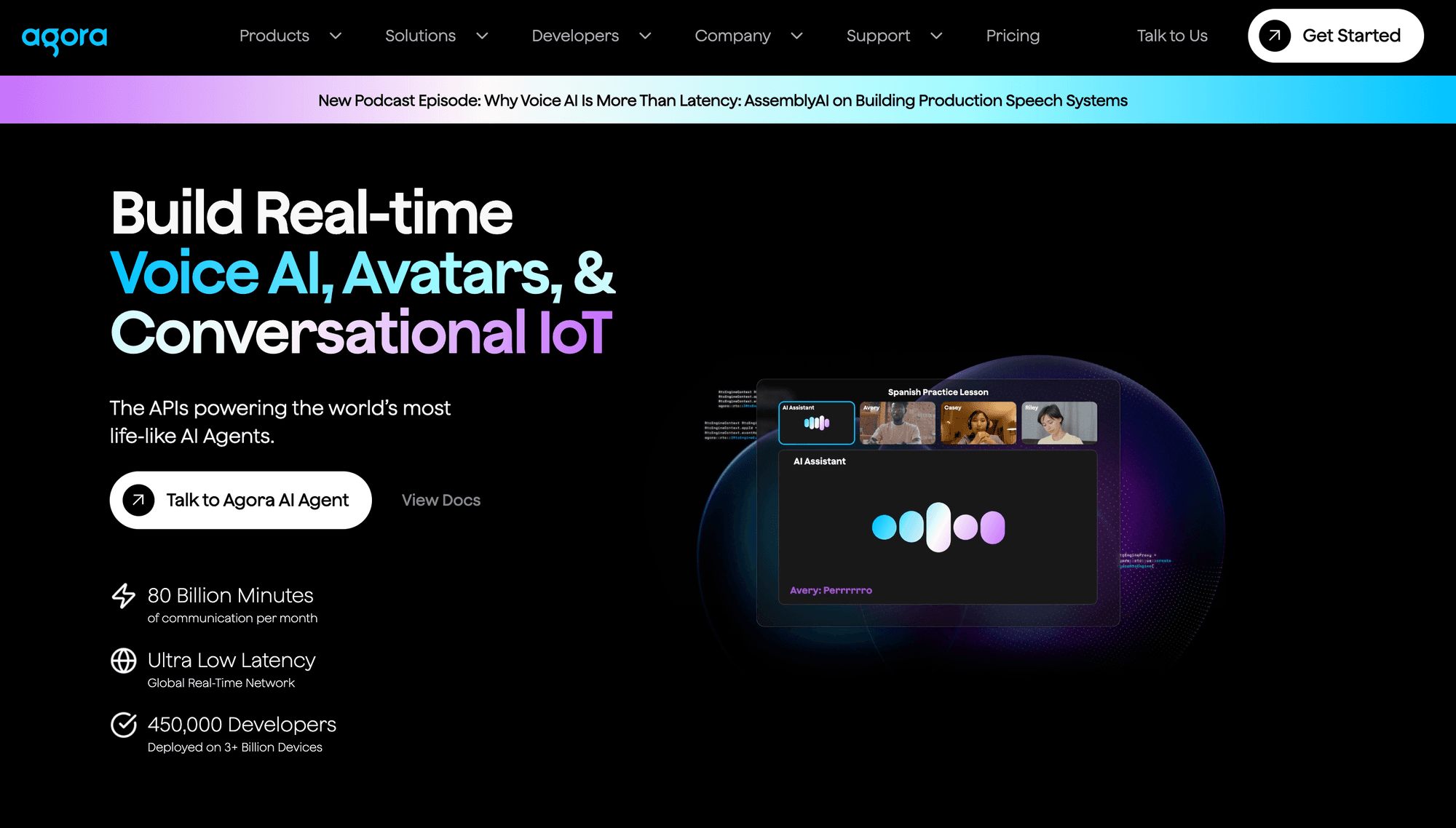
Agora ranks fourth for its large real-time network, broad client range, mature media controls, and calling plus streaming portfolio. For a closer look, see our Agora vs VideoSDK comparison.
Agora supports major web, mobile, desktop, cross-platform, and game-engine clients. The platform also offers recording, analytics, cloud proxy, audio processing, signalling, a whiteboard, and interactive live streaming.
Best for: Social, gaming, education, and event products expecting geographically distributed users or difficult network conditions.
Trade-off: Agora's product and add-on catalogue can increase integration and billing complexity. Separate essential media features from optional analytics, proxy, whiteboard, transcription, and recording services.
Docs and DX score: 4.2/5. The documentation is deep and the platform range is wide, but developers must navigate more products, modes, and pricing dimensions than with a smaller API surface.
Pricing: Agora video pricing includes 10,000 minutes per month in the free bundle. Published usage rates start at $3.99 per 1,000 HD participant-minutes and rise with aggregate resolution. Cloud proxy, recording, and analytics can add separate costs.
Agora should move above Daily or LiveKit when verified geographic performance is the primary decision axis. Test representative devices and user regions instead of relying on a vendor-wide latency claim.
5. 100ms: Best for Role-Based Sessions
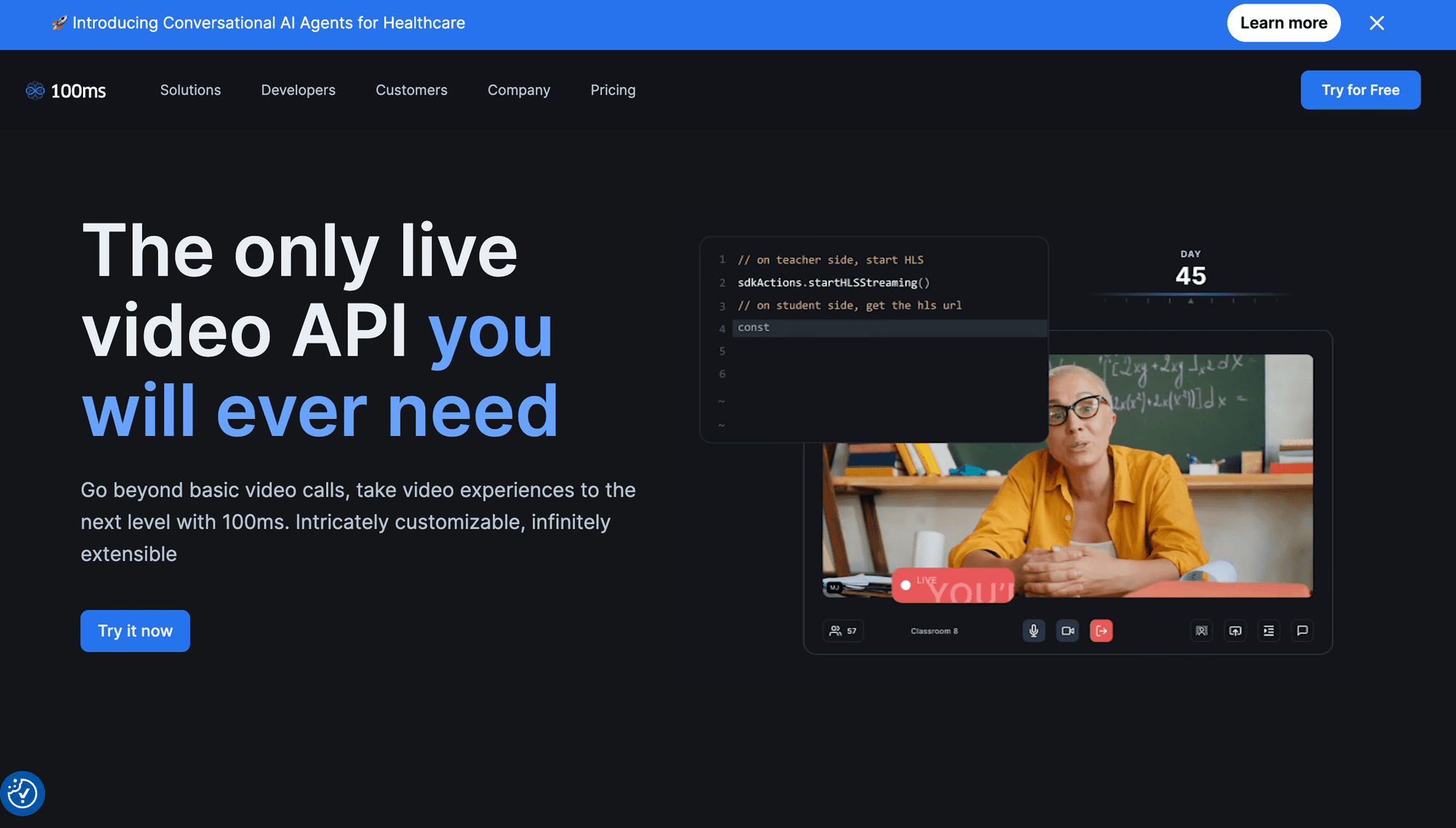
100ms ranks fifth because its rooms, templates, and roles suit products with hosts, guests, speakers, viewers, teachers, and students. For a closer look, see our 100ms vs VideoSDK comparison.
The platform supports custom and prebuilt experiences across web and mobile frameworks. It also covers conferencing, interactive live streaming, recording, transcription, summaries, whiteboards, RTMP output, and noise cancellation.
Best for: Virtual classrooms, fitness, communities, video KYC, and events with predictable participant permissions and recurring session patterns.
Trade-off: A template-first model is useful when roles drive the product, but it can add setup when a team only needs a small 1-to-1 calling flow. Feature support should also be verified per target SDK.
Docs and DX score: 4.4/5. The quickstart and role model are clear, Prebuilt shortens the first implementation, and the dashboard makes recurring room permissions easier to reason about.
Pricing: 100ms pricing includes 10,000 conferencing minutes monthly. Usage after the allowance is $0.004 per participant-minute. Recording, live transcription, external streaming, and summaries use separate meters.
100ms is a strong MirrorFly alternative when room roles are part of the product model rather than an afterthought.
6. Zoom Video SDK: Best for Large Sessions
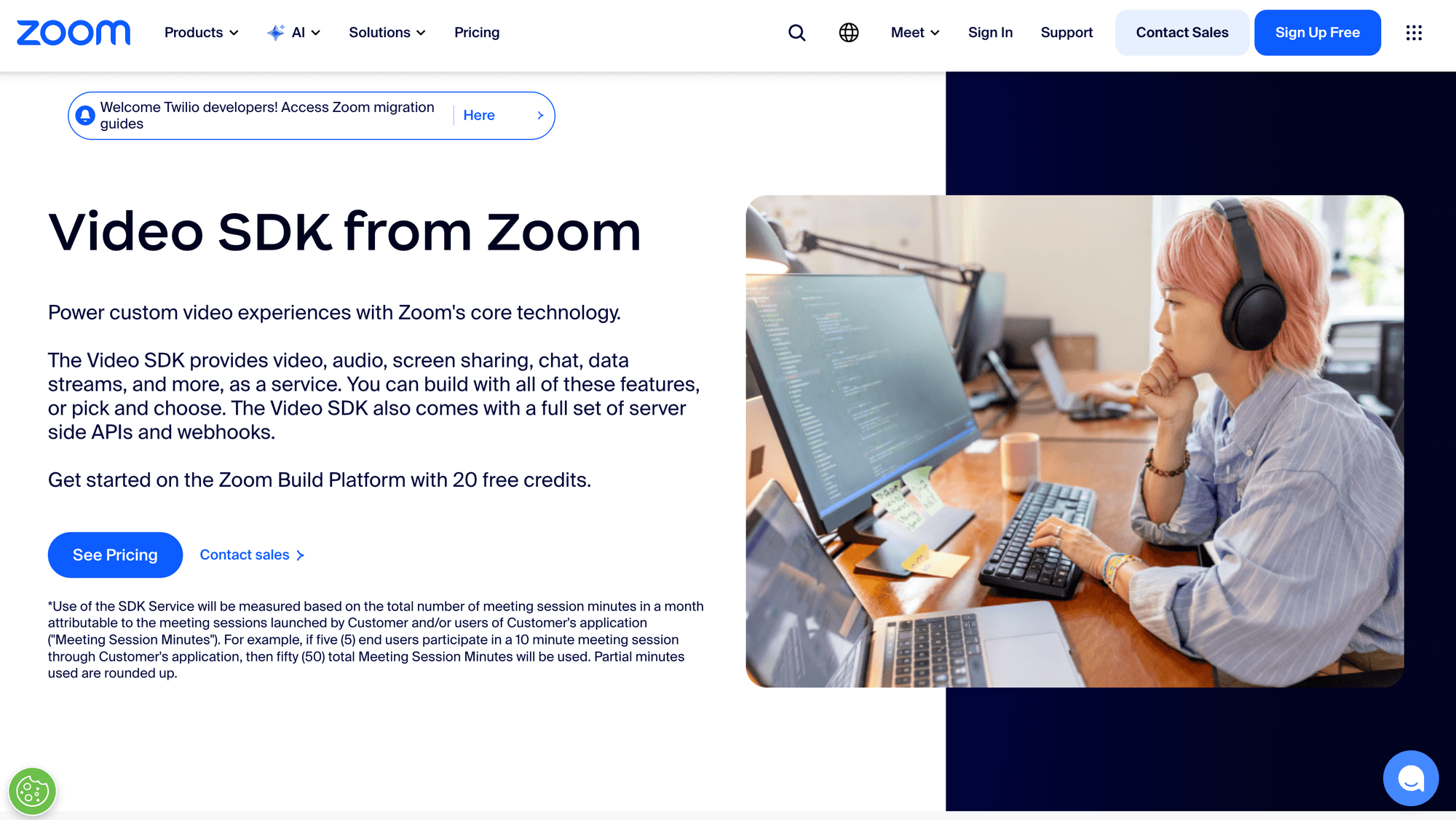
Zoom Video SDK places Zoom's underlying media technology inside a custom application instead of putting users into standard Zoom meetings.
The platform supports web, mobile, desktop, cross-platform, and Unity clients. Zoom documents audio, video, screen sharing, chat, raw data, cloud recording, transcription, translation, PSTN, live streaming, sub-sessions, and a UI toolkit. Its web documentation states that a Video SDK session can support up to 5,000 users.
Best for: Enterprise applications that need large sessions, raw-media access, native desktop coverage, or alignment with an existing Zoom commercial relationship.
Trade-off: The Video SDK sits inside a larger platform and billing system. Teams should distinguish Video SDK sessions from Zoom Meetings and model credit consumption for recording, transcription, PSTN, and support.
Docs and DX score: 4.0/5. Zoom provides detailed lifecycle and event guidance, but developers must navigate account plans, SDK credentials, JWT rules, and a broad platform catalog.
Pricing: Zoom's Video SDK fact sheet lists 10,000 free minutes per month and $0.0035 per minute after the allowance, with volume discounts. Confirm current build credit terms for your account.
The Zoom Video SDK deserves a higher rank when session scale or raw-media access is decisive. It is less direct for teams seeking a small billing and product surface.
7. Cloudflare RealtimeKit: Best Cloudflare-Native Bet
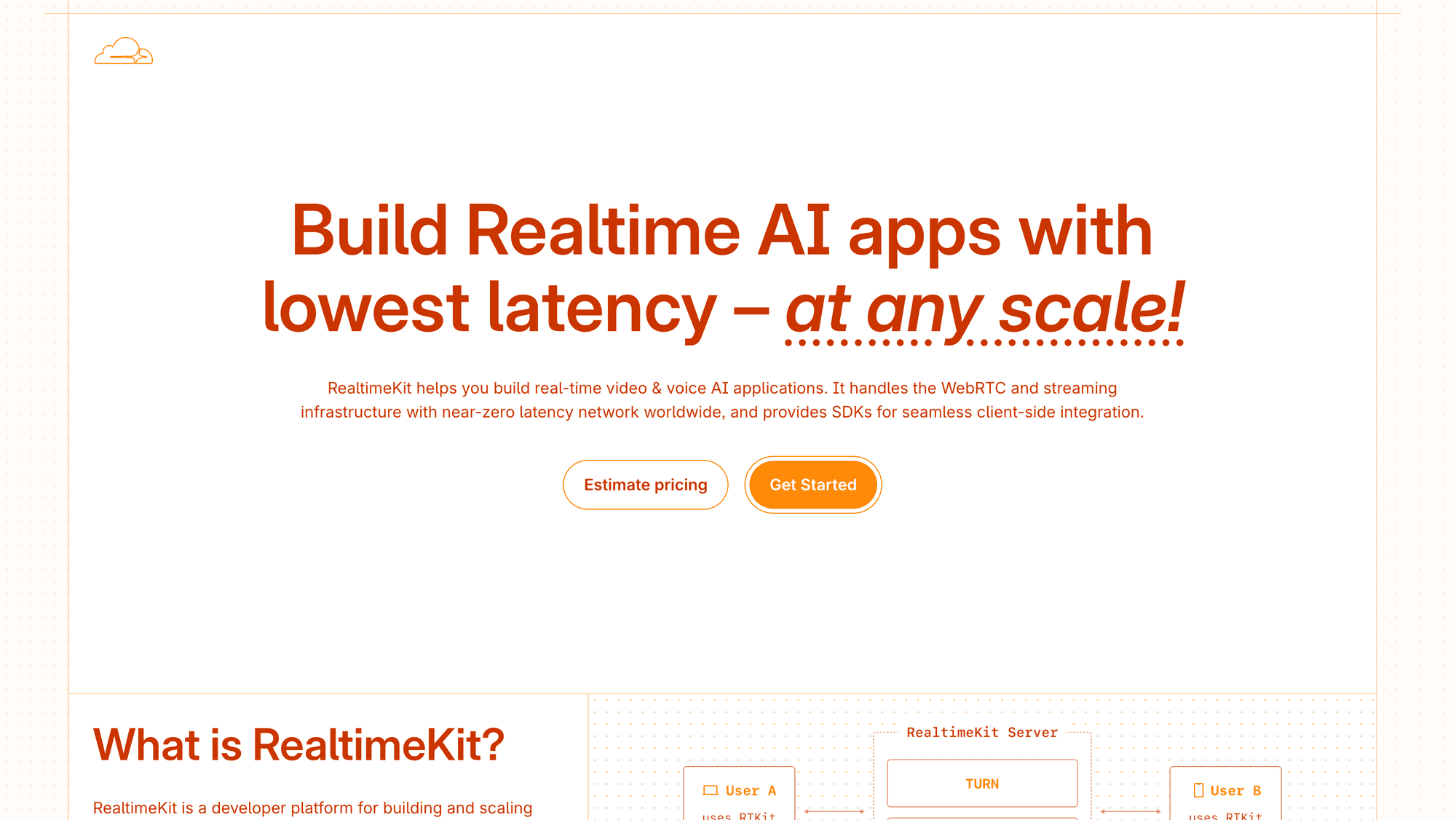
Cloudflare RealtimeKit combines web and mobile SDKs, UI components, a managed SFU, recording, transcription, and Cloudflare account integration.
The team behind Dyte joined Cloudflare to build RealtimeKit. Current Cloudflare documentation covers React, Angular, Web Components, JavaScript, iOS, Android, React Native, and Flutter, plus server APIs for meetings, participants, recordings, and webhooks.
Best for: Teams already using Cloudflare Workers, R2, TURN, or edge services that can responsibly adopt a beta product.
Trade-off: RealtimeKit remains in beta as of July 23, 2026. Production buyers should validate support, limits, migration commitments, regional behavior, and general-availability terms.
Docs and DX score: 4.1/5. Cloudflare provides a current quick start, UI kit, Core SDK, package-specific release notes, and a clear backend token flow. Beta lifecycle risk reduces the overall score.
Pricing: Cloudflare RealtimeKit pricing states that beta usage is free. The announced GA model lists $0.002 per audio-video participant-minute and $0.010 per export minute.
RealtimeKit is the most important new entrant in this ranking, but beta status keeps it below mature production platforms.
8. Twilio Video: Best for Twilio Customers
Twilio Video remains an active programmable video product for JavaScript, iOS, and Android.
Its WebRTC room model includes screen sharing, recordings, noise cancellation, virtual backgrounds, dominant-speaker detection, network quality controls, and Video Insights. Existing Twilio customers can combine video with Voice, conversations, phone numbers, and one account relationship.
Best for: Teams already standardised on Twilio that need video alongside other Twilio communications products.
Trade-off: Twilio documents a narrower native client set than the highest-ranked alternatives, and Group Rooms support up to 50 participants. Cross-platform frameworks may require wrappers or a different client strategy.
Docs and DX score: 4.0/5. Twilio has mature documentation and samples, but client breadth and a multi-product account surface reduce its fit as a platform-agnostic replacement.
Pricing: Twilio Video pricing starts at $0.004 per participant-minute. Participant recording also costs $0.004 per participant-minute, while composition, transcription, and storage use separate meters.
One correction matters here: Twilio Video is not scheduled to close in December 2026. Twilio reversed the retirement decision in October 2024 and continues to accept new video customers.
9. Vonage Video API: Best Enterprise Add-Ons
Vonage Video API, formerly associated with OpenTok and TokBox, provides interactive video, signalling, chat, screen sharing, broadcasting, recording, captions, and media connectors.
Its current client catalogue covers web and several native platforms. Vonage also sells enterprise environments, regional media zones, firewall controls, advanced insights, encryption options, SIP connectivity, and commercial support.
Best for: Enterprises that need broadcast modes, captions, media connectors, regional controls, configurable firewall behaviour, or support around a mature programmable-video stack.
Trade-off: Several security and operational controls carry monthly add-on fees. Price regional zones, advanced insights, encrypted recordings, enterprise environments, and support before comparing the base media rate.
Docs and DX score: 3.8/5. Vonage has detailed media and enterprise documentation, but the OpenTok heritage and number of optional controls create a steeper evaluation path.
Pricing: Vonage Video API pricing lists $0.00410 per participant-minute and 100,000 free minutes for new Video API customers. Recording, composition, captions, and enterprise controls are separate.
Vonage becomes more compelling when its paid control plane solves a requirement that a simpler managed API does not.
10. Amazon Chime SDK: Best for AWS-Native Teams
Amazon Chime SDK adds audio, video, screen sharing, and related real-time components to web and mobile applications.
AWS provides meeting regions, media pipelines, simulcast, active-speaker handling, content sharing, and integrations with services such as S3, Lambda, Kinesis Video Streams, and Transcribe.
Best for: Teams already using AWS identity, compute, storage, streaming, observability, and regional infrastructure.
Trade-off: Chime SDK offers fewer client frameworks and less turnkey UI than higher-ranked options. Building the full meeting product and connecting AWS services can require more backend engineering.
Docs and DX score: 3.5/5. AWS documentation is detailed and operationally precise, but the experience is infrastructure-orientated and spread across several AWS services.
Pricing: Amazon Chime SDK pricing lists $0.0017 per WebRTC attendee-minute with no upfront fee. Media capture, concatenation, live connectors, transcription, Lambda, Kinesis, and storage can add separate charges.
Do not confuse the SDK with the discontinued Amazon Chime workplace application. AWS ended support for the application on February 20, 2026, but states that this change does not affect Amazon Chime SDK availability.
Which MirrorFly Alternative Should You Choose?
Choose the provider whose strongest condition matches your non-negotiable requirement, then test its weaker dimensions before committing.
- Use VideoSDK when you need one managed video API across web, native mobile, Flutter, Unity, C++, IoT, custom UI, and Prebuilt experiences.
- Use Daily when the fastest credible browser embed and transparent participant-minute billing matter more than unusual client targets.
- Use LiveKit when source access, self-hosting, custom media infrastructure, or a managed-to-self-hosted path is mandatory.
- Use Agora when verified global reach, difficult networks, game-engine support, or large media operations dominate the decision.
- Use 100ms when room templates, participant roles, classrooms, communities, or staged events define the product.
- Use Zoom Video SDK when large sessions, raw media, native desktop support, or an existing Zoom relationship outweigh pricing simplicity.
- Use Cloudflare RealtimeKit when your application already relies on Cloudflare and your team can accept beta lifecycle risk.
- Use Twilio, Vonage, or Amazon Chime SDK when an existing communications or cloud ecosystem creates more value than an independent video platform.
Do not switch solely because another provider advertises a lower media rate. A complete comparison includes participant-minutes, resolution, recording, storage, transcription, egress, support, compliance, and engineering ownership.
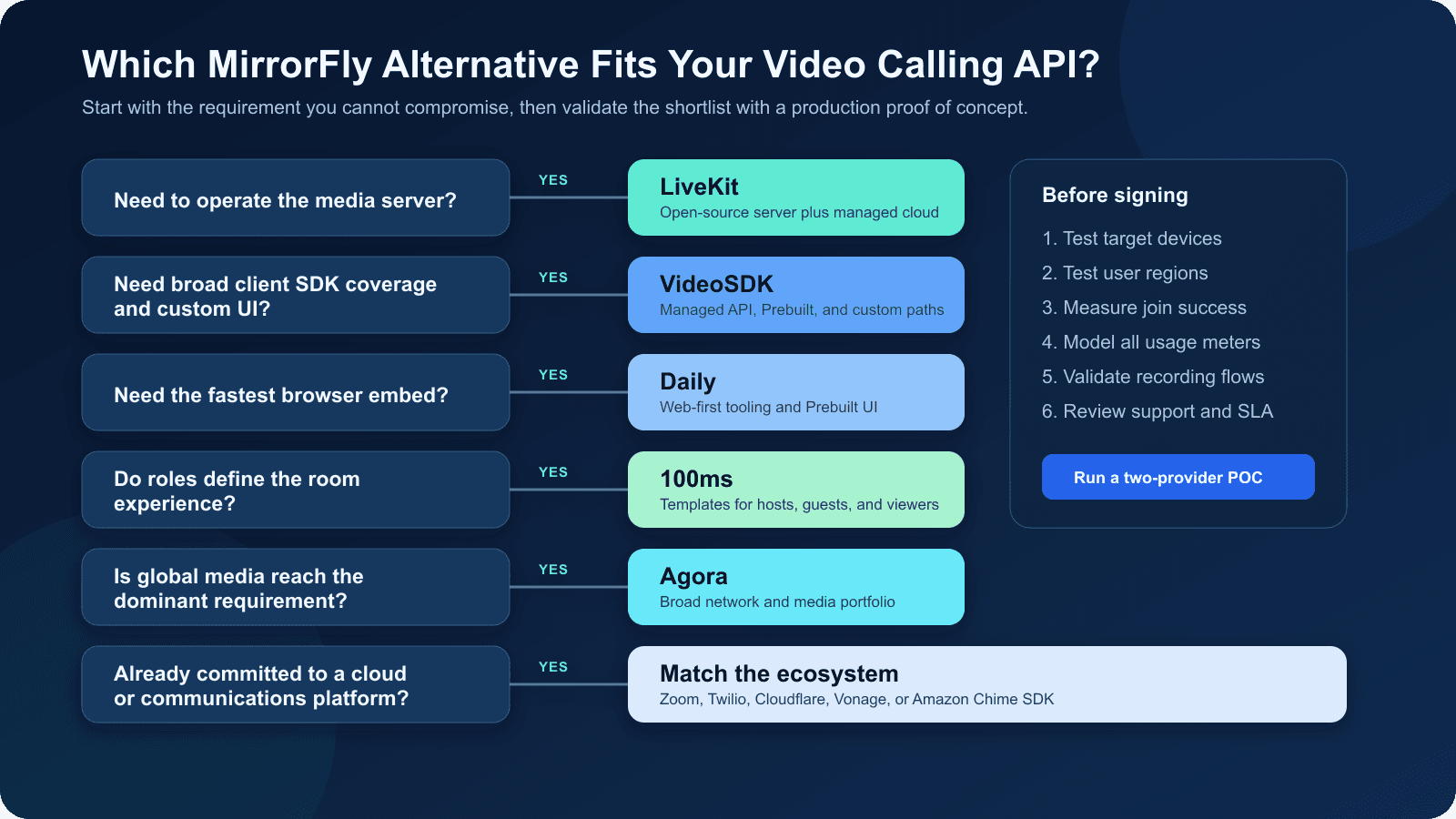
Use the decision tree to form a shortlist, then run a two-provider proof of concept on target devices and user regions.
MirrorFly Migration Checklist
MirrorFly and a replacement API can run side by side during migration, but participants cannot normally share one native room across providers.
A phased cutover is safer than replacing every room at once. Route new rooms to the replacement while existing scheduled rooms remain on MirrorFly.
- Inventory current call behaviour. Record room roles, participant limits, waiting-room rules, screen sharing, recording layouts, captions, reconnection behaviour, moderation, and mobile background requirements.
- Map the core objects. Translate MirrorFly rooms, users, call events, and media tracks to the replacement's room, participant, token, event, and track concepts.
- Build a provider adapter. Keep join, leave, mute, camera, screen share, participant events, and recording calls behind your own application interface. This prevents vendor-specific methods from spreading through the product.
- Move authentication server-side. Generate replacement tokens on a trusted backend, apply the minimum required permissions, and test expiry and refresh behavior. Do not copy long-lived credentials into the client.
- Dual-run controlled traffic. Send internal calls and a small percentage of new rooms to the replacement while preserving an immediate route back to MirrorFly.
- Test real network conditions. Measure join success, time to first media, packet loss, reconnection, CPU use, battery use, and quality across target devices, browsers, and regions.
- Validate downstream systems. Confirm recording webhooks, storage, consent, retention, transcription, analytics, moderation, support, and incident procedures before increasing traffic.
- Move scheduled rooms last. Migrate future bookings only after tokens, notifications, deep links, and mobile call invitations work across released application versions.
If your migration plan was triggered by the old Twilio retirement announcement, re-check the premise. Twilio Video remains active, so the decision should be based on product fit, not a deadline that no longer exists.
Video Calling API Cost Model
The cheapest headline rate can become expensive when the provider bills bandwidth, recording, composition, transcription, or enterprise controls separately.
Imagine TutorLoop, a fictional edtech app, runs 10,000 monthly tutoring sessions. Each session has one tutor and one student and lasts 30 minutes. Its billable usage is 600,000 participant-minutes before recording or add-ons.
At $0.004 per participant-minute, the base media layer costs $2,400 before free allowances or volume discounts. A service charging $0.0017 would cost $1,020 for the same attendee minutes, but capturing pipelines, storage, serverless processing, support, and extra engineering can narrow that gap.
Use this production formula:
Monthly video cost =
  participant-minutes
  + recording and composition
  + storage and delivery
  + transcription or translation
  + telephony or streaming
  + support and compliance
  + infrastructure engineering
For LiveKit, model downstream gigabytes as well as connection minutes. For Zoom, model build credit consumption. For MirrorFly, include the self-hosted licence plus your hosting and maintenance costs.
For VideoSDK, Daily, Agora, 100ms, Twilio, Vonage, and Amazon Chime SDK, use the current calculator or published metrics with your real participant distribution. Average room size can hide the cost of large sessions.
The most useful proof of concept measures cost and quality together. A lower unit rate has little value if your team must build missing UI, monitoring, reconnection, or compliance workflows.
Definitions Glossary
These terms explain the architecture and billing language used across VideoSDK, MirrorFly, and the other video calling APIs in this ranking.
Room: A logical real-time session that participants join to exchange audio, video, screen-share, and data tracks. VideoSDK identifies each room with a unique room ID.
Participant-minute: One participant connected for one minute. A 30-minute call with four people usually creates 120 participant-minutes.
Media track: An individual audio, camera, screen-share, or custom stream published by a participant. VideoSDK exposes participant streams through client SDK hooks and methods.
Meeting token: A server-generated credential that authorizes a participant to join a room and perform allowed actions. API secrets should remain on a trusted server.
Selective Forwarding Unit: An SFU receives participant media and forwards selected tracks without composing every call into one stream. This supports multi-party scaling and selective subscriptions.
Prebuilt UI Kit: A ready-to-embed calling interface. VideoSDK Prebuilt provides a faster route to production when a fully custom meeting UI is unnecessary.
Key Takeaways
MirrorFly alternatives become easier to compare when deployment, platform coverage, room model, lifecycle risk, and total cost are evaluated separately.
- VideoSDK is the strongest balanced MirrorFly alternative under this disclosed rubric because it combines broad SDK coverage, prebuilt and custom UIs, collaboration features, and managed infrastructure.
- Daily is the strongest web-first option, while LiveKit deserves priority when open-source control or self-hosting is mandatory.
- Agora and Zoom Video SDK suit scale-sensitive projects, while 100ms suits products organised around participant roles and recurring room templates.
- Twilio Video remains active, Cloudflare RealtimeKit is still beta, and the Amazon Chime SDK remains available after the Chime workplace app ended.
- MirrorFly pricing requires a complete quote because its public materials describe custom self-hosted licensing rather than one comparable base rate.
Conclusion
The right MirrorFly alternatives shortlist depends on the video layer you are replacing.
VideoSDK is the balanced starting point for broad platform coverage, Prebuilt deployment, and custom calling interfaces. LiveKit is stronger for self-hosting, while Daily is stronger for web-first speed. Agora deserves a place in a geography-sensitive proof of concept, and 100ms is a natural fit when participant roles define the product.
Do not choose from a feature checklist alone. Validate your top two options with real devices, representative traffic, expired-token behavior, reconnection tests, recording workflows, and a complete cost model. Confirm the current billing unit and product status again before publication or procurement because these details change.
Start with the VideoSDK documentation or create a free VideoSDK account to build the first comparison room. What video calling use case are you building, and which requirement cannot be compromised?
Frequently Asked Questions
These answers address the most common commercial and technical questions about MirrorFly alternatives for embedded video calling.
What is the best MirrorFly alternative for video calling?
The best-balanced MirrorFly alternative in this ranking is VideoSDK for teams that need broad client SDK coverage, prebuilt and custom interfaces, recording, collaboration, and managed infrastructure. Daily can be better for a web-first embed, while LiveKit can be better when self-hosting is mandatory.
How much does MirrorFly cost in 2026?
MirrorFly does not publish a fixed price. Its self-hosted offer uses custom pricing with a one-time lifetime license, and it does not offer a free trial. Ask sales for the license fee, hosting, support, and upgrade terms in one quote.
Is VideoSDK better than MirrorFly?
VideoSDK is a better fit when your priority is a focused, managed video calling API with broad SDK coverage and a choice between Prebuilt and custom user interfaces. MirrorFly can be a better fit when you need its bundled messaging stack, source-code access, or on-premises deployment.
Which MirrorFly alternative supports self-hosting?
LiveKit is the strongest API-focused self-hosting option in this ranking because its open-source server and managed cloud use the same core concepts. MirrorFly itself also markets self-managed deployment and source-code access. Most other providers in this list are managed-service choices.
Is Twilio Video discontinued in 2026?
No, Twilio Video is not discontinued in 2026. Twilio announced an end-of-life plan, then reversed the decision on October 21, 2024. Twilio says Video remains a standalone product for existing and new customers.
Can MirrorFly and VideoSDK run together during migration?
Yes, MirrorFly and VideoSDK can run side by side at the application level during a phased migration. New rooms can use VideoSDK, while existing scheduled rooms remain on MirrorFly. Participants will not normally share one native room across both providers, so store the provider on each room and load the correct adapter.
Related VideoSDK Guides
These VideoSDK guides cover the implementation paths referenced in the ranking, including custom React rooms, prebuilt calls, REST APIs, and runnable samples.