
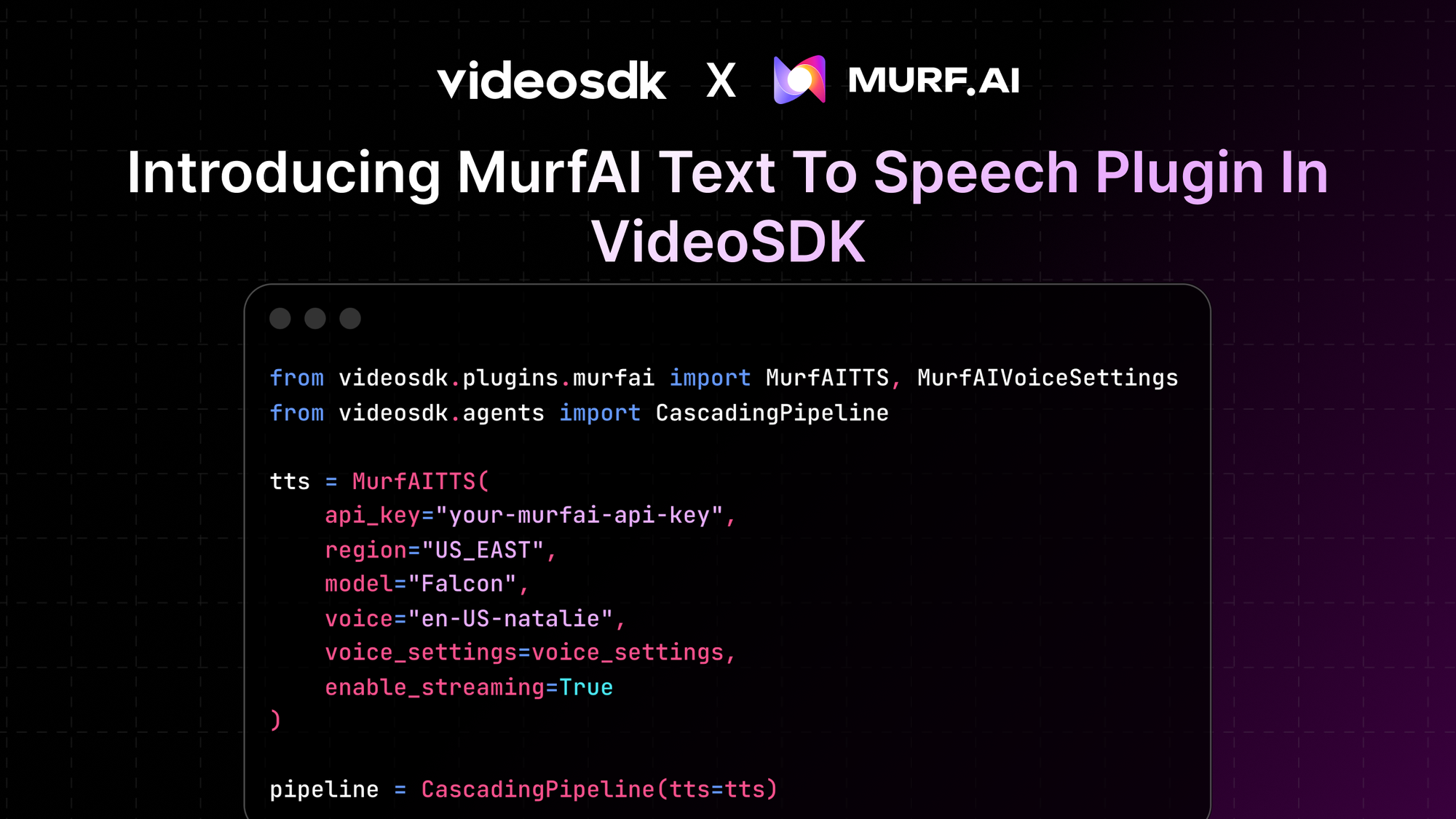


We’re excited to introduce Murf AI Text-to-Speech (TTS) support in VideoSDK Agents, enabling developers to generate natural, expressive voice output using Murf AI’s high-quality speech models.
With this integration, you can add human-like voices, advanced voice customization, and low-latency streaming audio to your AI agents — all seamlessly within VideoSDK’s real-time pipeline.
Why Murf AI with VideoSDK?
Murf AI offers studio-quality voices with fine-grained control over tone, pace, and style. When combined with VideoSDK Agents, you can build:
- Natural-sounding AI voice agents
- Expressive speech with adjustable pitch, rate, and style
- Low-latency, streaming TTS for real-time conversations
- Globally deployable agents with multi-region support
All without managing complex audio pipelines or streaming logic.
Authentication
- The MurfAI TTS plugin requires an MURFAI API key. Set the API key as an environment variable in your
.envfile: - Sign up at VideoSDK for authentication token
MURFAI_API_KEY=your-nvidia-api-key
VIDEOSDK_AUTH_TOKEN = token
When using environment variables, you don’t need to pass the API key directly in your code. The SDK automatically picks it up at runtime.
Using VideoSDK with Murf AI TTS Plugin
Install the Murf AI plugin:
pip install "videosdk-plugins-murfai"Quick Example
from videosdk.plugins.murfai import MurfAITTS, MurfAIVoiceSettings
from videosdk.agents import CascadingPipeline

# Configure voice settings
voice_settings = MurfAIVoiceSettings(
    pitch=0,
    rate=0,
    style="Conversational",
    variation=1,
    multi_native_locale=None
)

# Initialize the Murf AI TTS model
tts = MurfAITTS(
    # When MURFAI_API_KEY is set in .env - DON'T pass api_key parameter
    api_key="your-murfai-api-key",
    region="US_EAST",
    model="Falcon",
    voice="en-US-natalie",
    voice_settings=voice_settings,
    enable_streaming=True
)

# Add tts to cascading pipeline
pipeline = CascadingPipeline(tts=tts)
for detailed explanation on configuration options visit murfai-plugin-documentation.
Conclusion
With Murf AI TTS now integrated into VideoSDK Agents, developers can deliver natural, expressive speech in real-time AI voice systems with minimal setup. By combining Murf AI’s powerful text-to-speech models with VideoSDK’s real-time agent pipelines, you can build production-ready voice experiences that sound more human and feel more engaging.
Resources and Next Steps
- Explore the documentation.
- Learn how to deploy your AI Agents.
- 👉 Share your thoughts, roadblocks, or success stories in the comments or join our Discord community ↗. We’re excited to learn from your journey and help you build even better AI-powered communication tools!
- Sign up at VideoSDK for authentication token