
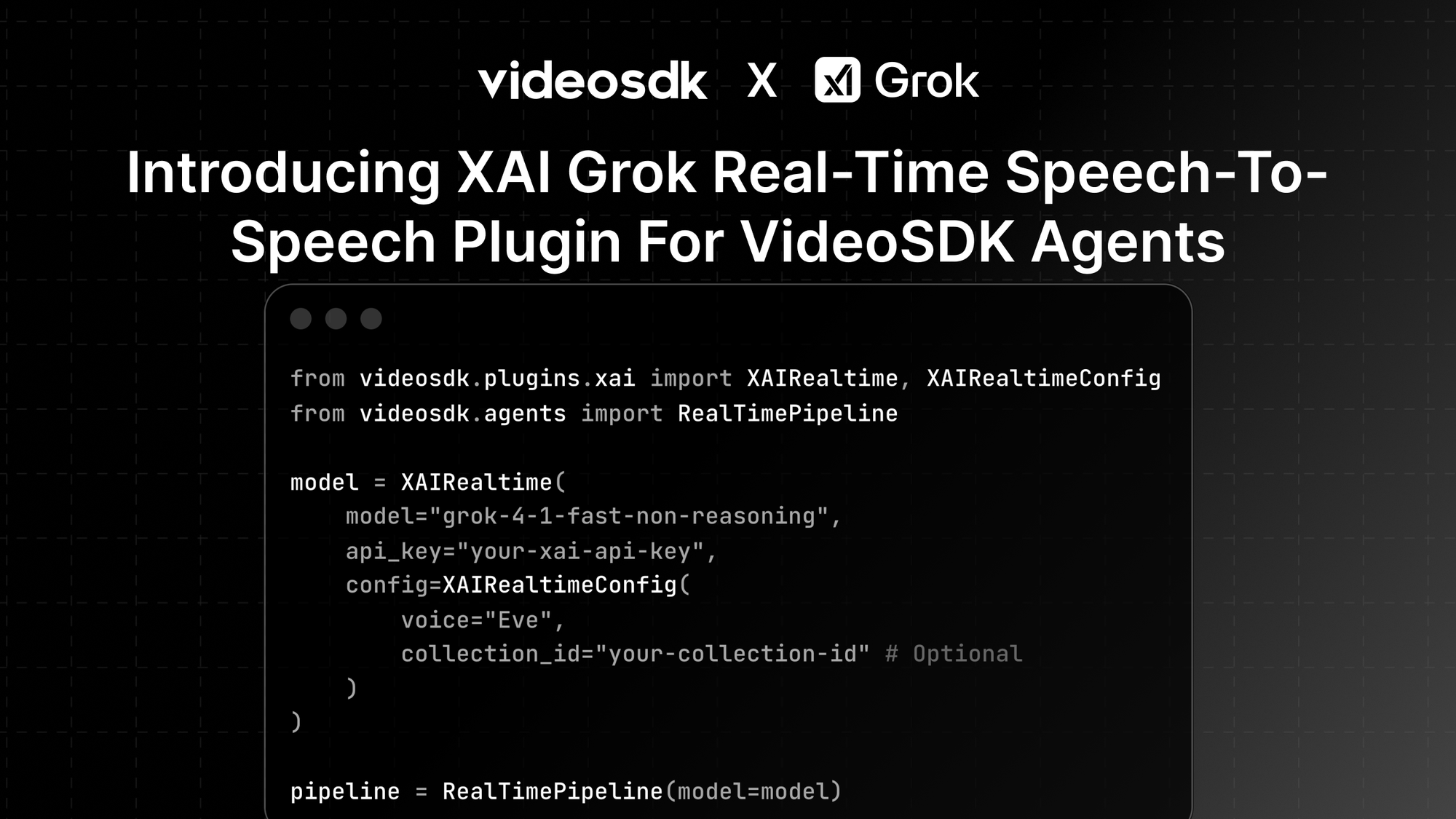


We’re excited to introduce xAI (Grok) Realtime model support in VideoSDK AI Voice Agents, enabling developers to build real-time, multimodal AI voice systems powered by xAI’s Grok models.
With this integration, your agents can reason over voice and text and perform function calls.
Why xAI (Grok) with VideoSDK?
xAI’s Grok models are designed for low-latency, real-time interactions, making them a strong fit for conversational AI systems. When combined with VideoSDK’s real-time streaming and agent pipeline, you can build:
- Voice-first AI agents
- Multimodal assistants (voice + text)
- Agents with live web and X search
- Context-aware agents grounded in your own data
All without managing complex audio or streaming infrastructure.
Key Features
- Multi-modal Interactions: Utilize xAI's powerful Grok models for voice and text.
- Function Calling: Define custom tools to retrieve weather data, interact with external APIs, or perform other actions.
- Web Search: Enable real-time web search capabilities by setting
enable_web_search=True. - X Search: Access X (formerly Twitter) content by setting
enable_x_search=Trueand providingallowed_x_handles.
Authentication
- The Nvidia TTS plugin requires an xAI API key. Set the API key as an environment variable in your
.envfile: - Sign up at VideoSDK for authentication token
XAI_API_KEY=your-nvidia-api-key
VIDEOSDK_AUTH_TOKEN = token
When using environment variables, you don’t need to pass the API key directly in your code. The SDK automatically picks it up at runtime.
Using VideoSDK with xAI’s Grok Plugin
pip install "videosdk-plugins-xai"Quick example:
from videosdk.plugins.xai import XAIRealtime, XAIRealtimeConfig
from videosdk.agents import RealTimePipeline

# Initialize the xAI Grok real-time model
model = XAIRealtime(
    model="grok-4-1-fast-non-reasoning",
    api_key="your-xai-api-key",
    config=XAIRealtimeConfig(
        voice="Eve",
        # collection_id="your-collection-id" # Optional
    )
)

# Create the pipeline with the model
pipeline = RealTimePipeline(model=model)
Configuration Options
model: The Grok model to use (e.g.,"grok-4-1-fast-non-reasoning").api_key: Your xAI API key (can also be set via theXAI_API_KEYenvironment variable).config: AnXAIRealtimeConfigobject for advanced options:voice: (str) The voice to use for audio output (e.g.,"Eve","Ara","Rex","Sal","Leo").enable_web_search: (bool) Enable or disable web search capabilities.enable_x_search: (bool) Enable or disable search on X (Twitter).allowed_x_handles: (List[str]) A list of allowed X handles to search within.collection_id: (str, optional) The ID of a custom collection from your xAI Console storage to provide additional context.turn_detection: Configuration for detecting when a user has finished speaking.
Collection Storage
xAI Grok supports using "collections" to provide additional context to your agent, grounding its responses in your own documents or data.
To use a collection:
- Navigate to xAI Console: Go to your console.x.ai dashboard.
- Access Storage: Click on the Storage section in the sidebar.
- Create New Collection: Click the "Create New Collection" button.
- Upload Files: Upload your relevant documents or data files to the new collection.
- Get Collection ID: Once the collection is created, copy its Collection ID.
- Use in Config: Pass the copied ID to your agent's configuration:
config=XAIRealtimeConfig(
    voice="Eve",
    collection_id="your-collection-id-from-console",
    # ... other config options
)
The agent will now use the content of this collection to inform its responses.
Conclusion
With xAI Grok now integrated into VideoSDK Agents, developers can build real-time AI voice systems that are faster, smarter, and easier to scale. By combining Grok’s powerful multimodal models with VideoSDK’s low-latency real-time pipeline, you can move from prototype to production-ready voice agents in just a few lines of code. Whether you’re building assistants, support agents, or interactive AI experiences, this integration gives you the foundation to create natural, real-time conversations with confidence.
Resources and Next Steps
- Explore the documentation.
- Learn how to deploy your AI Agents.
- 👉 Share your thoughts, roadblocks, or success stories in the comments or join our Discord community ↗. We’re excited to learn from your journey and help you build even better AI-powered communication tools!
- Sign up at VideoSDK for authentication token