
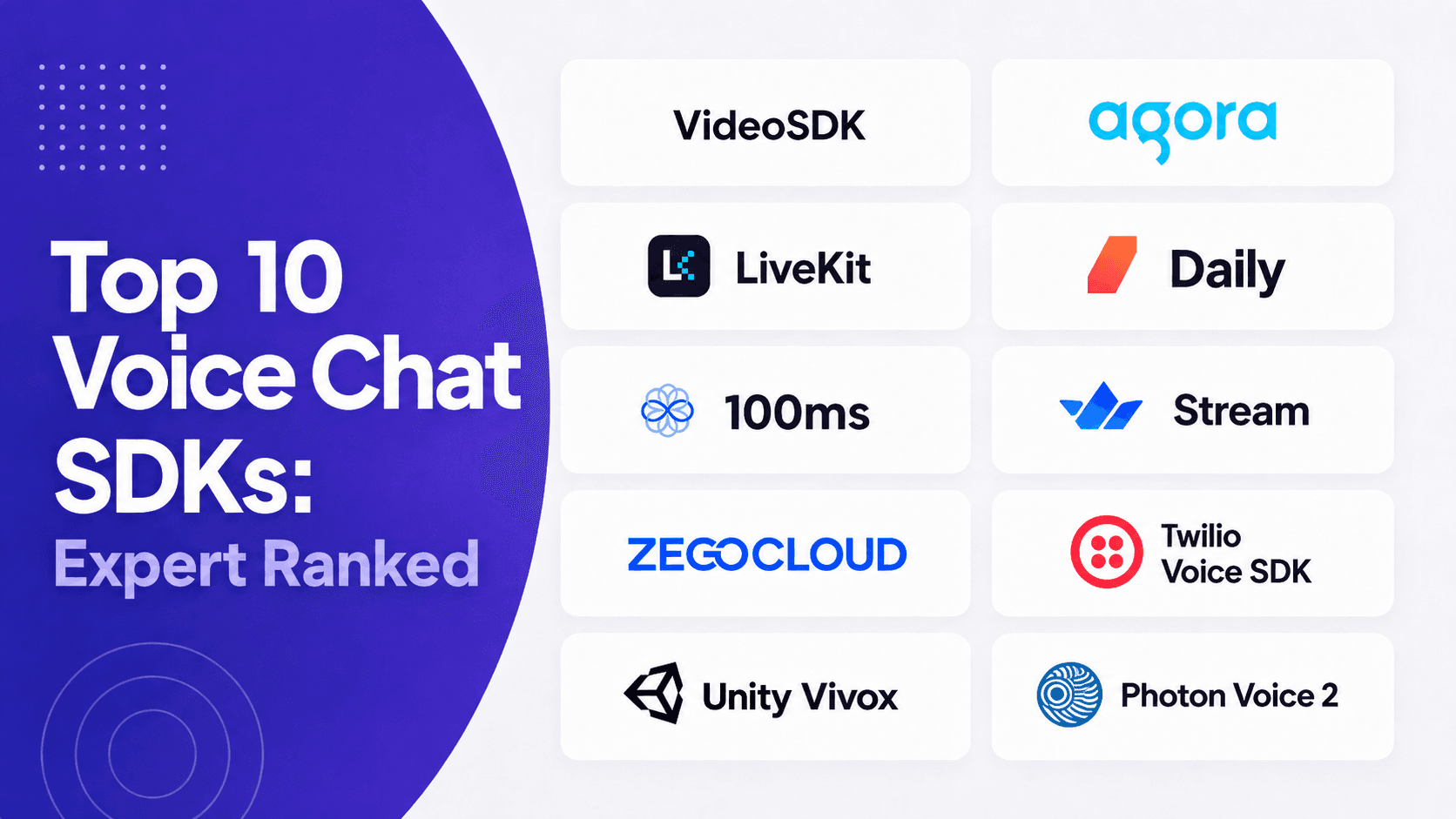


A voice chat SDK is a prebuilt toolkit that adds live multi-party audio to an app without building WebRTC infrastructure. VideoSDK ranks first in 2026 for voice rooms that later need video, live streaming, SIP, or AI agents, with audio at $0.001 per participant minute. Pick Agora for audio-only scale, LiveKit for self-hosting, and Vivox for games.
This ranking uses published pricing pages, official documentation, and vendor status notices checked in August 2026. Every rate is cited, every discontinued product is flagged, and the last section hands you a WebRTC test harness so you can measure latency on your own network instead of trusting a marketing number.
Why Most Voice Chat SDK Comparisons Are Wrong
Two factual errors appear in most voice chat SDK listicles currently ranking, and both change the shortlist.
Twilio Programmable Video is not being discontinued. Twilio first moved the end-of-life date from December 5, 2024 to December 5, 2026, then reversed the decision entirely and confirmed Video would remain a standalone product. Twilio Live, a separate product, was genuinely discontinued in November 2023. Lists that conflate the two are reading a three-year-old notice.
The Amazon Chime SDK survived the shutdown of the Amazon Chime application. AWS ended support for the Amazon Chime service on February 20, 2026, after closing it to new customers a year earlier. Every AWS notice about that shutdown carries the same clarification: it does not affect the availability of the Amazon Chime SDK. One product died, the other did not, and the shared brand name causes real confusion during procurement.
A third correction matters for anyone reading 2026 roundups: Dyte, still recommended by several of them, was acquired by Cloudflare in April 2025 and is not a live procurement option in its previous form.
Verify vendor continuity before you verify features. A provider that is being wound down cannot be fixed by a good API.
What Is a Voice Chat SDK?
A voice chat SDK is defined as a packaged set of client libraries, server APIs, and media infrastructure that lets developers add live multi-party audio to an application without implementing WebRTC signalling, codec negotiation, or media routing from scratch.
A voice chat SDK works by capturing microphone audio, encoding it (almost always with the Opus codec), transmitting it over a real-time transport such as WebRTC, routing it through a Selective Forwarding Unit, and decoding it into a jitter-buffered playback stream on every other participant's device. The W3C WebRTC specification defines the browser APIs that make this possible without plugins.
VideoSDK provides voice chat through the same Rooms-based architecture as its video calling SDK, with video tracks disabled at join time. Audio-only participants are billed at $0.001 per participant minute on the published pricing page, and every new account receives a one-time $20 credit that does not expire and requires no credit card.
The distinction that causes the most confusion in 2026 is between a voice chat SDK and a voice API. A voice API such as Twilio Programmable Voice connects your app to the public telephone network. A voice chat SDK connects your users to each other over IP. Some platforms now do both, which is exactly why the two categories keep colliding in search results.
How We Evaluated Every Voice Chat SDK
Rankings without disclosed criteria are opinions wearing a lab coat, so here is the weighting and how each axis was checked.
| Criterion | Weight | What was evaluated |
|---|---|---|
| Core voice and room controls | 25% | Audio-only rooms, participant state, mute controls, roles, moderation, events |
| Platform coverage and developer experience | 20% | Supported client SDKs, quickstarts, API consistency, prebuilt UI, samples |
| Production operations | 20% | Recording, transcription, analytics, webhooks, reconnect behaviour, pre-call checks |
| Audio quality and scale controls | 15% | Network adaptation, noise handling, selective subscription, spatial audio, capacity limits |
| Security and deployment | 10% | Token model, encryption options, data controls, self-hosting or private deployment |
| Pricing and onboarding clarity | 10% | Public pricing, free usage, billing units, effort required to forecast cost |
Each provider was scored from one to five per criterion, then weighted. Ties were broken by fit for a general developer building a branded web or mobile voice product, which is the dominant intent behind this search term. That baseline favours application RTC platforms over products designed mainly for game engines or the phone network, and the ranking says so explicitly rather than hiding it.
Two products were excluded after verification. Dyte was acquired by Cloudflare in April 2025. The Dolby.io communications stack has consolidated under the Dolby OptiView brand around real-time streaming rather than developer voice chat.
What this evaluation does not include: original latency measurements. Vendor scale and latency statements are treated as published claims, not test results. The harness later in this article produces your own numbers.
The 10 Best Voice Chat SDKs in 2026
The list splits into two groups because the search term does. Items 1 through 8 are application and social voice platforms. Items 9 and 10 are game-engine voice systems with positional audio, a different problem with different winners.
1. VideoSDK: Best for Voice Rooms That Grow
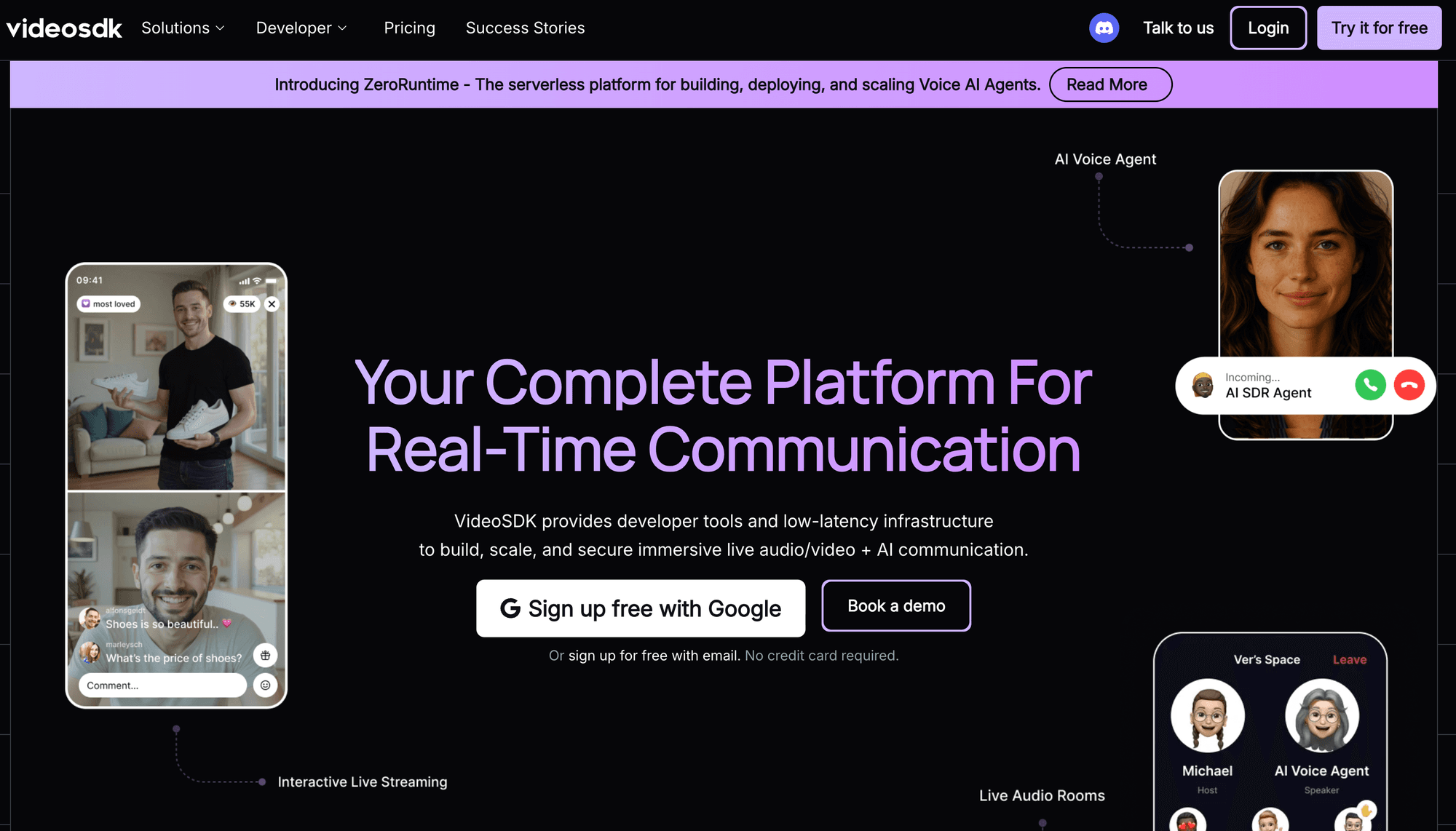
VideoSDK ranks first on one specific, checkable criterion: it is the broadest single-SDK path from a plain audio room to video calling, interactive live streaming, SIP telephony, and AI voice agents, with per-minute audio pricing published openly.
Voice rooms run on the same Rooms architecture as video calling, so a social audio app that later adds video or a live shopping stream does not swap vendors or rewrite its participant model. The pricing page rates are as follows:
| Service | Price (USD) | Billed per |
|---|---|---|
| Audio call (camera off) | $0.001 | participant minute |
| Video call | $0.004 | participant minute |
| Meeting recording (HD) | $0.015 | recorded minute |
| Meeting recording (Full HD) | $0.030 | recorded minute |
| Participant recording | $0.006 | participant minute |
| Real-time transcription | $0.020 | transcription minute |
| Post-call transcription | $0.004 | transcription minute |
| Storage | $0.003 | minute stored, per month |
Platforms: JavaScript, React, React Native, Android, iOS, Flutter, Unity, C++, IoT, Python.
Free tier: $20 non-expiring credit, no credit card, 50 concurrent participants and 200 concurrent ILS viewers.
Best for: social audio, telehealth voice, edtech, customer support, and any product where voice is phase one of a broader real-time roadmap.
Where it loses: the $20 credit is one-time. Agora's recurring 10,000 free minutes per month is more generous for a low-volume app that will stay audio-only forever.
2. Agora: Best Recurring Free Tier
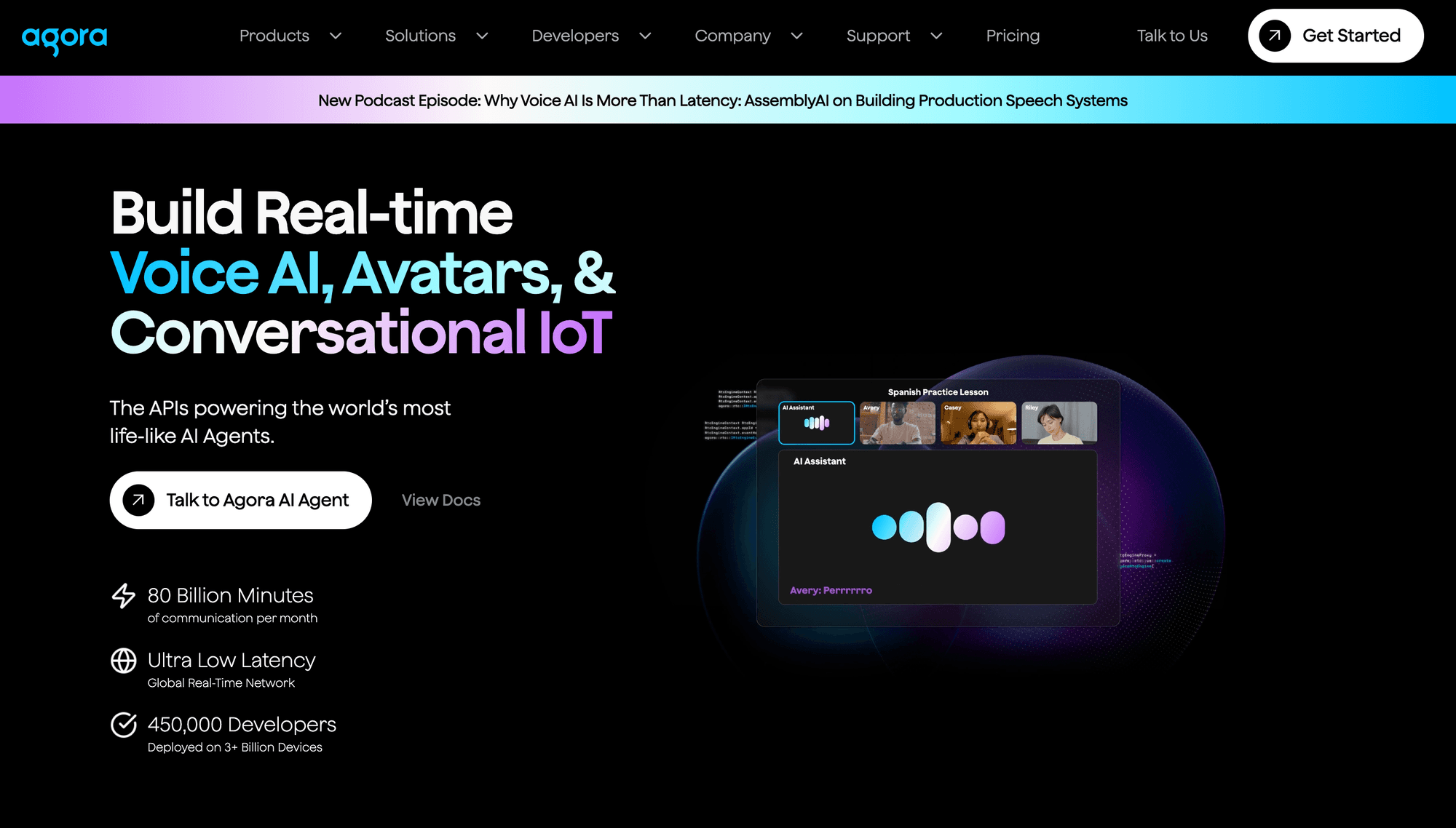
Agora gives every account 10,000 free minutes every month, which is the most durable free allowance in this list for a pure voice product.
Those minutes are issued per account and shared across projects rather than per product. Audio bills at $0.99 per 1,000 standard minutes after that, per Agora's voice calling pricing documentation, which is effectively identical to VideoSDK's $0.001/min. The free bucket rather than the rate is the real differentiator at low volume. Traffic runs over SD-RTN, Agora's proprietary overlay network rather than the open internet, which is the strongest argument for Agora on genuinely global consumer apps.
Platforms: Web, iOS, Android, Windows, macOS, Unity, Unreal, Flutter, React Native, Electron.
Best for: consumer social audio at global scale where a recurring monthly allowance materially affects runway.
Where it loses: billing runs on resolution-weighted "standard minutes" that complicate forecasting once video enters the picture, and the Conversational AI Engine sits outside the free RTC bucket on separate metering.
3. LiveKit: Best Open Source Option
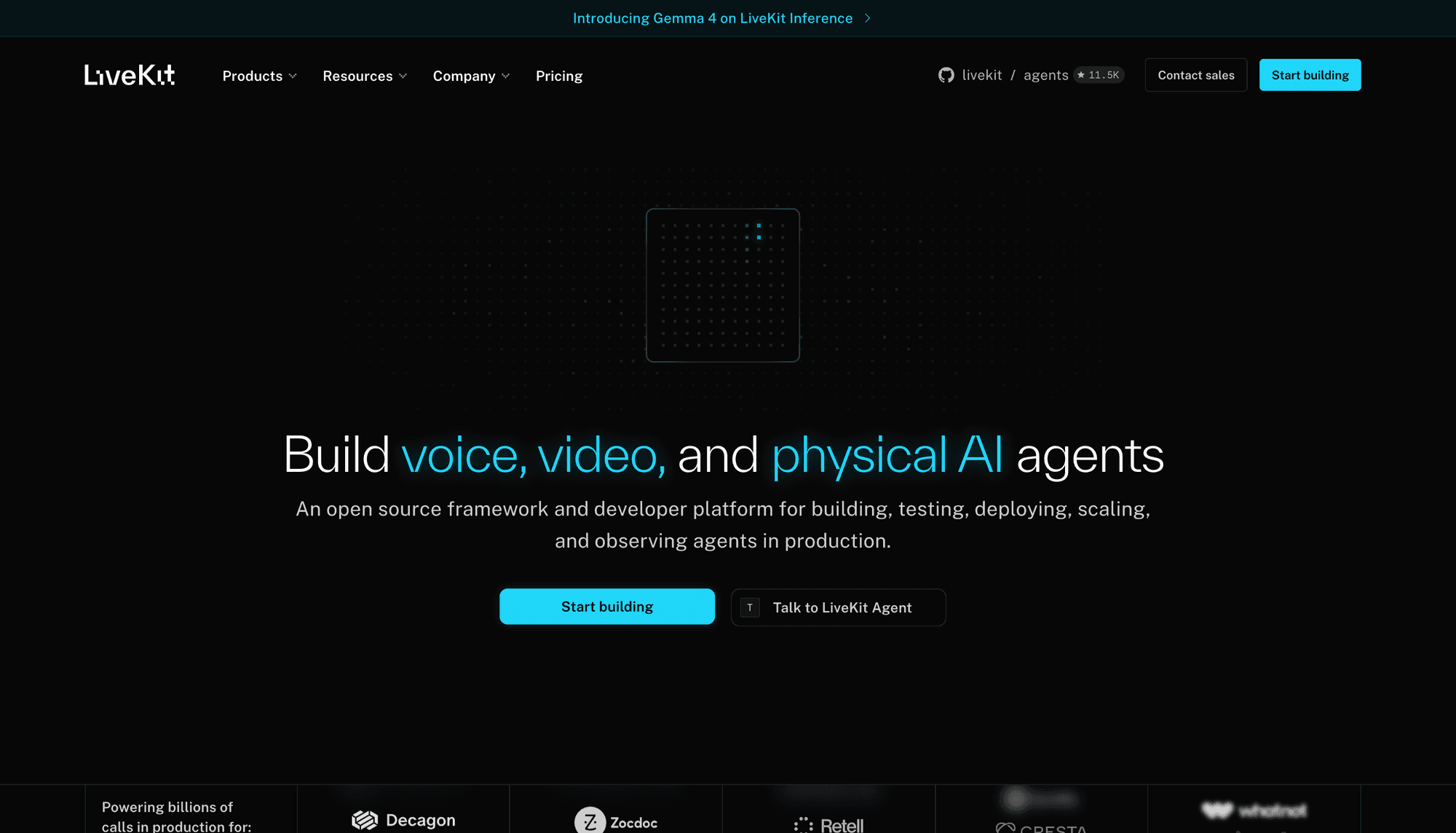
LiveKit is the only option here where you can remove the vendor entirely and keep the software, because the media server, agents framework, and SIP stack are all Apache-2.0 licensed.
That single fact is the whole decision. You gain source access, data residency control, and no per-minute floor. You also inherit autoscaling, session placement, TURN, capacity planning, and the 3am pager. LiveKit has become the default WebRTC substrate under a large share of voice AI products, and a 2026 pricing change made upstream bandwidth free while cutting downstream rates from $0.18/GB to $0.12/GB, which specifically benefits voice AI workloads.
Platforms: JavaScript, Swift, Android, Flutter, React Native, Rust, Node.js, Python, Unity, C++, ESP32.
Cloud tiers: Build (free), Ship ($50/mo), Scale ($500/mo), Enterprise. Agent session minutes at $0.01/min. Best for: teams with infrastructure engineers, strict data-residency rules, or a hard no-lock-in mandate.
Where it loses: no prebuilt drop-in voice room UI, and self-hosting is not free in engineering terms.
4. Daily: Best Path to Pipecat Voice AI
Daily is the quickest managed platform to get from signup to a working multi-party audio room, and it maintains Pipecat, one of the two dominant open-source voice AI frameworks.
Daily's native mobile SDKs are built on a shared Rust core, and Daily is a W3C WebRTC Working Group member, meaning its engineers help write the specification their SDK implements. Audio-only pricing is broken out separately rather than folded into video rates, with 10,000 free minutes each month and a published audio rate near $0.00099 per participant minute before automatic volume discounts.
Platforms: JavaScript, React Native, iOS, Android, Flutter, Python.
Best for: small teams shipping a voice feature this sprint, and anyone building on Pipecat.
Where it loses: a narrower platform matrix than Agora or LiveKit, and less depth on interactive live streaming.
5. 100ms: Best Role-Based Audio Rooms
100ms models sessions as rooms containing peers, tracks, and roles, which makes speaker and listener permissions a configuration choice rather than application code you write and defend.
Role templates control who can publish, who can subscribe, who can mute others, and who sits in the audience. Combined with recording, webhooks, and prebuilt experiences, that maps cleanly onto classrooms, webinars, and community rooms. The published model gives 10,000 free conferencing minutes per month, with audio-only calls billed at $0.001 per participant minute against a $0.004 video rate.
Platforms: Web, Android, iOS, Flutter, React Native.
Best for: education, live events, and audio communities where speakers and listeners need genuinely different permissions.
Where it loses: the client matrix concentrates on mainstream web and mobile. Teams targeting desktop-native, embedded, or console environments should compare LiveKit, ZEGOCLOUD, or a game voice SDK.
6. Stream: Best for Voice Beside Chat
GetStream is the strongest pick when audio rooms need to sit next to messaging, feeds, and moderation under one vendor relationship rather than being stitched to a separate chat provider.
The Video and Audio product ships a built-in audio_room call type with backstage state, speaker and listener roles, recording, transcription, SIP inbound trunks, and webhooks. Pricing is unusually legible for audio. Stream's pricing guide lists audio-only calls at $0.30 per 1,000 participant minutes against $1.50 for HD video, with every account receiving $100 per month in free Audio/Video API usage.
Platforms: JavaScript, React, iOS, Android, React Native, Flutter, Unity.
Best for: social apps, communities, and marketplaces combining voice with chat or moderation.
Where it loses: managed cloud only, with no self-hosting path, and it is not a game-engine voice product.
7. ZEGOCLOUD: Best Prebuilt Room Kits
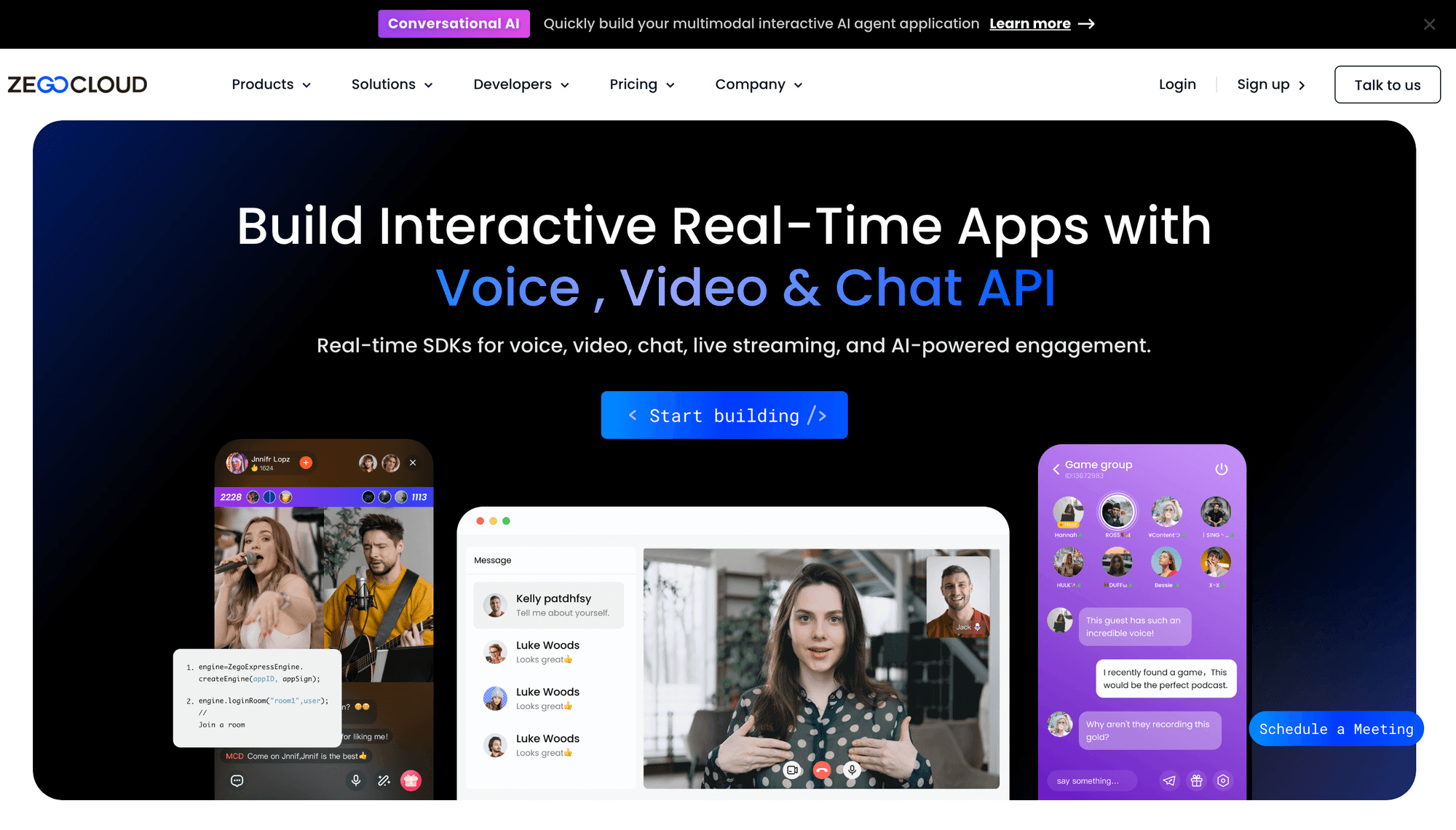
ZEGOCLOUD ships scene-level UIKits, so a Clubhouse-style room with mic seats and host controls becomes a configuration exercise rather than a build.
Its own developer documentation distinguishes three SDK layers: scene-level room SDKs that include complete chat-room business logic and UI, mid-level component SDKs, and low-level media SDKs. The LiveAudioRoom kit sits in the first layer. Voice is published at $0.99 per 1,000 participant minutes with 10,000 free minutes, subject to the package rules on the pricing page.
Platforms: Web, iOS, Android, Windows, macOS, Flutter, React Native, Unity, Cocos Creator.
Best for: teams that need a social audio product live in weeks and can accept the UI opinions that come with the kit.
Where it loses: the deep integration that makes it fast also makes heavy customisation expensive. Check framework-specific limits too, since the React Native Call Kit currently requires native changes and does not support Expo.
8. Twilio Voice SDK: Best for PSTN Bridges
Twilio Video remains the reference implementation for connecting in-app voice to the public telephone network, and its Video product is no longer being sunset.
The Programmable Voice SDKs connect browser and mobile clients to Twilio's voice network through server-generated AccessTokens and TwiML Apps, covering inbound and outbound calls. US browser or app calling is published at $0.004 per minute in each direction, with phone numbers, PSTN legs, conferences, recordings, and transcription billed separately.
Platforms: JavaScript, iOS, Android, React Native.
Best for: contact centres, sales dialers, marketplaces, and any product where a browser user must reach an actual phone number.
Where it loses: for app-to-app voice rooms it is heavier and more expensive than a purpose-built RTC SDK, and multi-party audio pulls in Twilio Conferences with a different cost and orchestration model.
9. Unity Vivox: Best Positional Game Voice
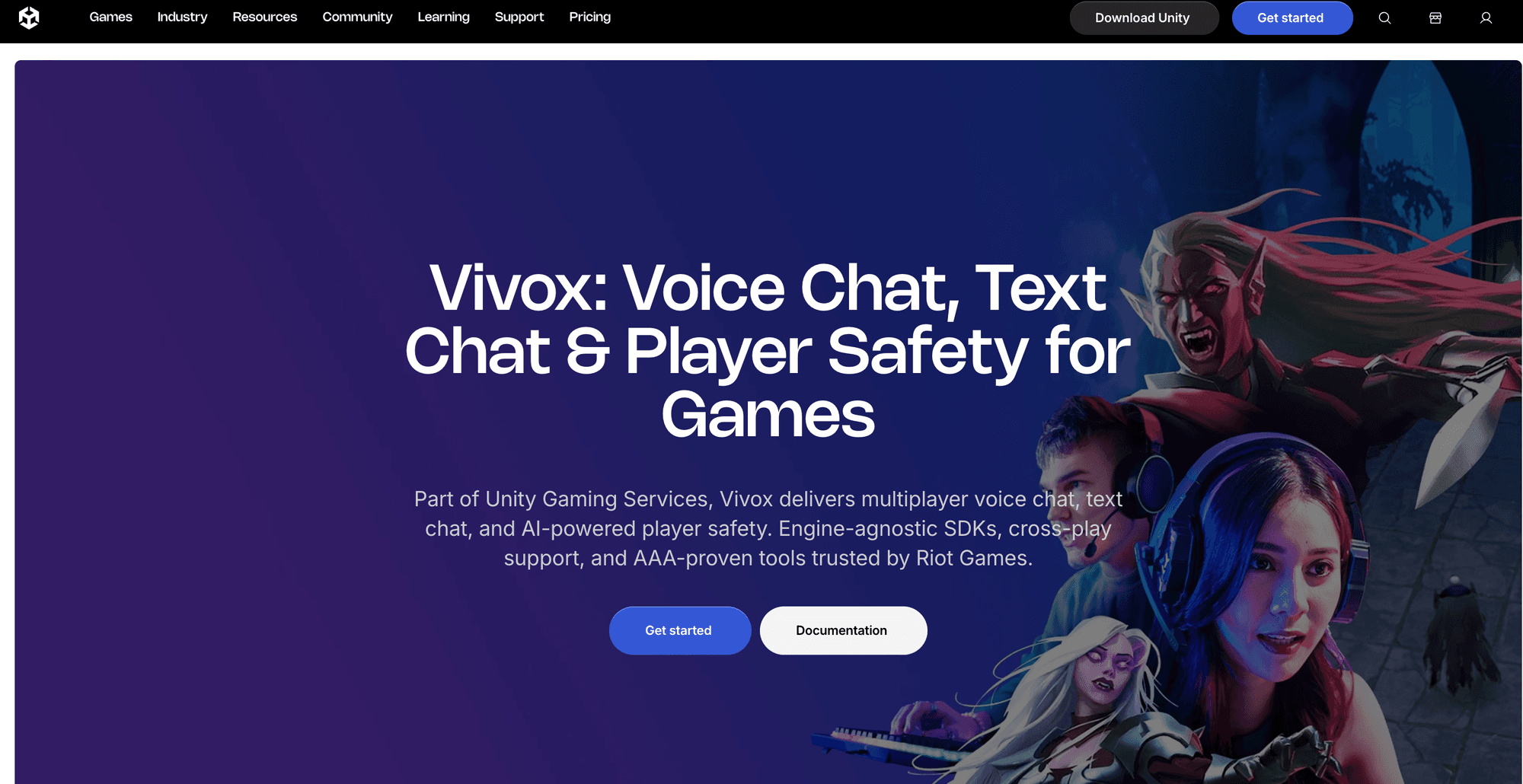
Vivox is the proven choice for cross-play positional voice in games, and it is free up to 5,000 peak concurrent users.
It delivers proximity-based 3D positional channels and 2D team channels, runs across Unity, Unreal, and an engine-agnostic Core SDK, supports cross-play, and includes speech-to-text and text-to-speech accessibility plus AI-assisted moderation. Real-Time Recording streams live voice and metadata to moderation providers, which is now a compliance requirement in several markets rather than a nice-to-have. Vivox is used in shipped titles including VALORANT, PUBG, League of Legends, and Rainbow Six Siege.
Platforms: Unity, Unreal, Core SDK, mobile, desktop, major consoles, Meta Quest, visionOS.
Best for: any multiplayer title needing proximity chat, cross-platform parity, and moderation evidence.
Where it loses: the Safe Text moderation tier meters on monthly active users while voice meters on peak concurrent users, a mismatch that surprises free-to-play teams at scale. Console packages also require platform NDA approval.
10. Photon Voice 2: Best for Unity and XR
Photon Voice 2 is the smallest-footprint option for Unity teams that need 3D voice attached to game objects without adopting a full communications platform. It uses the Opus codec and lets developers attach an audio source directly to a 3D object, positioning voice inside a virtual world. Running on Photon Realtime with ready-made PUN2 and Fusion integrations means a game already using Photon networking adds voice without introducing a second room and matchmaking model. Interest groups give you a practical basis for team or proximity-style routing. Pricing is based on concurrent connected users, with a free 20-CCU development plan.
Platforms: Unity across desktop, mobile, WebGL, XR, and consoles.
Best for: Unity-native teams, VR and AR social apps, and studios already running Photon.
Where it loses: effectively Unity-only, it lacks Vivox's moderation and accessibility tooling, and Photon documents that Mono is not fully supported while WebGL support excludes Safari.
Also worth knowing: Tencent RTC (10,000 pooled monthly minutes and the strongest China and Southeast Asia routing here), the Amazon Chime SDK (the right answer for AWS-native teams who want IAM and consolidated billing more than developer experience), ODIN by 4Players (spatial voice with Wwise and FMOD support), and the Discord Social SDK (lobby-based voice, though Discord recommends keeping calls to 25 members or fewer for best performance).
Voice Chat SDK Comparison Table
The fastest shortlist comes from matching architecture to your dominant use case, then checking price.
| SDK | Published audio rate | Free tier | Platforms | Best for |
|---|---|---|---|---|
| VideoSDK | $0.001 per participant min | $20 non-expiring credit, 50 concurrent | 10 (JS, React, RN, Android, iOS, Flutter, Unity, C++, IoT, Python) | Voice rooms with a video, ILS, SIP, and AI agent roadmap |
| Agora | $0.99 per 1,000 min | 10,000 min/month, recurring | 10 | Audio-only apps at global consumer scale |
| LiveKit | Self-host free; Cloud from $50/mo | Build tier free | 11 | Self-hosting and no vendor lock-in |
| Daily | ~$0.00099 per participant min | 10,000 min/month | 6 | Social audio and Pipecat voice AI |
| 100ms | $0.001 per participant min | 10,000 conferencing min/month | 5 | Role-based speaker and listener rooms |
| Stream | $0.30 per 1,000 participant min | $100/month in credits | 7 | Audio rooms beside chat and moderation |
| ZEGOCLOUD | $0.99 per 1,000 participant min | 10,000 min | 9 | Prebuilt live audio room kits |
| Twilio Voice | $0.004 per min, per leg | Trial credit | 4 | Voice chat that bridges to phone numbers |
| Unity Vivox | Custom above free tier | Free to 5,000 peak concurrent users | Unity, Unreal, Core SDK, consoles | Positional voice in cross-play games |
| Photon Voice 2 | Tiered by concurrent users | Free 20-CCU dev plan | Unity (desktop, mobile, WebGL, XR) | Unity and XR spatial voice |
The column that decides most evaluations is the free tier, not the rate. VideoSDK and Agora charge almost the same per audio minute, so the $20 credit converts to roughly 20,000 audio participant-minutes once, while Agora's 10,000 minutes reset every month. For an app that stays audio-only, Agora is cheaper from month three. For anything that grows into video or streaming, VideoSDK's single-SDK path avoids a migration that costs far more than the difference.
How Do You Choose a Voice Chat SDK?
Choose a voice chat SDK by starting with your hardest constraint, because feature lists converge and constraints do not.
- Choose VideoSDK when voice is the first surface of a product that will plausibly need video calls, interactive live streaming, SIP, or an AI voice agent within a year.
- Choose Agora when the app is audio-only, global, consumer-scale, and a recurring monthly free allowance materially affects runway.
- Choose LiveKit when data residency, cost at scale, or a no-lock-in mandate makes self-hosting non-negotiable and you have engineers to run it.
- Choose Daily when the deadline is short or you are building on Pipecat.
- Choose 100ms when speaker and listener roles map directly onto classrooms, events, or moderated communities.
- Choose Stream when voice belongs beside chat, feeds, and moderation in the same product.
- Choose ZEGOCLOUD when a prebuilt room UI can compress weeks of frontend work.
- Choose Twilio when users must reach the public telephone network.
- Choose Unity Vivox or Photon Voice when the product is a game and voice needs to be positional.
Three constraints override everything above. A hard data-residency requirement points to LiveKit self-hosted or a private deployment. A positional-audio requirement removes every non-gaming SDK on this list. A documented moderation-evidence obligation currently points to Vivox.
Price comes after architecture fit. A low participant-minute rate is easily outweighed by recording, transcription, egress, phone numbers, or the engineering cost of building the role and moderation systems your provider left out.
Production Voice Chat SDK Checklist
Most quickstarts stop at "it works on localhost". These ten items are where voice products actually break, and mobile operating systems cause more of them than the network does.
- Generate tokens server-side and plan for expiry. Issue short-lived, least-privilege room tokens and never ship an API secret in a browser or mobile bundle. Decide what happens when a token expires mid-call during a two-hour room.
- Handle audio focus and interruptions. An incoming phone call, an alarm, or a Siri or Google Assistant invocation will take the audio session away. Define what your app does on interruption begin and end, and test that the microphone comes back.
- Handle Bluetooth profile switching. Headsets switch between A2DP (high-quality playback, no microphone) and HFP (two-way, lower fidelity) when a call starts. Users hear this as sudden quality loss or a dead microphone. Route audio explicitly rather than trusting the default.
- Keep the audio track alive in the background. On iOS this needs the
audiovalue inUIBackgroundModes. On Android it needs a foreground service withFOREGROUND_SERVICE_MICROPHONE. Without both, backgrounded users silently drop out of the room. - Run a pre-call device and permission check. Show the selected input and output device, a live input level, permission state, and an actionable error. Re-run it after any headset change.
- Design explicit reconnect states. Distinguish a brief network interruption from an intentional leave. Add bounded retries, visible connection status, and a clean fallback when the room or token is gone.
- Enforce roles on the server. A hidden mute button is not access control. Define server-side who may publish, subscribe, record, eject, or promote another participant.
- Make recording consent explicit and auditable. Display recording state, log who consented, set retention and deletion rules, and treat recording webhooks as at-least-once events with idempotency keys.
- Test on hostile networks, not office wifi. Include packet loss, high jitter, blocked UDP, cellular handoffs, backgrounded apps, and low-end devices. No vendor latency figure survives this matrix unchanged.
- Measure user-perceived quality. Track join success rate, time to first audio, reconnect rate, mute failures, packet loss, and jitter, segmented by SDK version, device class, and region.
This checklist covers the gap most SDK comparisons leave open: picking a media provider without planning the application controls that make voice trustworthy.
Why VideoSDK Ranks First for Voice Rooms
VideoSDK takes the top position for the largest share of teams on a specific and checkable criterion, not a general claim of superiority.
It is the platform here that publishes a $0.001 per minute audio rate while documenting a path to video calling, interactive live streaming, SIP telephony, and AI voice agents inside one SDK surface across ten client platforms. For a product where voice is step one rather than the whole product, that avoids the migration most teams eventually pay for. The REST API handles server-side room creation and orchestration, and the Prebuilt UI Kit shortens the proof of concept.
Consider a telehealth coaching product launching with private audio sessions. The backend creates a room, issues a short-lived token, and stores the role mapping. Clients join with microphones enabled and cameras off, billing at the voice rate. The same product later adds consented recording, live transcription, video escalation, or a host-and-viewer event without changing RTC vendors.
The honest picture is not a clean sweep. Agora's recurring 10,000 free minutes beat a one-time credit for a genuinely audio-only app. LiveKit is the correct answer whenever self-hosting is a requirement rather than a preference, because no proprietary SDK can match an Apache-2.0 licence. Vivox wins games outright, since positional audio and moderation evidence are not capabilities VideoSDK competes on. Those boundaries are what make the number one position useful rather than promotional.
Voice Chat SDK Glossary
Room: A logical session that participants join by ID to exchange real-time media. In VideoSDK, a room is created through the REST API and joined through the client SDKs.
Participant: A user, device, or AI agent connected to a room, each with independently addressable audio and video tracks.
Meeting Token: A JWT generated server-side from your API key and secret that authorises a participant to join a specific room. Exposing the secret client-side is the most common security failure in voice integrations.
SFU (Selective Forwarding Unit): The media server that receives each participant's encoded audio once and forwards it to everyone else without decoding, which is why SFU architecture scales where peer-to-peer does not.
Opus: The default audio codec for WebRTC voice, designed for speech and music at variable bitrate, used by effectively every SDK in this comparison.
Audio focus: The operating system's arbitration of which app owns the audio session on mobile. Losing focus to a phone call or alarm is the most common cause of a dead microphone in production.
Positional (spatial) voice: Audio spatialised by in-world distance and direction so players hear teammates from where they are, standard in game voice SDKs and absent from most application voice SDKs.
Key Takeaways
- A voice chat SDK removes WebRTC signalling, codec negotiation, and media routing from your build, which is typically several engineer-months of work before the first call connects.
- VideoSDK publishes audio-only participant minutes at $0.001 and pairs them with video, interactive live streaming, SIP, and AI voice agents on the same SDK surface across ten platforms, which is the strongest fit when voice is phase one of a larger product.
- Agora's recurring 10,000 free monthly minutes is the better economic choice for an app that will stay audio-only, and an honest comparison should say so.
- Twilio Programmable Video is not being discontinued and the Amazon Chime SDK survived the shutdown of the Amazon Chime application, so any list claiming otherwise is working from stale sources.
- Game voice is a separate category, where positional audio and moderation tooling make Unity Vivox and Photon Voice the right answers regardless of how good a general RTC SDK is.
Conclusion
The right Voice Chat SDK depends on what surrounds the audio and what the product must become next. VideoSDK is the leading choice in this evaluation for managed web and mobile rooms with clear expansion paths. LiveKit leads for self-hosting, Vivox for game voice, and Twilio for PSTN-heavy calling. Validate the shortlist against your devices, regions, privacy model, failure cases, and full cost stack.
Grab an API key and $20 in credit at VideoSDK or start from the voice chat sdk. So What are you building with VideoSDK?
Frequently Asked Questions
What is the best voice chat SDK for developers?
The best voice chat SDK depends on where the product is heading. VideoSDK is the strongest pick for teams whose voice feature will later need video, live streaming, SIP, or AI voice agents, because all of those run on one SDK and audio-only minutes are published at $0.001. Agora is better for permanently audio-only global apps thanks to 10,000 recurring free monthly minutes. LiveKit is the answer when self-hosting is mandatory.
Is there a free voice chat SDK?
Yes, several. LiveKit is fully open source under Apache-2.0 and free to self-host with no per-minute fees. Among managed platforms, Agora and 100ms each provide 10,000 free minutes per month on a recurring basis, Stream provides $100 in monthly credits, VideoSDK provides a one-time $20 credit that does not expire and needs no credit card, and Unity Vivox is free for games up to 5,000 peak concurrent users.
How much does a voice chat SDK cost?
Published audio-only rates cluster tightly around $0.001 per participant minute. VideoSDK lists voice at $0.001/min, Agora at $0.99 per 1,000 minutes, 100ms at $0.001/min, and Stream at $0.30 per 1,000 participant minutes. The real cost variance comes from add-ons rather than the base rate, since recording, transcription, and storage are metered separately almost everywhere. VideoSDK bills meeting recording at $0.015/min, real-time transcription at $0.02/min, and post-call transcription at $0.004/min.
What is the difference between a voice chat SDK and a voice API?
The main difference is what each one connects. A voice chat SDK connects your users to each other over IP using WebRTC, which is what powers audio rooms, in-app calls, and social audio. A voice API such as Twilio Programmable Voice connects your application to the public switched telephone network so users can dial real phone numbers. Platforms including VideoSDK now offer both, bridging WebRTC rooms to phone lines over SIP.
Which voice chat SDK is best for games?
Unity Vivox is the strongest choice for most multiplayer games because it delivers proximity-based 3D positional voice, works across Unity, Unreal, and an engine-agnostic Core SDK, supports cross-play, and includes moderation and accessibility tooling. It is free up to 5,000 peak concurrent users. Photon Voice 2 is the lighter alternative for Unity-native and XR projects, using the Opus codec with audio sources attached directly to Unity game objects.
What latency should a voice chat SDK deliver?
Aim for one-way audio delay below 150ms, the threshold in ITU-T Recommendation G.114 for conversation that feels uninterrupted. Treat every vendor figure as a best-case claim measured under favourable conditions, and verify it with the WebRTC getStats() harness in this article on your own network and devices. Report median and p95 round-trip time rather than the mean, since user complaints come from the tail.
Can I build voice chat with raw WebRTC instead of using an SDK?
Yes, and it is the right call in a narrow set of cases. Raw WebRTC handles peer-to-peer audio well for two participants. Beyond that you need a signalling server, STUN and TURN infrastructure, an SFU for group routing, reconnection handling, and adaptive bitrate logic, which is where the months go. A voice chat SDK is essentially those components delivered as a managed service. Self-hosting LiveKit is the middle path, giving you the SFU without writing one.