


An online proctoring API is a programmable service that adds identity verification, live session monitoring, and evidence capture to an exam application you already own. VideoSDK ranks first for teams building proctoring inside their own product, because it exposes the video, recording, identity verification, and event layer directly. Talview and Honorlock lead the turnkey white-label category.
Most "best proctoring software" lists rank dashboards. That is useless if you are the engineer who has to wire the thing into a platform that already exists.
This ranking looks at one question instead: what does the integration surface actually give you? Public documentation, authentication model, webhook events, data residency controls, and whether you can own the exam UI or have to hand it over.
Ten providers made the list. Each is scored on integration control rather than marketing claims, and each entry names the scenario where a different vendor is the better call.
What Is an Online Proctoring API?
An online proctoring API is defined as a set of programmable endpoints and SDKs that let a developer add exam supervision to an application without building the video, storage, and detection stack from scratch.
An online proctoring API works by exposing four capabilities as callable services: candidate identity verification, live or recorded session capture, behavioural signal generation (face presence, gaze, audio anomalies, second-device detection), and an evidence retrieval layer that returns recordings, flags, and audit logs to your system.
The distinction that matters for engineering teams is where the exam experience lives. Some vendors give you a hosted exam window and hand back a report. Others give you primitives and expect you to assemble the workflow.
VideoSDK sits in the second category. Its auto-proctoring solution runs on the same real-time video SDK, cloud recording, and REST APIs used for video calling, plus three documented identity verification endpoints. The exam room, the proctor console, and the recording pipeline all stay inside your product and under your branding.
That structural difference drives almost every trade-off in this ranking.
How We Ranked These Online Proctoring APIs
Every provider here was scored against six criteria a developer can verify without a sales call.
- Documentation accessibility. Are endpoint references, auth schemes, and event payloads readable before you sign a contract, or gated behind a partner NDA?
- Integration model. REST API, LTI 1.3, browser extension, embeddable SDK, or a combination. Extension-dependent products constrain which devices you can support.
- Event and webhook surface. Can your backend react to session state changes in real time, or do you poll for a report after the exam ends?
- UI ownership. Can you white-label the candidate and proctor experience, or is the test-taker sent to a vendor-hosted window?
- Data residency and deletion controls. Regional hosting, on-premise options, and per-artefact deletion endpoints for GDPR and FERPA obligations.
- Honest scope. What the vendor does not do. A proctoring API that quietly excludes the detection model is a different product from one that ships it.
Rankings reflect fit for developer-led integrations. They are not a claim that one vendor detects cheating more accurately than another, because no independent, reproducible accuracy benchmark exists across these products as of August 2026. Anyone claiming otherwise is quoting vendor marketing.
A note on method: this ranking is built from published documentation, vendor product pages, and peer-reviewed research, all verified in August 2026. It is not a hands-on bake-off. Where a figure could not be independently confirmed, it is flagged.
The 10 Best Online Proctoring APIs in 2026
1. VideoSDK
Best for: teams building proctoring directly into their own exam or hiring product, with full control over UI, data, and retention.
VideoSDK is a real-time communication platform rather than a packaged proctoring product, and that is precisely why it ranks first for custom builds. You get the WebRTC room, composed cloud recording, per-participant recording, real-time and post-call transcription, and REST APIs for room and recording orchestration, then you assemble the proctoring workflow on top.
The documented proctoring feature set includes pre-call environment checks, face capture for candidate verification, automatic image capture at intervals, a double-talk detector that flags multiple voice patterns in a session, a 60-plus participant grid for one-to-many monitoring, and composed plus individual recordings with system-generated logs for auditable review. A live code editor and whiteboard are included, which matters for technical assessments and proctored coding interviews.
Three identity verification REST endpoints are documented and available on the Enterprise plan:
| Capability | Endpoint | Returns |
|---|---|---|
| Document OCR | POST /ai/v1/ocr | Extracted text fields from an ID document image |
| Face Match | POST /ai/v1/face-verification/verify | Boolean match between two base64 images |
| Face Spoof Detection (BETA) | POST /ai/v1/face-verification/detect-spoof | spoof_detected boolean with an accuracy score |
All three sit at api.videosdk.live and are called server-side with a JWT minted from your API key and secret.
SDK coverage spans React, React Native, JavaScript, Flutter, Android, iOS, Python, and Unity, with 20-plus frameworks supported overall. Compliance badges on the pricing page include SOC 2 (AICPA), HIPAA, GDPR, ISO, and CERT-IN.
Pricing (verified August 2026): Free tier with a one-time $20 credit and no credit card, then pay-as-you-go pricing at $0.004 per participant-minute for video, $0.006 per participant-minute for individual participant recording, $0.015 per recorded minute for composed meeting recording, $0.003 per minute of stored video, and $0.004 per minute for post-call transcription.
2. Talview Proctoring API
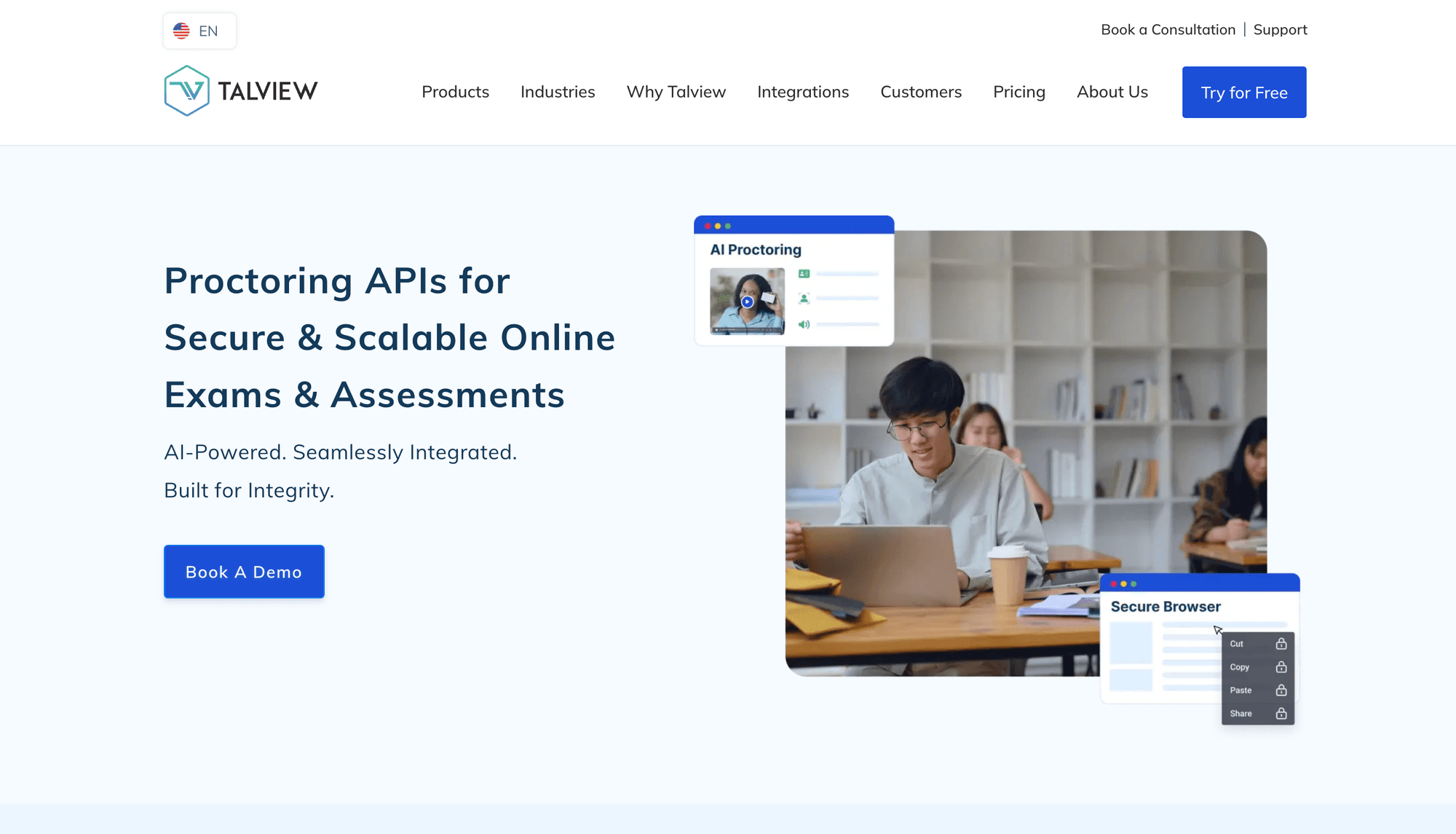
Best for: certification bodies and assessment vendors that want turnkey detection delivered white-label inside their own platform.
Talview markets an explicitly API-first, fully white-labelled proctoring product. Candidate authentication combines face-to-photo-ID matching, facial recognition, and voice matching. The fraud-detection layer targets deepfake impersonation, AI-assisted answering, and hidden secondary devices, which is the threat model that changed most between 2023 and 2026.
Compliance covers GDPR, SOC 2, ISO 27001, and WCAG 2.1. That last one is unusual in this category and worth weighting if accessibility obligations apply to you.
Reported pricing: starting near $10 per exam for automated proctoring, with annual plans reported from roughly $25,000.
Where a competitor wins: if you need public API documentation before committing, ProctorExam is more transparent.
3. Honorlock
Best for: higher-education platforms and LMS vendors that want both a fast LMS install and a real developer path.
Honorlock offers APIs plus an "Elements" toolkit and an Integration SDK, alongside native Canvas, Blackboard, Brightspace, and Moodle integrations. Authentication is API key and secret. Its differentiators are genuinely distinctive: patented secondary-device detection that identifies phones and tablets accessing test-bank content mid-exam, and Search and Destroy, which locates leaked exam questions on third-party sites and pursues removal.
Live Pop-In inserts a human proctor into a flagged session rather than failing the candidate automatically, which reduces the false-accusation problem. Honorlock is SOC 2 Type 2 certified.
Where a competitor wins: for non-education use cases such as pre-hire assessment at global scale, Talview and Mettl have deeper workflow coverage.
4. Proctorio
Best for: institutions standardising on automated, LMS-embedded proctoring at very high volume.
Proctorio integrates through LTI or through APIs for third-party assessment platforms, and it publishes Apache-licensed API client libraries on GitHub, including a .NET client. It advertises zero-knowledge encryption and a design that minimises collection of personally identifiable information.
The architectural constraint is the browser extension. Proctorio requires a Chrome extension on the test-taker's machine, which rules out most tablets, some Chromebook configurations, and any candidate who cannot install software. Treat that as a candidate-eligibility decision, not a preference.
5. ProctorExam
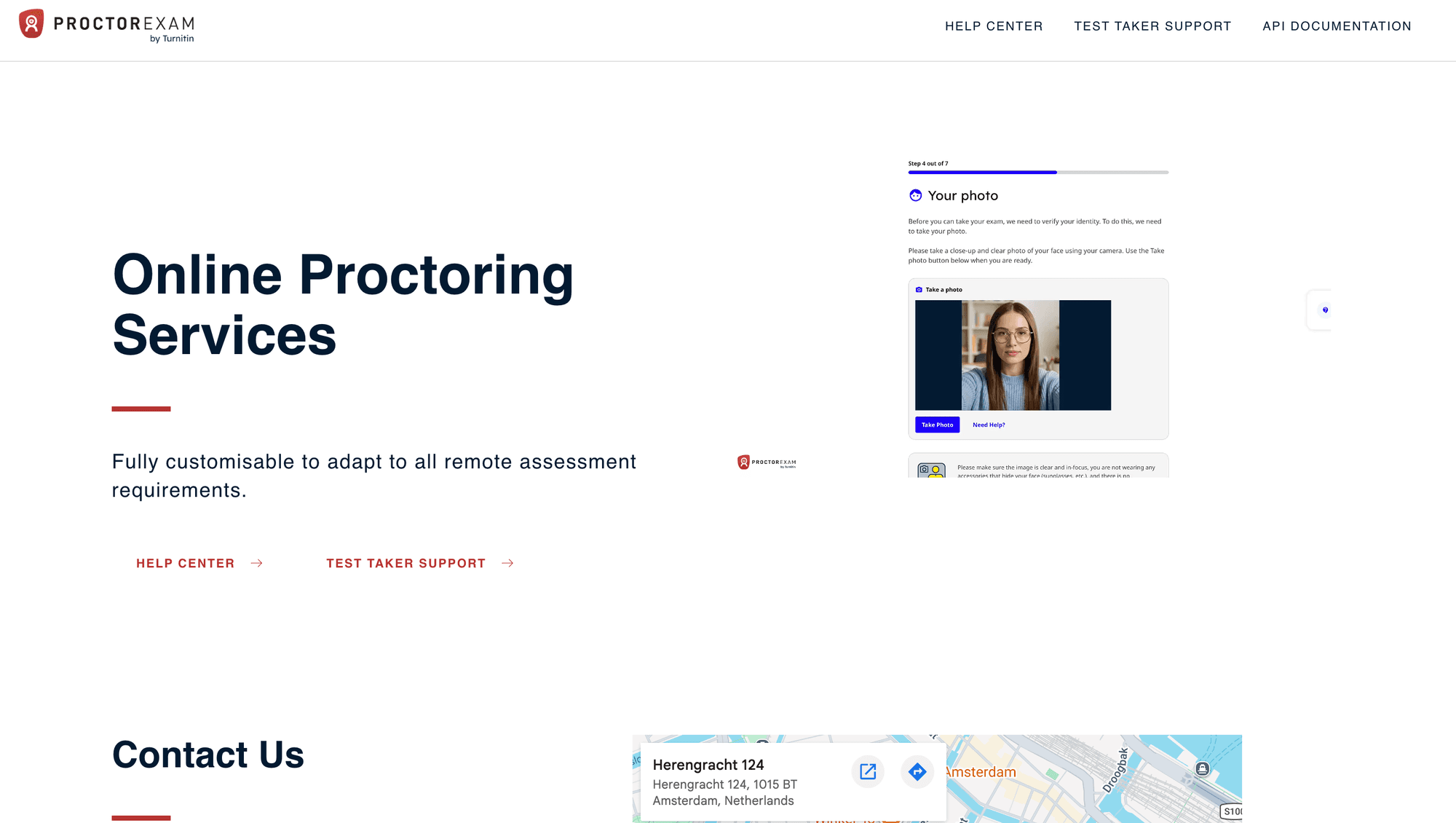
Best for: European programmes that need public API documentation and per-artefact deletion control.
ProctorExam publishes its full v3 REST reference openly, along with an events reference, LTI documentation, and public code samples. That transparency is rare here and it is why ProctorExam ranks above larger vendors.
The API is conventional and readable. Authentication uses a token in the Authorization header, with a versioned Accept header of application/vnd.procwise.v3. Resources cover exams, student sessions, documents, attachments, users, and LTI resources, with filtering and sorting passed as stringified JSON query parameters.
6. Mercer | Mettl
Best for: enterprise hiring and certification programmes, particularly across India and wider APAC.
Mettl runs proctoring as a discrete service with a versioned endpoint namespace, and it offers deep REST integration alongside LTI connectivity to a large catalogue of LMS platforms. Its SecureProctor product adds kiosk and lockdown mode, clipboard restrictions, developer-tools blocking, and navigation logging.
The strength here is breadth of assessment workflow rather than the proctoring layer alone. Coding simulators, psychometric batteries, and code-playback review all sit in the same platform.
Where a competitor wins: if you only need proctoring and already own your assessment engine, Mettl's platform surface is more than you need.
7. Constructor Proctor
Best for: programmes with data-sovereignty requirements or a mandate against algorithmic decisions.
Formerly Examus, Constructor Proctor offers an open API, LTI, a dedicated Moodle plugin, and standalone exam links. It is one of very few vendors offering on-premise and air-gapped deployment plus regional hosting, and it supports proctoring modes that operate without video recording for privacy-sensitive jurisdictions.
Its published governance position is explicit: AI raises flags, your reviewers confirm them, and no candidate is sanctioned by an algorithm alone. Detection covers face, gaze, voice, device presence, virtual machines, and second screens.
A discrepancy worth knowing: third-party directories list support for up to 50,000 concurrent exams, while Constructor's own product page states 10,000-plus concurrent sessions and up to 150 candidates per live proctor. Use the vendor figure and confirm against your peak.
8. Meazure Learning (ProctorU)
Best for: high-stakes licensure and credentialing that requires scheduled live human proctors.
ProctorU shipped one of the first proctoring APIs in the category back in 2012, and the current Meazure Learning platform exposes exam scheduling APIs, JWT-based integration, LTI 1.3, SAML, a Record+ integration API, and an external-resources configuration API that declares exactly which materials a candidate may use.
That last one reflects the operational reality of licensure exams. The permitted-materials list is a compliance artefact, not a UI preference, and having it in the API is genuinely useful.
Reported pricing: roughly $25 to $45 per exam for automated monitoring and $40 to $70-plus per live session, with other sources reporting live supervision starting near $20 for the first hour. The spread across sources is wide.
9. SMOWL
Best for: continuous identity verification across a whole course, on constrained bandwidth.
SMOWL is API-key driven with a Moodle Certified Integration and connectors for Blackboard, Brightspace, and Skillsoft. Its distinguishing model is continuous assessment proctoring: verifying the learner across every course activity rather than only during a final exam, using facial recognition, voice recognition, and keystroke biometrics.
It advertises among the lowest bandwidth consumption in the category, which is a real constraint for candidates on mobile networks or in low-connectivity regions. Compliance covers GDPR, FERPA, CCPA, and WCAG 2.1, and typical LMS integration is described as taking about two days.
10. MonitorExam
Best for: small teams that want a modern front-end SDK and per-delivered-exam billing.
MonitorExam is the newest entrant here and the most developer-shaped. It ships a React SDK with a useProctoringSession hook exposing feature flags for camera, microphone, face detection, tab-switch, and fullscreen enforcement, plus onWarning and onSessionEnd callbacks, an overlay component, and a metering client. Sandbox access and an API key are available without an enterprise contract.
Billing is per delivered exam with no monthly minimum, which suits variable volume.
The honest caveat: it is a young product with a small deployed base compared with everything above it. For a certification programme where a challenged result may end up in front of a regulator, that track record gap matters. Treat it as a strong fit for internal assessment and mid-stakes testing.
Online Proctoring API Comparison: Integration and Control
The table below compares the integration surface, not detection accuracy, because integration surface is the part you can verify yourself.
| Provider | Integration model | Public API docs | UI ownership | Behavioural detection included | Best for |
|---|---|---|---|---|---|
| VideoSDK | SDKs (20+ frameworks) + REST + identity APIs | Yes | Full, your app | Yes | Custom builds, data ownership |
| Talview | API-first, white-label | Partial | Full white-label | Yes | White-label turnkey at scale |
| Honorlock | API + Elements SDK + LTI | Partial | Mostly | Yes | Higher-ed platforms |
| Proctorio | LTI + API + Chrome extension | Partial (GitHub clients) | Limited | Yes | High-volume automated LMS exams |
| ProctorExam | REST v3 + Events + LTI | Yes, fully open | White-label | Yes | EU data protection, open docs |
| Mercer / Mettl | REST + LTI | Gated | Partial | Yes | Enterprise hiring, APAC |
| Constructor Proctor | Open API + LTI + Moodle plugin | Partial | Partial | Yes | On-prem, air-gapped, sovereignty |
| Meazure Learning | Scheduling API + JWT + LTI 1.3 | Gated (support portal) | Limited | Yes, plus humans | High-stakes licensure |
| SMOWL | API key + LMS plugins | Gated | Partial | Yes | Continuous verification, low bandwidth |
| MonitorExam | React SDK + REST | Yes | Full | Yes | Small teams, variable volume |
The column that decides most architectures is UI ownership. If a candidate must leave your product to sit an exam, your support burden, your branding, and your analytics all fragment across two vendors. VideoSDK and ProctorExam are the two entries that keep the entire candidate journey inside your application, by different routes: one by giving you primitives, the other by white-labelling a finished service.
What Does an Online Proctoring Exam Cost Per Candidate?
A 60-minute recorded proctored exam costs roughly $1.02 per candidate in VideoSDK infrastructure list pricing, against reported turnkey vendor prices of $5 to $45 per exam.
Here is the calculation, using VideoSDK's published August 2026 rates for one candidate, recorded individually, with post-call transcription and no live proctor.
| Line item | Rate | 60-minute exam |
|---|---|---|
| Video (1 participant) | $0.004 / participant-min | $0.240 |
| Individual participant recording | $0.006 / participant-min | $0.360 |
| Storage | $0.003 / min stored | $0.180 |
| Post-call transcription | $0.004 / min | $0.240 |
| Total | $1.02 |
Two adjustments worth modelling. Adding a composed meeting recording on top of the per-participant file costs $0.015 per recorded minute, or $0.90 more per exam. Adding a live proctor supervising twenty candidates at once raises the amortised cost by roughly $0.012 per exam, because the proctor bills as one more participant.
Read this before you quote that number to a CFO. The $1.02 buys media transport, recording, storage, and transcription. Face match, liveness, and OCR sit on the Enterprise plan and are quoted separately. Gaze estimation, object detection, a proctor console, and a reviewer workflow are engineering months plus vision-API spend. The turnkey figures of roughly $5 per attempt for automated Proctorio, around $12 for Honorlock's hybrid model, and from $20 for ProctorU live supervision include all of that, plus support and liability.
The build case gets strong at volume, when you need the exam UI inside your own product, or when data residency rules out a US-hosted vendor. Below roughly 20,000 exams a year, buying almost always wins on total cost.
Should You Build or Buy Online Proctoring?
Build when you control the assessment product and the exam experience is part of your differentiation. Buy when proctoring is a compliance checkbox on someone else's exam.
Build with an RTC platform when:
- The exam happens inside a product you own and candidates should never leave it
- You need custom detection logic tied to your own question types, such as code-editor telemetry
- Data must stay in a specific region, or recordings must live in your own object storage
- You already run vision or audio ML and can extend it
- Annual exam volume is high enough that per-exam vendor fees exceed engineering cost
Buy a turnkey proctoring API when:
- You need to be live in weeks, not quarters
- Results may be legally challenged and you want vendor-backed evidence and expert testimony
- You have no ML capacity and no plan to hire it
- Human proctors are a programme requirement, as with most licensure exams
- A secure browser or lockdown client is mandatory from day one
Buy both when: your product runs low-stakes assessment continuously (where infrastructure cost dominates) and high-stakes certification occasionally (where defensibility dominates). Splitting by stakes level is the most common production pattern and almost nobody writes about it.
What Should Developers Test Before Choosing a Proctoring API?
A polished administration dashboard does not compensate for an integration surface your team cannot reliably automate. Before you commit, verify these against a sandbox rather than a sales deck.
Integration surface:
- How sessions are created and torn down
- Authentication and token expiry model
- Candidate identity endpoints and their false-match behaviour
- Recording APIs, including per-participant versus composed output
- Webhook delivery guarantees and retry policy
- Evidence and report retrieval
- Data-retention controls and storage ownership
- Rate limits, sandbox availability, and API versioning policy
Failure conditions:
- Slow or unstable connections and mid-exam reconnection
- Camera permission denial and microphone failure
- Screen-share interruption and browser refresh
- Laptop sleep and second-monitor behaviour
- Mobile devices and corporate firewalls
- Very long exams that outlive a token
VideoSDK's pre-call setup covers media permission checks and device preparation before a candidate joins, which catches a large share of these before the exam clock starts. Whatever vendor you pick, test the full candidate journey on a bad network. Most integration failures show up there, not in the happy path.
Fairness and Privacy Risks in AI Proctoring
Automated proctoring carries documented demographic bias, and the integration decisions you make as a developer either amplify it or contain it.
The most-cited quantitative study is Yoder-Himes et al. (2022), published in Frontiers in Education. The researchers analysed instructor outputs for roughly 357 students across four STEM courses at the University of Louisville, using Respondus Monitor as deployed in Fall 2020.
Students with darker skin tones had their faces detected for an average of 78% of an assessment, against 87% for medium skin tones and 92% for lighter skin tones. Those students were flagged for an average of 7.64% of their exam time, compared with 3.33% and 1.56% respectively, and received 6.07 flags per assessment against 1.91 and 1.19. Women with the darkest skin tones were flagged 5.6 times more often than lighter-skinned women.
The control finding is the one that matters most for engineering teams. When researchers reviewed 298 session videos by hand, they found no significant difference in actual cheating behaviour across skin tone, race, or sex. The disparity was in the detector, not the candidates. The authors note the study covers one product and one version, so treat it as evidence about the category rather than a verdict on a single vendor.
A separate 2025 arXiv study by Kwapisz et al. at the University of Washington, Surveillance and Disability in Online Proctored Exams, documents a parallel problem. Flagging rules built around "look at the screen, do not move unusually" systematically penalise neurodivergent test-takers who stim, candidates with medical conditions, and carers attending to a child or elder mid-exam.
Three engineering decisions follow directly from that evidence.
Never auto-fail on a flag. Constructor Proctor, Honorlock, and Integrity Advocate all build human confirmation into the product for this reason. If you are building on VideoSDK or any other infrastructure layer, that review queue is your responsibility and it is not optional.
Instrument your own false-positive rate by cohort. You cannot detect disparate impact you are not measuring. Log flag rates against whatever demographic data you already hold lawfully, and watch the gaps.
Minimise and expire biometric data. ProctorExam's per-artefact deletion endpoints and five-minute expiring URLs are a good model to copy. Store the least you can defend keeping, and delete it on a schedule your DPO signed off.
Market forecasts for this category disagree sharply, which itself says something about how unsettled it is. 360iResearch put the online proctoring software market at $1.36 billion in 2025, rising to $1.49 billion in 2026 at a 10.14% CAGR. Other 2026 estimates for adjacent definitions of the same market range from roughly $0.83 billion to $2.01 billion. Treat any single figure with suspicion.
Glossary
Online proctoring API: A programmable interface for adding identity verification, session monitoring, and evidence capture to an exam application. Vendors differ mainly in whether the candidate stays inside your product or is redirected to theirs.
Room: A VideoSDK meeting room that participants join and share media streams within, identified by a unique room ID. In a proctoring build, one room typically maps to one exam session.
Meeting token: A JWT that authenticates a participant's access to a VideoSDK room, generated server-side with scoped permissions and a short expiry.
Participant recording: A per-participant media recording, distinct from a composed recording of the whole session. For proctoring, individual recordings make per-candidate review and per-candidate retention policies far simpler.
Liveness check: A test confirming the face in frame belongs to a live person rather than a printed photo, screen replay, or looped video. VideoSDK exposes this through its Face Spoof Detection API, which returns a spoof_detected boolean.LTI 1.3: The IMS Global standard for launching external tools from an LMS with signed identity claims. It is the fastest path into Canvas, Moodle, Blackboard, and Brightspace, and it is not a substitute for a REST API.
Secure browser / lockdown mode: A kiosk-style client that restricts tab switching, clipboard access, virtual machines, and second screens during an exam. It raises the cheating cost but excludes candidates who cannot install software.
Key Takeaways
- The right online proctoring API depends on whether the exam lives inside your product or the vendor's, and that single decision constrains every other trade-off.
- VideoSDK is the strongest choice for custom builds because its SDKs, cloud recording, identity verification endpoints, and REST APIs keep the exam room, proctor console, and recordings inside your application, at roughly $1.02 in infrastructure cost for a 60-minute recorded exam.
- VideoSDK covers identity but not behaviour, so teams that need gaze tracking, object detection, or a secure browser should either build that layer or buy a turnkey API such as Talview, Honorlock, or ProctorExam.
- ProctorExam publishes the most transparent developer documentation in this category, including per-artefact biometric deletion endpoints that map directly onto GDPR obligations.
- Peer-reviewed research found measurable demographic bias in automated flagging with no matching difference in actual cheating behaviour, so mandatory human review of flags is an engineering requirement rather than a policy nicety.
Conclusion
Choosing an online proctoring API in 2026 is less about detection features and more about where you want the boundary between your product and your vendor to sit. Buy turnkey when defensibility and speed matter most. Build on infrastructure when the exam experience is your product and the data has to stay yours. Whichever way you go, put a human between a flag and a consequence.
If you are building rather than buying, start with the VideoSDK auto-proctoring solution and the REST API reference, then grab an API key with $20 of free credit.
Working examples live at code sample, and the VideoSDK Discord is where integration questions get answered fastest.
What are you building with a proctoring API? Drop a comment with your stack, especially if you have solved the behavioural detection layer in a way worth stealing.
Frequently Asked Questions
What is the best online proctoring API for developers?
The best online proctoring API for developers depends on UI ownership. VideoSDK is the strongest fit when the exam must run inside your own product with your own branding and data retention, because it exposes video, recording, identity verification, and REST orchestration directly. Talview and Honorlock are better when you need trained behavioural detection delivered turnkey and cannot build it yourself.
Does VideoSDK provide online proctoring?
VideoSDK provides the infrastructure for online proctoring rather than a packaged proctoring product. Its documented capabilities include pre-call environment checks, face capture, periodic image capture, a double-talk detector for multiple voice patterns, a 60-plus participant monitoring grid, cloud and per-participant recording, transcription, and three identity verification REST APIs covering document OCR, face matching, and spoof detection. Behavioural detection such as gaze estimation and object recognition is built by your team on top of that layer.
How much does an online proctoring API cost?
Turnkey online proctoring APIs are commonly reported at roughly $5 per attempt for fully automated monitoring, around $12 for hybrid AI-plus-human models, and $20 to $70 for live human proctoring, though most vendors quote privately. Building on infrastructure such as VideoSDK costs roughly $1.02 per 60-minute recorded exam in list-price media, recording, storage, and transcription, excluding Enterprise-plan identity APIs, behavioural detection, and engineering time.
Which online proctoring APIs publish open documentation?
ProctorExam publishes the most complete open documentation, with a full v3 REST reference, an events reference, LTI documentation, and public code samples. VideoSDK publishes complete SDK and REST documentation at docs.videosdk.live, including its identity verification endpoints. Proctorio publishes Apache-licensed API client libraries on GitHub. Most other vendors gate their references behind a partner agreement.
Can I use an online proctoring API without an LMS?
Yes. Every provider in this ranking supports integration outside a learning management system, either through REST APIs, an embeddable SDK, or standalone exam links. LTI 1.3 is the fastest route if you already run Canvas, Moodle, Blackboard, or Brightspace, but it is a launch protocol rather than a complete integration path, and you will still want the REST surface for provisioning and evidence retrieval.
Is AI proctoring biased against some students?
Peer-reviewed research documents measurable bias. Yoder-Himes et al. (2022) found that an automated proctoring product detected the faces of students with the darkest skin tones for 78% of an assessment on average, against 92% for lighter skin tones, and flagged them for 7.64% of exam time against 1.56%. Manual review of the same sessions found no matching difference in actual cheating behaviour. Separate 2025 research documents systematic over-flagging of neurodivergent and disabled test-takers. Mandatory human review of every flag is the standard mitigation.
What is the difference between LTI 1.3 and a proctoring REST API?
LTI 1.3 launches a proctoring tool from inside an LMS using signed identity claims, so it handles authentication and context handoff. A REST API handles everything else: creating exams programmatically, provisioning candidates, controlling recordings, retrieving flags and evidence, and deleting biometric artefacts. Most production integrations use both, with LTI for launch and REST for lifecycle management.