Video Conferencing API & SDK
Embed multi-party video conferencing into your product with a real-time API built on a global edge mesh, sub-80ms end-to-end media latency, a 99.99% uptime SLA, and full control over layout, roles and recording. First call running in under 30 lines of code.
Embed multi-party video conferencing into your product with a real-time API built on a global edge mesh - sub-80ms end-to-end media latency, a 99.99% uptime SLA, and full control over layout, roles and recording. First call running in under 30 lines of code.
Trusted by 300+ global business & tech leaders
Trusted by 300+ global business & tech leaders

Let you build scalable, customized and immersive experiences
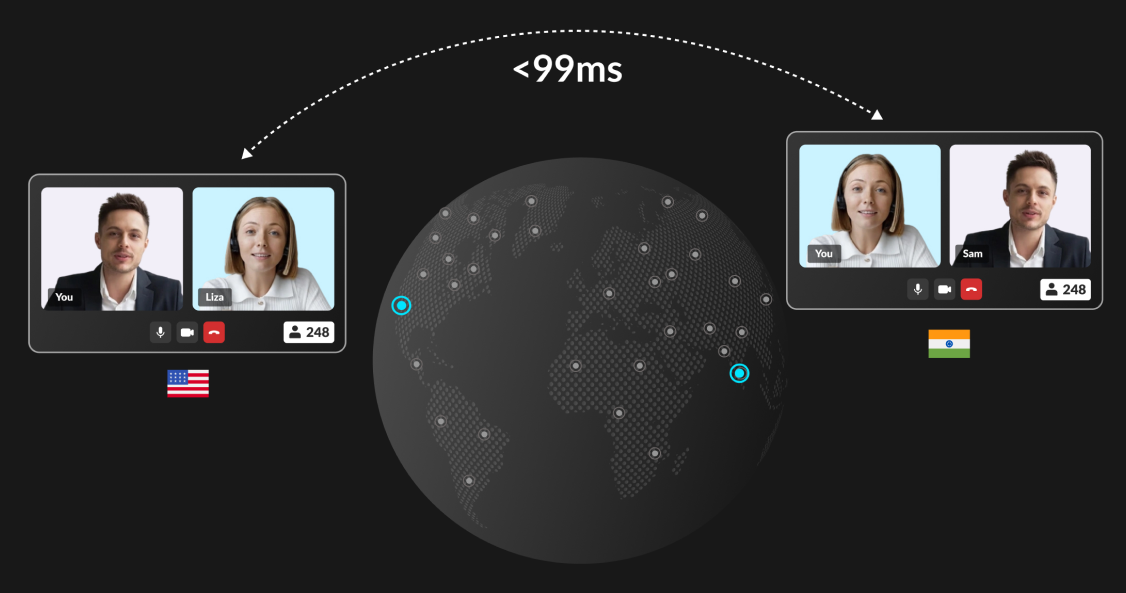
Global scale with unlimited rooms and latency under 80ms
High availability with zero maintenance
Unlimited parallel rooms in real-time
Support up to 500 concurrent hosts, expandable in packs
Global edge network that auto-connects to the nearest server
Adaptive, immersive audio and video on any network
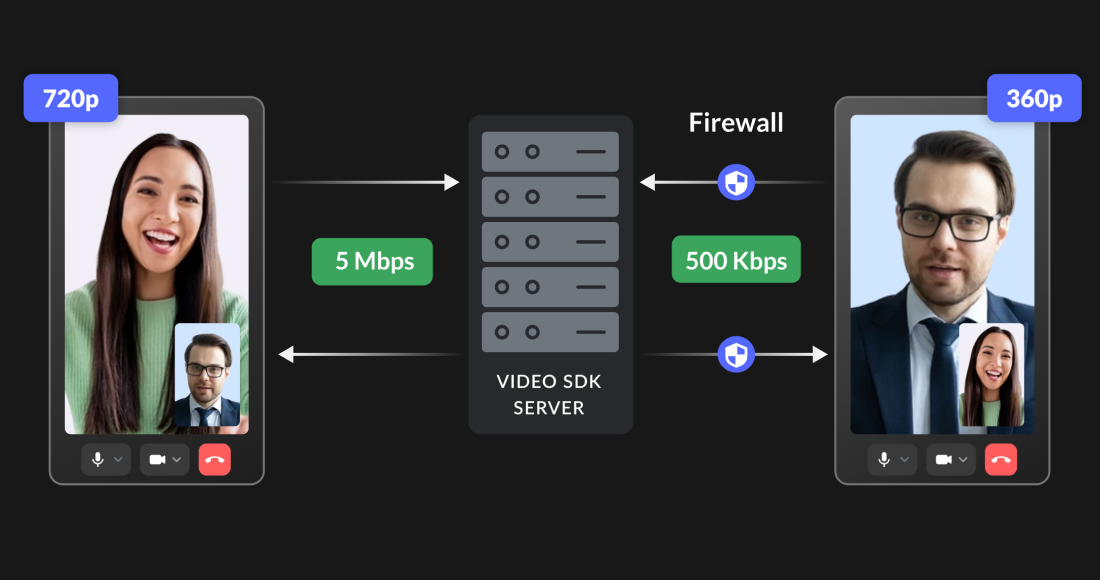
Video up to 2K and above, selectable per participant
Adaptive bitrate auto-adjusts quality under bandwidth constraints
AI noise suppression and virtual background built in
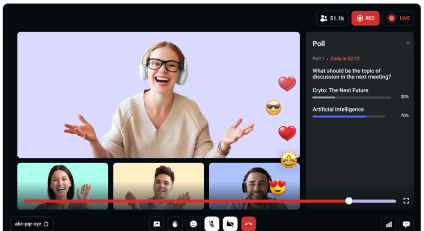
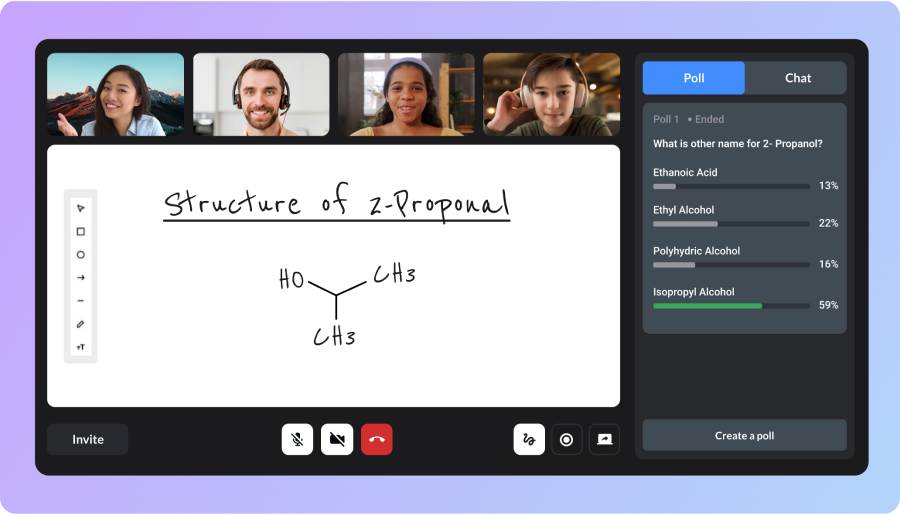
Screen share, whiteboard, chat, polls and Q&A
Recording, transcription and AI summaries
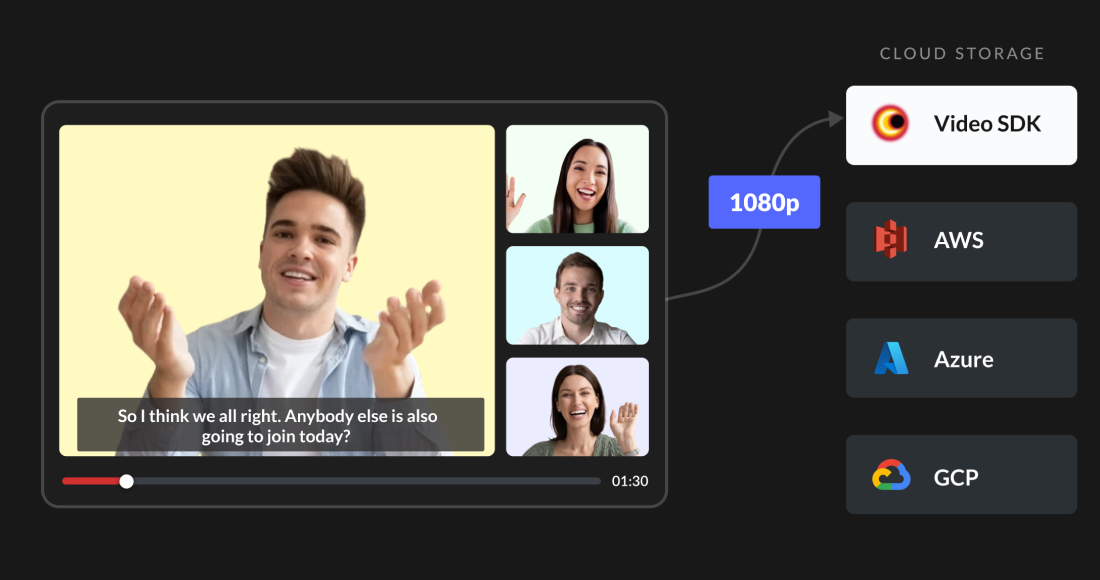
1080p composite and per-participant recording
Store to your own AWS, GCP or Azure bucket, encrypted
Real-time transcription across 100+ languages
Prompt-based AI summaries and post-call transcripts
Enterprise-grade security and compliance
End-to-end encryption with encrypted recordings
HIPAA, SOC 2 Type 2, ISO 27001 and GDPR certified
Data residency with geo-fencing and static-IP cloud proxy
Built-in Face Match, spoof detection and document OCR

More Features, More Controls

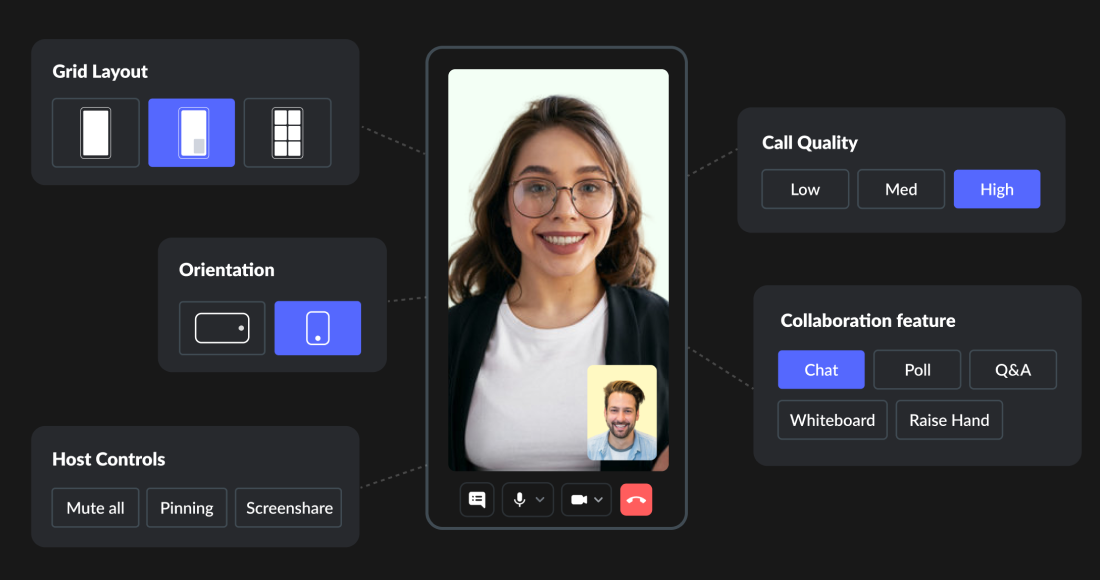
Multiple grid layouts

Network Indication
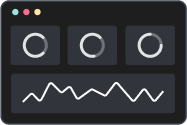
Session Analytics
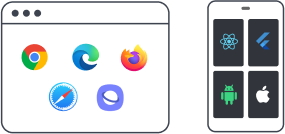
Browser and Cross Device Support
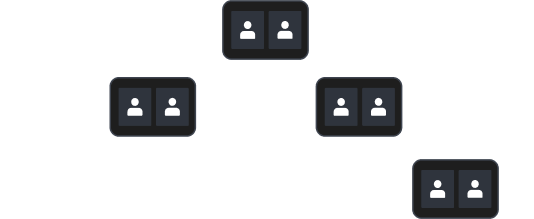
Adaptive Bitrate


DEVELOPER-CENTRIC API
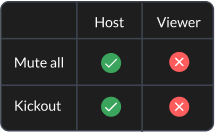
Deliver real-time conferencing with personalized UI and role-based permissions
One config across all devices
Role-based in-meeting permissions
Real-time event broadcasting (PubSub)
Secure JWT Authentication
Maintenance-free SDK
Supports 20+ frameworks
1import VideoSDK from "@videosdk.live/js-sdk";
2
3// Configure authentication token
4VideoSDK.config("<Authentication-token>");
5
6// Initialize meeting
7const meeting = VideoSDK.initMeeting({
8  meetingId: "abc-pqr-xyz",
9  name: "John Doe",
10  micEnabled: true,
11  webcamEnabled: true,
12});1import 'package:flutter/material.dart';
2import 'package:videosdk/videosdk.dart';
3
4class MyApp extends StatelessWidget {
5 var token ="<Authentication-token>";
6 // create room
7 Room _room = VideoSDK.createRoom(
8 roomId: 'abc-pqr-xyz',
9 token: token,
10 displayName: "John Doe",
11 micEnabled: true,
12 camEnabled: true,
13 defaultCameraIndex: 1, // Index of MediaDevices will be used to set default camera
14 );
15 }
16}1import { MeetingProvider } from "@videosdk.live/react-sdk";
2
3const App = () => (
4 <MeetingProvider
5 config={{
6 meetingId: "abc-pqr-xyz",
7 name: "John Doe",
8 micEnabled: true,
9 webcamEnabled: true,
10 }}
11 token={"<Authentication-token>"}
12 >
13 // Meeting View
14 </MeetingProvider>
15);1import androidx.appcompat.app.AppCompatActivity;
2import android.os.Bundle;
3import live.videosdk.rtc.android.Meeting;
4import live.videosdk.rtc.android.VideoSDK;
5
6public class MainActivity extends AppCompatActivity {
7
8 @Override
9 protected void onCreate(Bundle savedInstanceState) {
10 super.onCreate(savedInstanceState);
11 setContentView(R.layout.activity_main);
12 final String token = "<Authentication-token>";
13
14 VideoSDK.config(token);
15 Meeting meeting = VideoSDK.initMeeting(
16 MainActivity.this, "abc-pqr-xyz", "John Doe",
17 true, true, null, null, false, null
18 )
19 }
20}1import VideoSDKRTC
2class SessionViewController: UIViewController {
3 private var meeting: Meeting?
4
5 override func viewDidLoad() {
6 super.viewDidLoad()
7
8 // Configure authentication token got earlier
9 VideoSDK.config(token: <Authentication-token>)
10
11 // create a new meeting instance
12 meeting = VideoSDK.initMeeting(
13 meetingId: "abc-pqr-xyz", // required
14 participantName: "John Doe", // required
15 micEnabled: true, // optional, default: true
16 webcamEnabled: true // optional, default: true
17 )
18 }
19}1import asyncio
2from videosdk import MeetingConfig, VideoSDK
3
4loop = asyncio.get_event_loop()
5
6def main():
7 meeting_config = MeetingConfig(
8 meeting_id="abc-pqr-xyz",
9 name="John Doe",
10 mic_enabled=True,
11 webcam_enabled=True,
12 token=<VIDEOSDK_AUTH_TOKEN>
13 )
14
15 # Initialize the meeting
16 meeting = VideoSDK.init_meeting(**meeting_config)
17
18 # Join the meeting
19 meeting.join()
20
21if __name__ == '__main__':
22 main()
23 loop.run_forever()1using live.videosdk;
2
3Meeting meeting = Meeting.GetMeetingObject();
4meeting.Join("YOUR_TOKEN", "MEETING_ID", "John Doe", true, true);
5 WHAT YOU CAN BUILD
One Technology, Multiple Solutions
See why customers choose Video SDK


We found VideoSDK's platform to be most developer friendly and the team most responsive & supportive. We experienced minimal friction in achieving go-live readiness within a month. Their platform has helped us achieve a ~90% VideoKYC success rate with near-zero technical issues to date.
Rohan Patra ,
Product Manager at Groww
Let’s build together
Start Building With Free $20 Balance | No credit card required to start.